00h 000h00m00s
FAST
L
A
dB
Manu
Section 2 Basic Operation
1. Changing Display mode
1-1 How to change the display mode
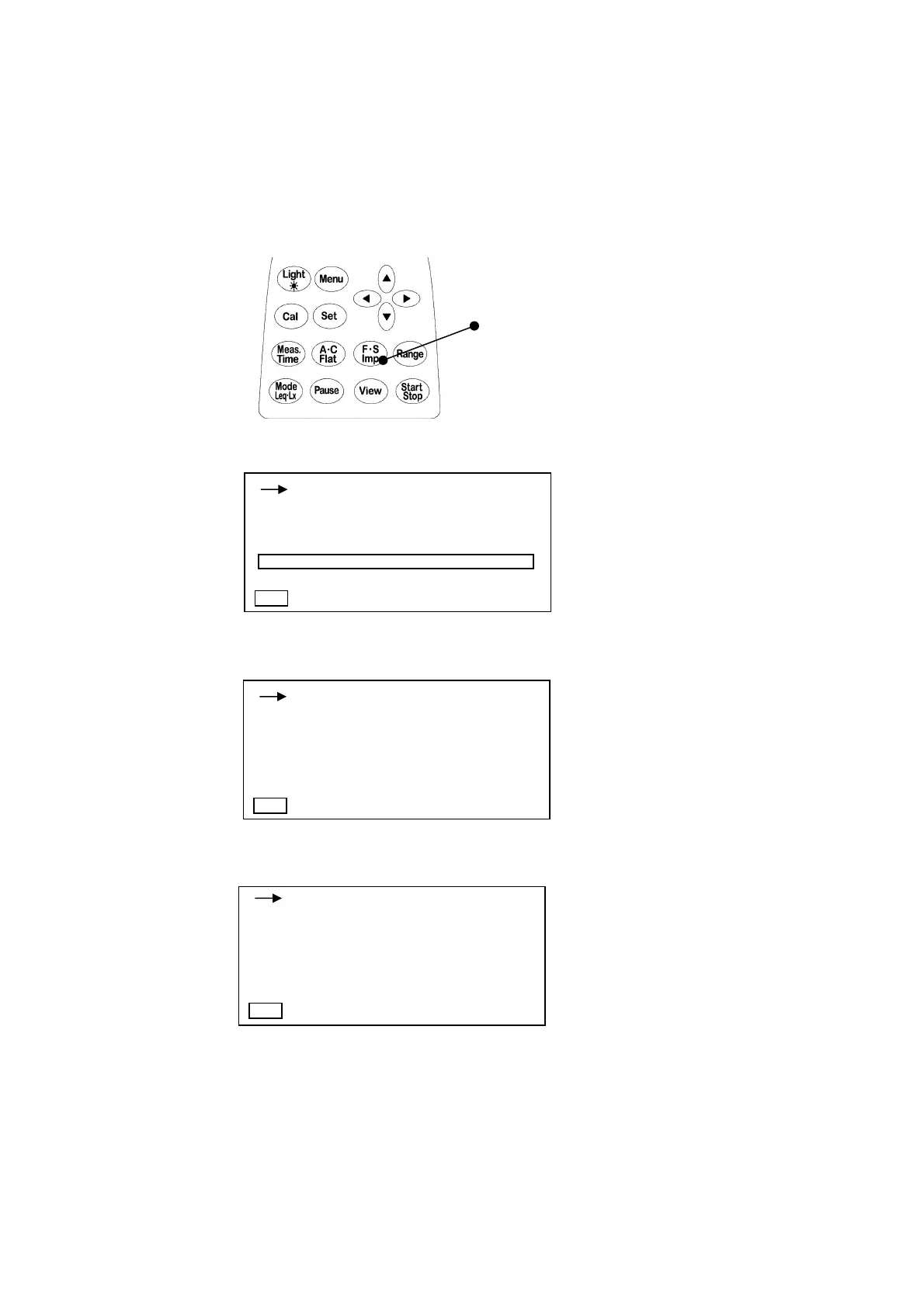
Display has three modes (normal, magnified and list mode).
You can change them with
View
key.
You can use
View
key to go back to this display mode from any other menu screen.
View
key
Normal display mode
Magnified display mode
List display mode
00h 000h00m00s
FAST
L
A
dB
130.0
40 130
Manu
00h 000h00m00s
FAST
Manu
Lap : 140.0dB La05:140.0dB
Laeq : 140.0dB La10:140.0dB
Lae : 140.0dB La50:140.0dB
LMin : 140.0dB La90:140.0dB
LMax : 140.0dB La95:140.0dB
d
B
Only normal display can show
when “Peak measurement” is
selected.



 To Next Page