13
5. Audio Feature:
The meter comes with the meter audio feature enabled. The meter will give
one short beep when it is turned on, after sample detection and when the result
is ready. The meter will sound three short beeps to sound a warning when an
error has occurred. Please check the error number on the display to confirm
what kind of error has occurred.
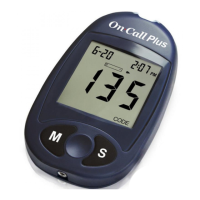
Press the M button to switch between turning the meter beep “On” and “Off”.
Press the S button to confirm your selection. Pressing S at this point will end
the set up mode and power off the meter.
OR
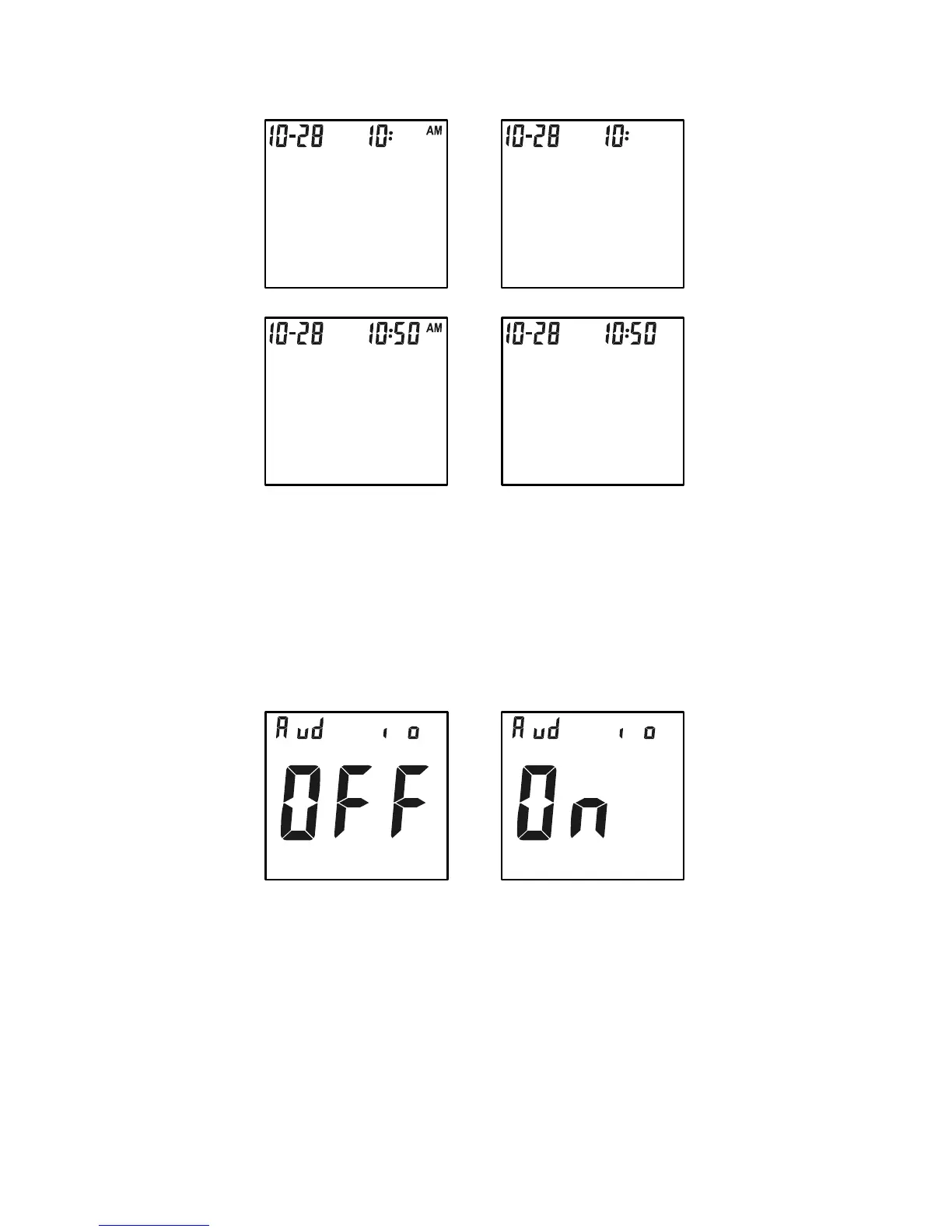
Hour Hour
Minutes Minutes
OR
OR


 To Next Page