©2018 ACP, Inc.
Cedar Rapids, IA 52404 Page 21 of 80
Part No. 16400033
Original Instructions
Manual Cooking
Note: “Manual cooking” must be enabled in user options (see Section – User Options)
Use manual cooking when a specic entered time and cooking power levels are desired. Manual cooking is very
useful when you are experimenting with new food items. Maximum Cook Time is 99:99 (100 minutes and 13
seconds). Microwave and Fan can be set to power levels between 0-100%.
Note: You may also create and edit recipes using the ACP Programming Application.
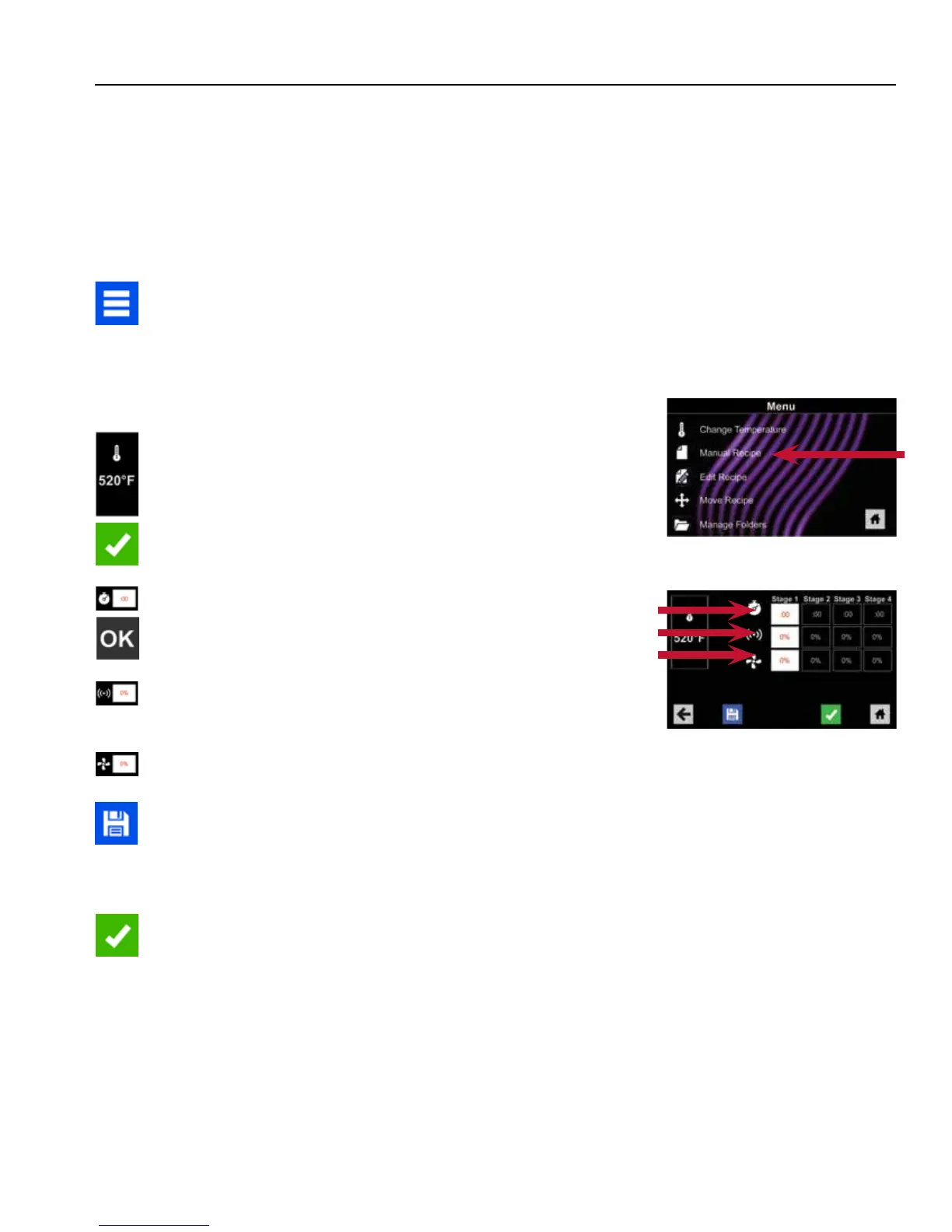
1. After oven has preheated press Blue Menu Icon.
Note: To guarantee that oven reaches the desired temperature
before the start of cook cycle, enable “Preheat Warning” in user
options.
2. Press the “Manual Recipe” option.
3. To change cooking temperature for recipe, press Temperature
Icon on the left, and input new temperature. Two frequently used
temperatures will appear for quick selection.
Press Green Check Mark Icon after inputting a temperature.
4. For Stage 1, enter cooking time by pressing Time Entry Box.
A number pad will appear. Enter the desired Cook Time.
Press the “OK” Icon.
5. Select desired microwave power by pressing Microwave Power
Entry Box. Choose from options ranging from 0% - 100%.
6. Select desired fan speed by pressing Fan Speed Entry Box.
Choose from options ranging from 0% - 100%.
7. Repeat steps 4-6 for each cooking stage, if more than one
cooking stage is necessary.
Note: To Save without cooking rst, press the Save Icon.
Follow instructions on the next page.
8. Open oven door and place food in oven. Press the Green
Check Mark Icon to begin cooking. Once the cook cycle is
complete, open door and use oven mitts and/or paddle to
carefully remove food. The display will return to the Manual
Input Screen. See instructions on next page to Save and Edit
Menu Item from Manual Cook.
2
4-6
Time
MW
Fan





 To Next Page