©2018 ACP, Inc.
Cedar Rapids, IA 52404 Page 38 of 80
Part No. 16400033
Original Instructions
⚠
WARNING
To avoid electrical shock which can cause severe personal injury or death, do not remove outer case at any time.
Only an authorized servicer should remove outer case.
This is a Class A product. In a domestic environment this product may cause radio interference in which case the
user may be required to take adequate measures.
Before Calling for Service
PROBLEM POSSIBLE CAUSE
Oven does not operate Conrm oven is plugged in.
Conrm oven is connected to a grounded circuit.
Check fuse or breaker.
Oven operates intermittently Check air lters and discharge air vents.
Oven does not accept entries when
pad is pressed
Make sure oven is preheated. Open and close door, press pad again.
Oven fan turns on while oven is not
preheating or cooking
Normal operation
When I turn the oven OFF, the display
is still lit
Normal operation
Clean Filter displays This is normal and will appear for 24 hours.
Frozen oven display Oven display needs to reset.
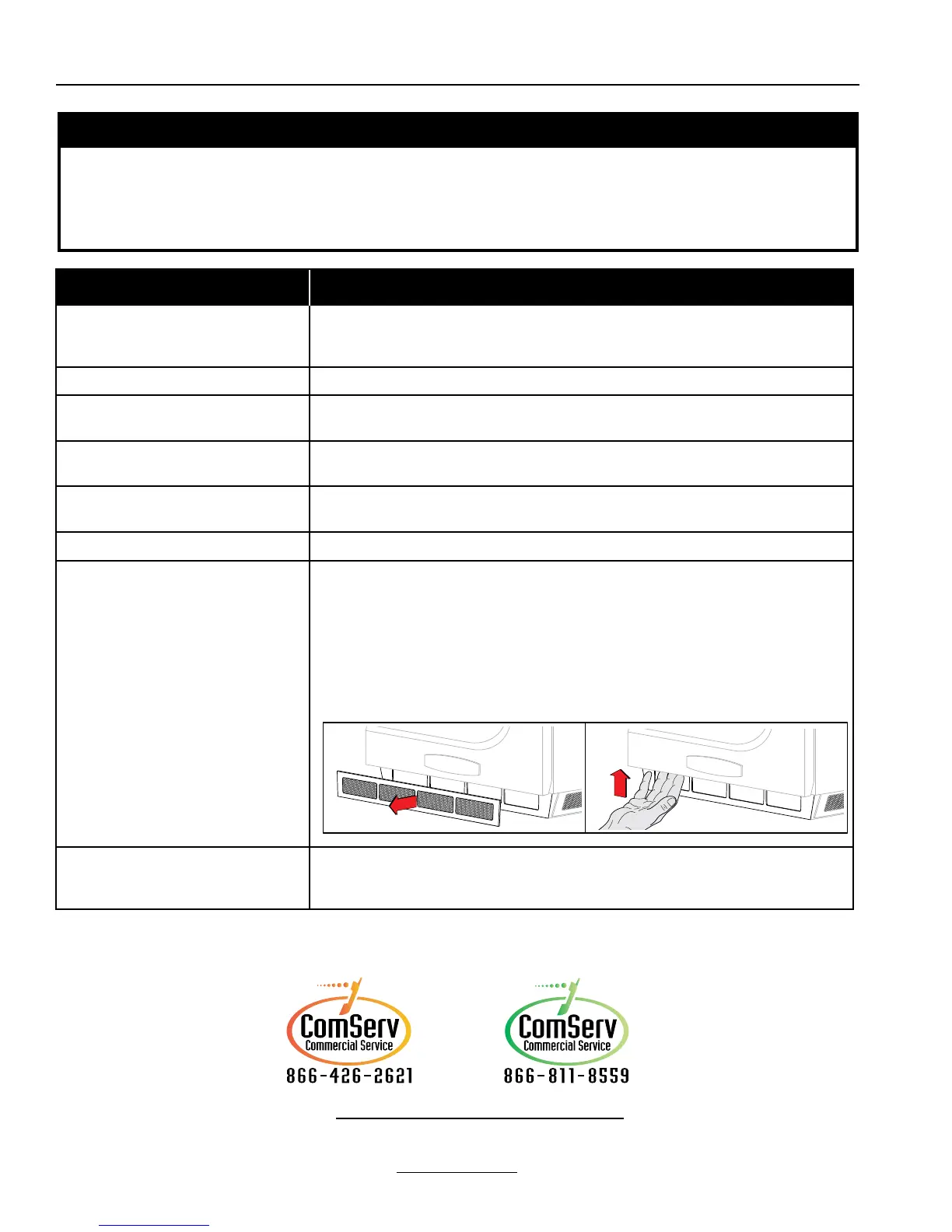
Models without reset button:
Unplug oven. Wait 5 seconds. Plug back in.
Models equipped with reset button:
a. Remove front magnetic air lter.
b. Reach through far left hand air intake hole and press upwards on button to
reset oven.
“G0” error displays on Screen Oven Exceeded Max. Temp.
After oven cools, press the red reset button found on back, bottom-right hand corner of oven.
If “G0” error continues to appear, or reoccurs, contact ACP, Inc. ComServ Customer Service
email: commercialservice@acpsolutions.com
For full product documentation visit:
www.acpsolutions.com
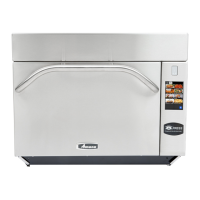
Amana® Commercial ARX
Contact:
Menumaster® MRX
Contact:





 To Next Page