©2018 ACP, Inc.
Cedar Rapids, IA 52404 Page 36 of 80
Part No. 16400033
Original Instructions
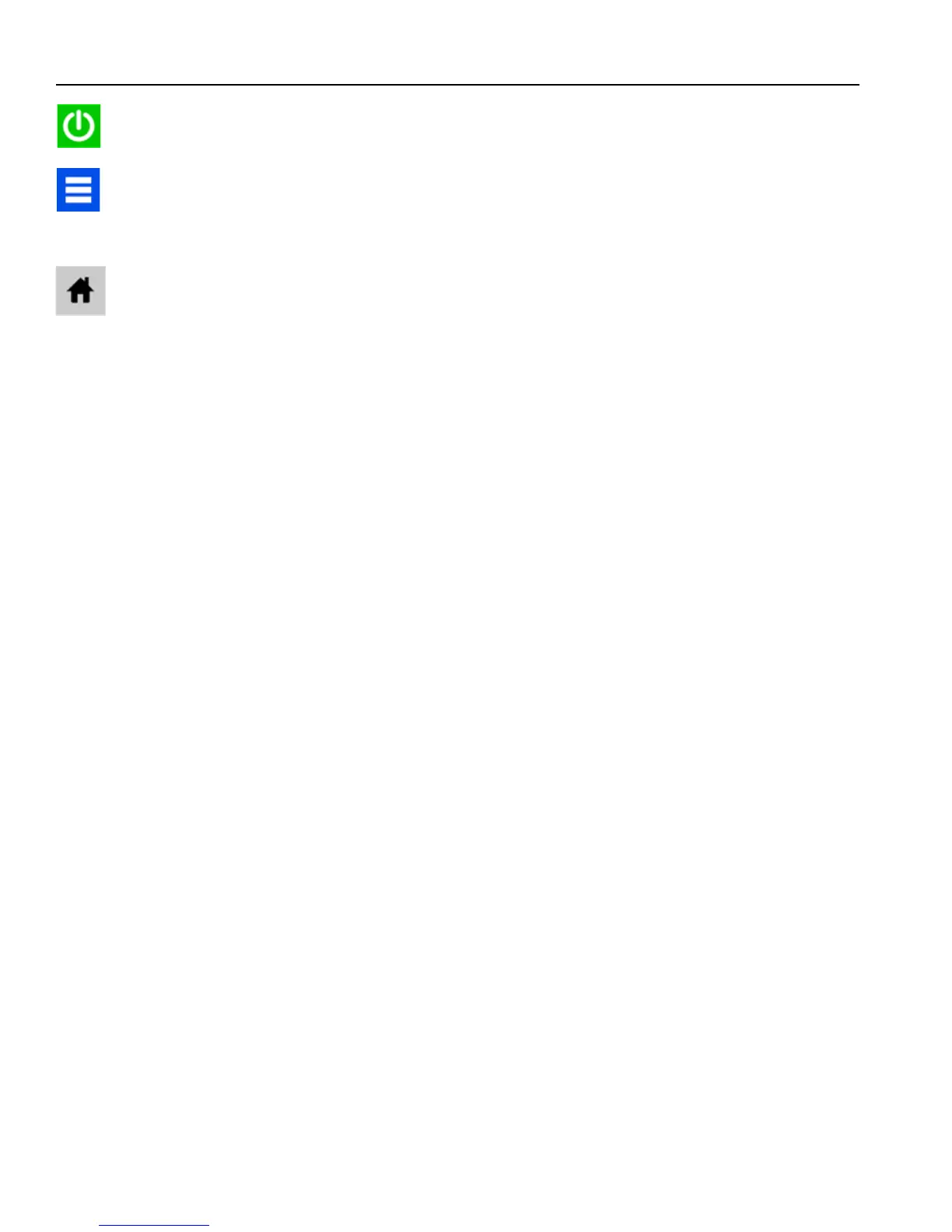
12. Once the ACP logo and Green Power Icon appear, remove the
Flash Drive and press the Green Power Icon.
13. Press the Blue Menu Icon and enter 1-3-5-7-9 to access Service
Mode.
14. Verify the Software Version displayed is new version.
15. Press the Home Icon.
16. The Firmware Update is complete.
12
Firmware Update Procedure





 To Next Page