OMNIVERSA
®
ULTRASOUND / ELECTROTHERAPY SYSTEM - 39 -
COPYRIGHT © 2017-2020, ACCELERATED CARE PLUS CORP., ALL RIGHTS RESERVED
Stopping a Combination Therapy Treatment
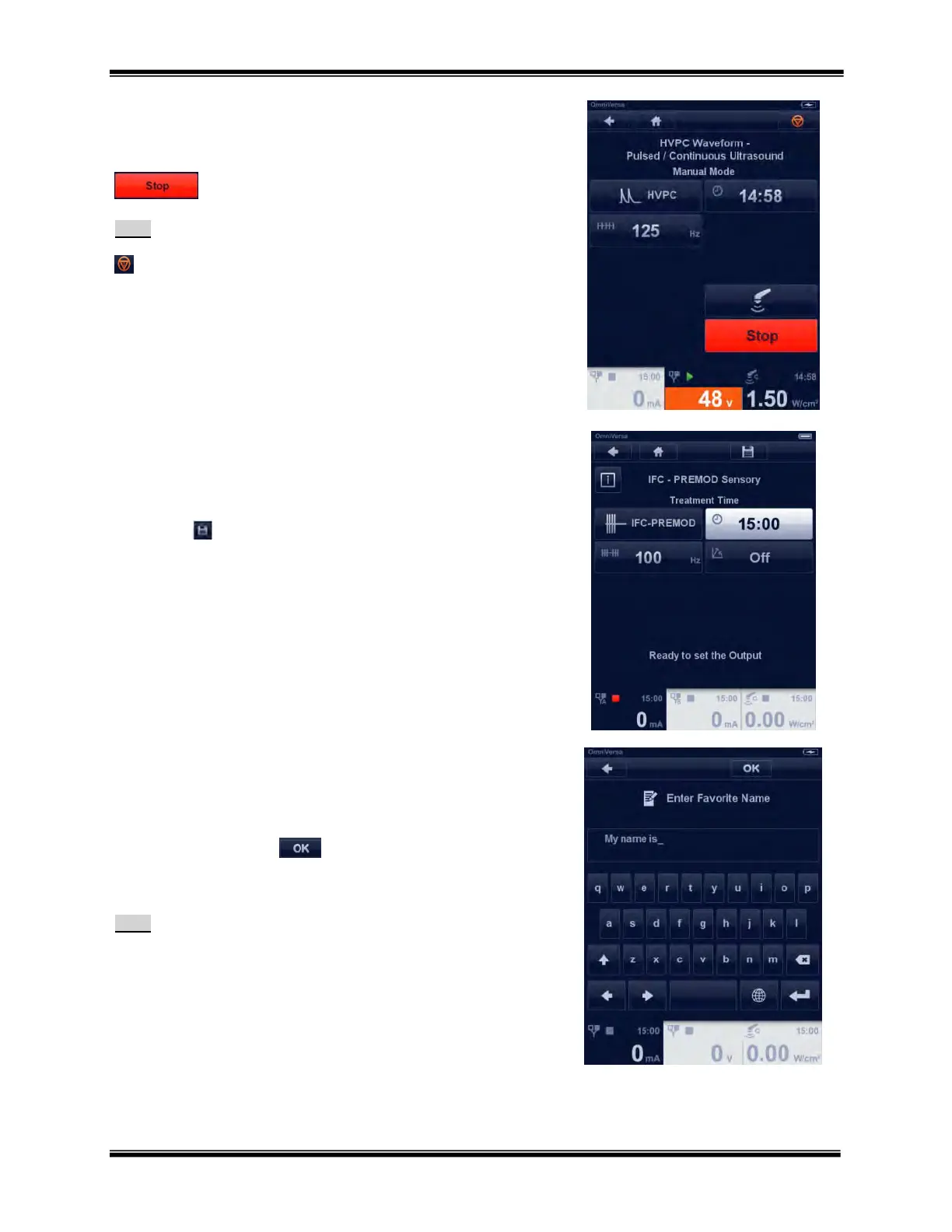
After the treatment is started to stop the treatment press the STOP
button.
Note:
The treatment can also be stopped by pressing the emergency stop icon
.
Pressing this button stops the output on all channels in use.
Creating, Saving and Deleting Favorite Programs
Creating a Favorite Program
Any treatment program can be saved as a “Favorite” by pressing the
Save button for later use.
Saving a Favorite Program
After you have selected the Save icon, the process to save and store in
the Favorites library is as follows.
Enter the name of the favorite using the keyboard.
Touch the OK button
to store your favorite under the
name just entered.
Note:
Once saved, favorites can be retrieved from the
Electrotherapy, Ultrasound Therapy and Combination
Therapy menus. Dual Channel treatments are automatically
saved and loaded as a dual channel treatment.



 To Next Page