Revision: 1.23
41
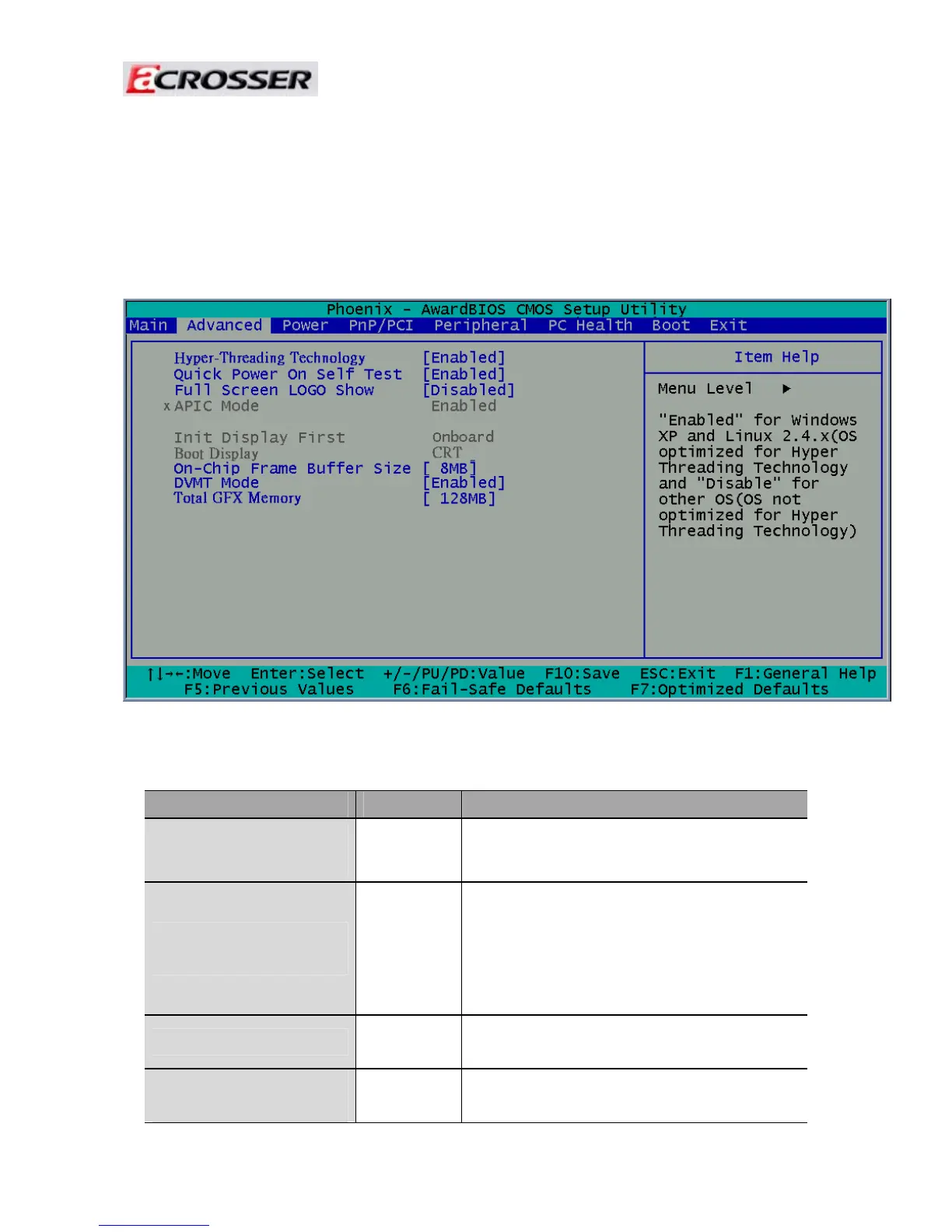
3.2 Advanced Chipset Setup
This section consists of configuration entries that allow you to
improve your system performance, or modify some system features according to your
preference. Some entries are required and reserved by the board’s design.
Note: The control keys are listed at the bottom of the menu. If you need any help with the item fields,
you can press the <F1> key, and the relevant information will be displayed.
Option Choice Description
Hyper-Threading
Technology
Enabled
Disabled
Enable for Windows XP and Linux
Disable for other OS.
Quick Power On Self
Test
Enabled
Disabled
This category speeds up the Power On
Self Test (POST) after you have powered
on the computer. If it is set to Enabled, the
BIOS will shorten or skip some check
items during POST.
Full Screen Logo Show
Enabled
Disabled
Select Enabled to show the full screen
logo if you have an add-in BIOS.
On-Chip Frame
Buffer Size
1Mb
8Mb
This Item is for setting the Frame Buffer
(Share system memory as display



 To Next Page