Revision: 1.23
49
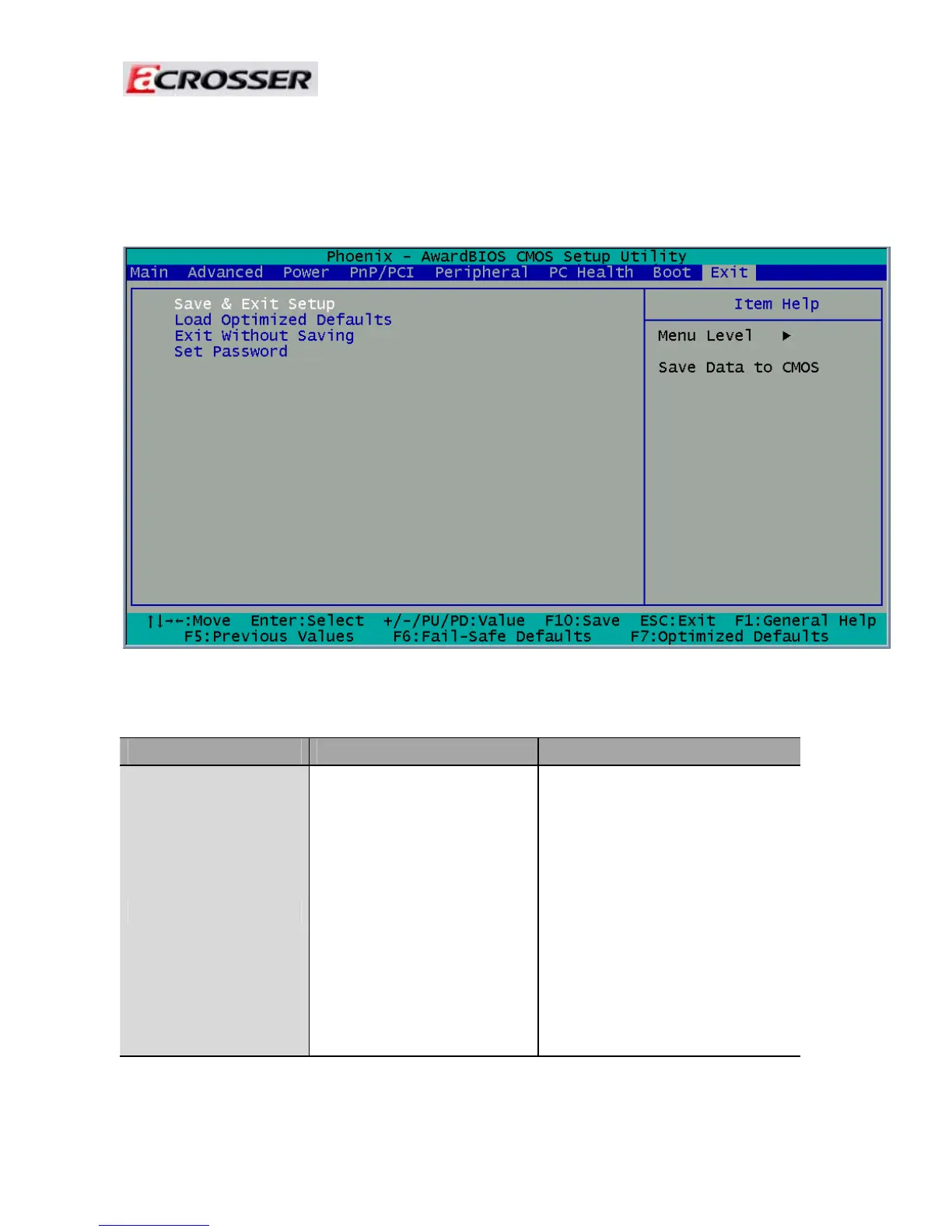
3.8 Exit Setup
This option is used to exit the BIOS main menu and change password.
Note: The control keys are listed at the bottom of the menu. If you need any help with the item fields,
you can press the <F1> key, and the relevant information will be displayed.
Option Choice Description
Save & Exit Setup
Press <Enter> on this item
to confirm:
Save to CMOS and EXIT
(Y/N)? Y
Press “Y” to store the
selections made in the menus
in CMOS – a special section of
the memory that stays on after
you turn your system off. The
next time you boot your
computer, the BIOS configures
your system according to the
setup selections stored in
CMOS. After saving the values,
the system will restart.



 To Next Page