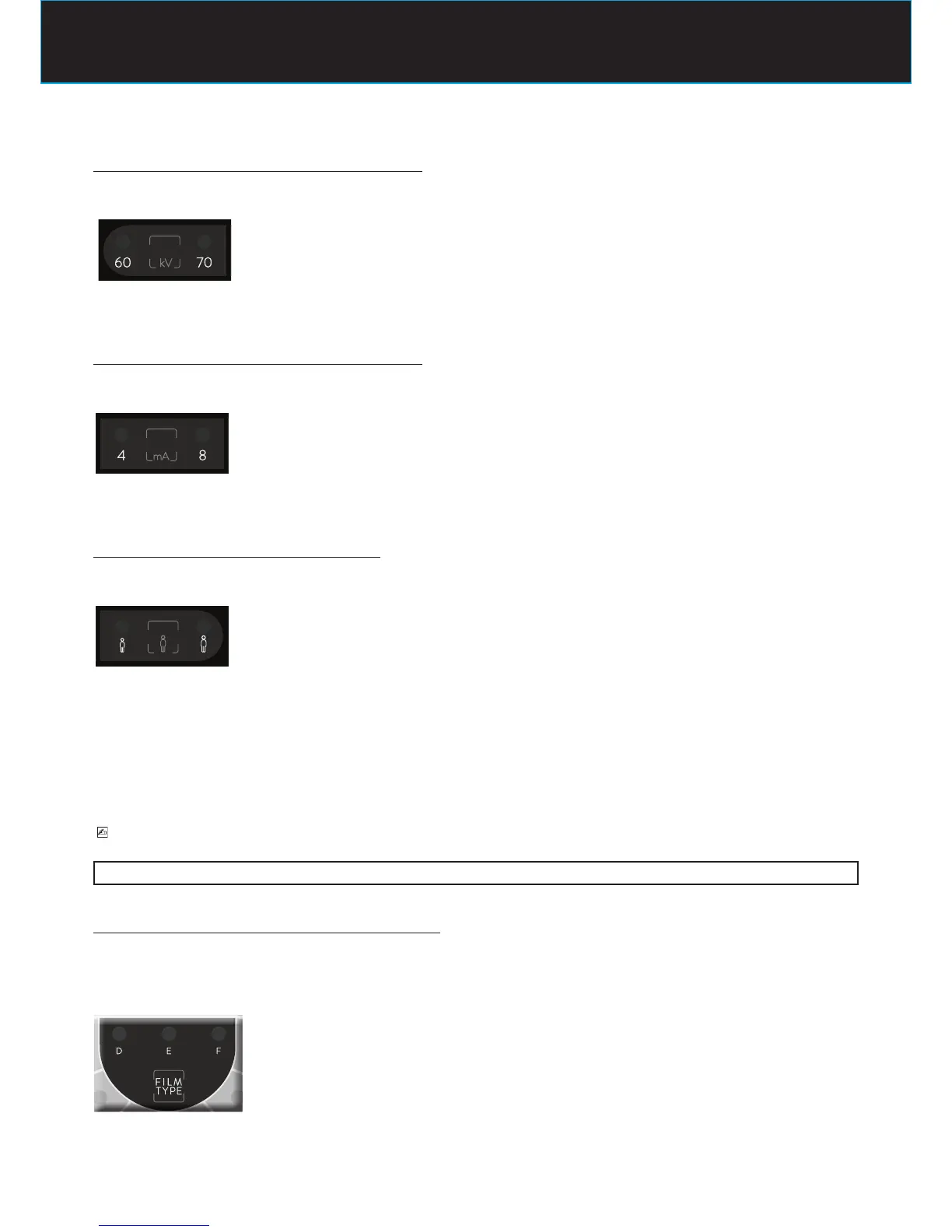
STEP 4 : check the selected radiographic voltage
The LED of the radiographic voltage should be turned on
LED 70kV ON
if LED is not lit call the “Assistance Service”
STEP 5 : check the selected radiographic current
The LED of the radiographic current should be turned on
LED 8mA ON
if LED is not lit call the “Assistance Service”
STEP 6 : check the selected type of patient
The LED of the desired type of patient should be turned on
LED CHILD ON
indicates that the radiographic system is set for a patient with a small physique
LED ADULT ON
indicates that the radiographic system is set for a patient with a large physique
to change the selection press again the button
PLEASE NOTE
After the modication, default exposure values will be automatically changed.
STEP 7 : check the selected radiographic technique
CONVENTIONAL TECHNIQUE (FILM)
The LED of the desired speed lm should be turned on
LED D ON
radiographic system is set for use with D speed lm















 To Next Page