LED E ON
radiographic system is set for use with E speed lm
LED F ON
radiographic system is set for use with F speed lm
to change the selection press the button for 3 s: an acoustic signal (beep) will conrm the change
PLEASE NOTE
After the modication, default exposure values will be automatically changed.
DIGITAL TECHNIQUE (SENSOR)
The LED should be turned on
to change the selection press the button for 3 s: an acoustic signal (beep) will conrm the change
PLEASE NOTE
After the modication, default exposure values will be automatically changed.
STEP 8 : check the selected radiographic technique
PERIAPICAL EXAM
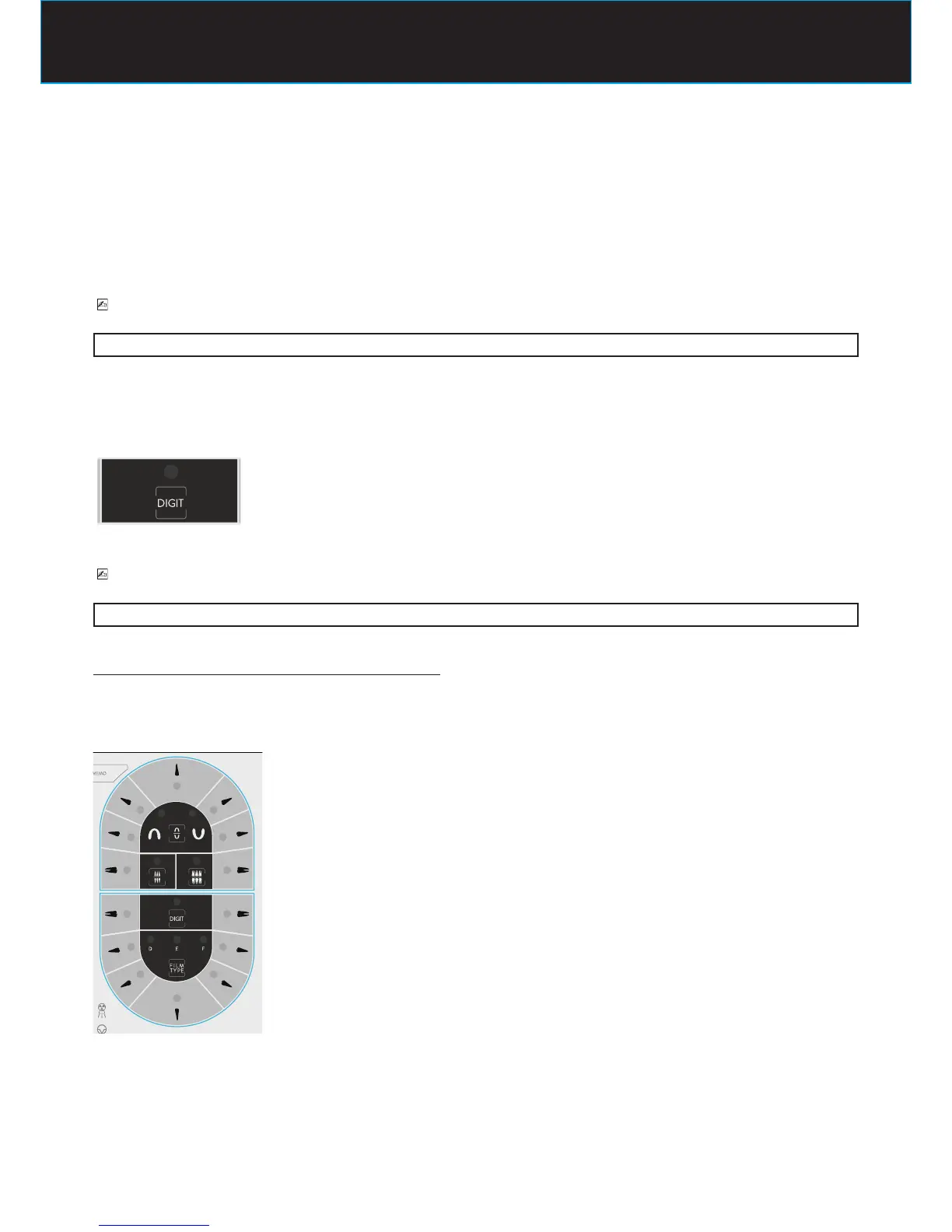
The LED of the selected teeth should be turned on
to change the selection press the key relative to the desired tooth















 To Next Page