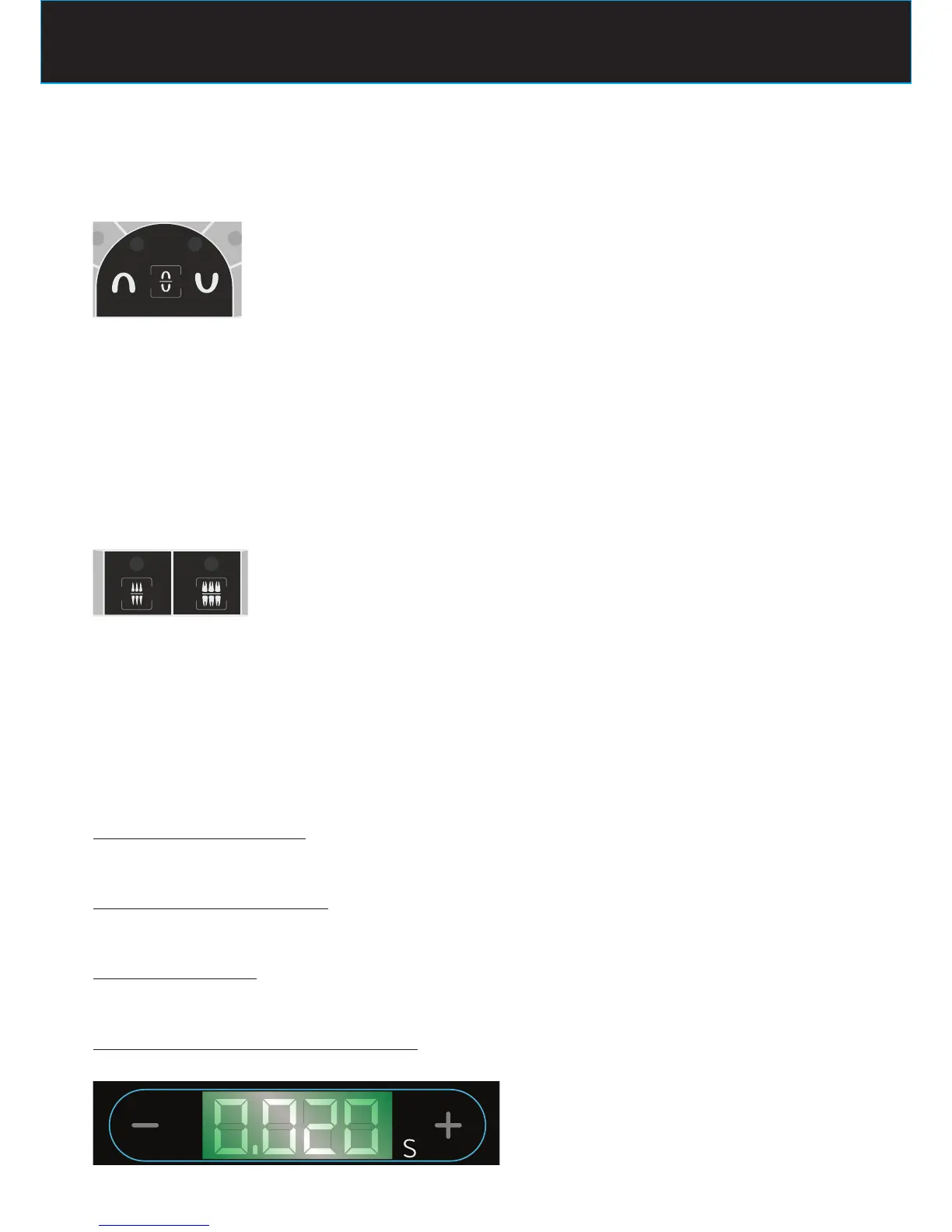
OCCLUSAL EXAM
The LED of the selected type of test should be turned on
LED MANDIBULA ON
radiographic system is set for occlusal exam of the lower jaw
LED MAXILLA ON
radiographic system is set for occlusal exam of the upper jaw
to change the selection press again the button
BITE-WING EXAM
The LED of the selected type of test should be turned on
LED ANT ON
radiographic system is set for anterior bite-wing exam
LED POST ON
radiographic system is set for posterior bite-wing exam
to change the selection press the key relative to the desired exam
3° - POSITIONING THE PATIENT
Position the patient following the standard intraoral procedures.
4° - POSITIONING FILM or SENSOR
Position either the lm or the digital sensor depending on the technique to be used.
5° - POSITIONING CONE
Follow the standard intra-oral procedures to position the cone.
6° - CHECK ON THE DISPLAY THE SELECTED TIME
Before proceeding with the exposure, check on the display the selected time
to change the selection press the following keys















 To Next Page