Horizontal movements keys
These keys move the U arm in the arrows direction, in order to place the LASER in the required position on patient face.
By single pressure of one of these keys the rotating U-arm is moved by 1 mm in the arrow direction.
These keys are enabled only for a sub-set of exams; for all remaining exams the pressure on these keys does not have any
effect.
2.8 LIGHT INDICATORS
Green Status indicator
• Blinking. The equipment is in the initial position. Patient can be placed under the equipment and positioning LASERs can be
turned ON.
• ON. The acquisition can start.
This indicator is also present on CEPH control panel.
Yellow X-Ray indicator
• OFF. No X-Ray emission.
• ON. X-Ray emission on going.
Red Error indicator
• ON. The equipment is in error status.
2.9 X-MIND TRIUM REMOTE CONTROL
The X-MIND trium remote control must be kept in a safe place protected against radiations, in compliance with local standards
in force concerning radiation protection. The X-MIND trium remote control allows the operator to activate or deactivate X-ray
emissions from the control room.
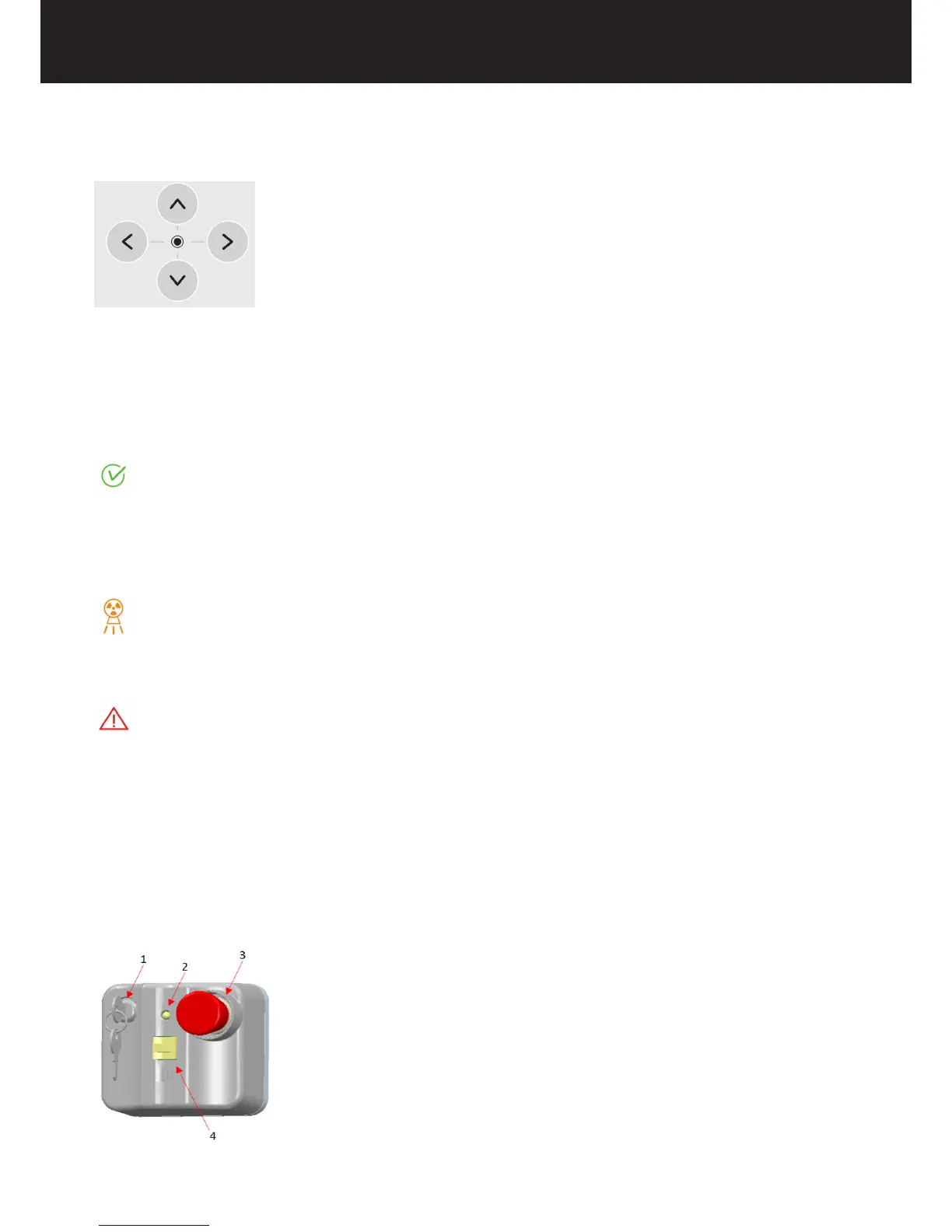
The components are listed below with a brief description of the parts.
1. Safety key selector switch. Deactivates the X-ray emission switch to prevent accidental exposure.















 To Next Page