2. X-ray emission LED. Remains on during the entire acquisition.
3. Remote emergency switch. Allows stopping the device in the event of emergency.
4. X-ray emission switch. Activates acquisition.
2.10 EMERGENCY SWITCHES
This device is equipped with two emergency switches that allow to stop the movement of parts and X-ray emission in the
event of an emergency.
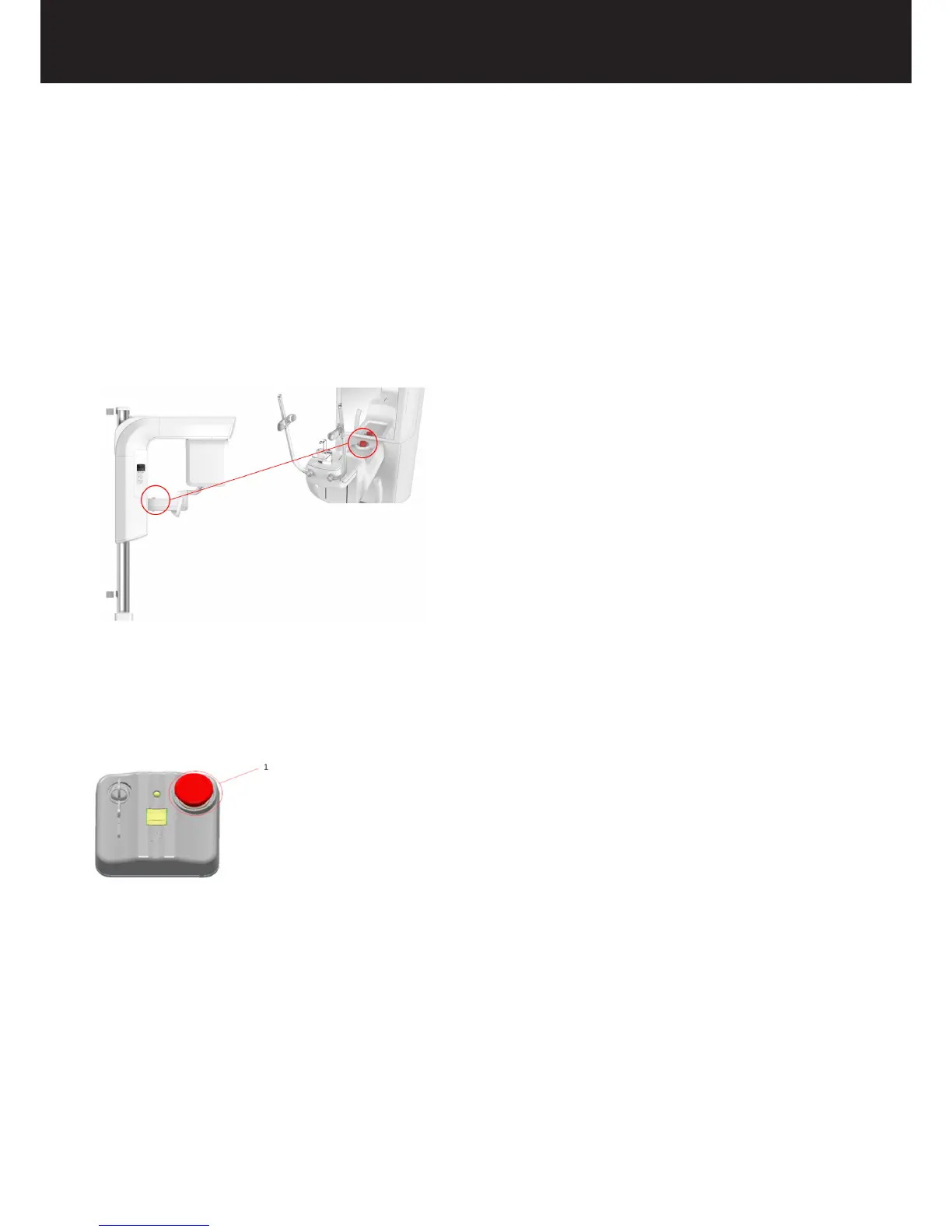
Patient emergency switch
The patient emergency switch is installed on the head support and is within the patient’s reach, to allow both the patient and
the operator to stop the device in the event of panic or hazards, sudden column motion or any anomaly. The operator must
inform and instruct the patient on the emergency procedures and on the use of the emergency switches of the device, as
indicated in this chapter.
Remote emergency switch
1= Remote emergency switch
The Remote emergency switch is located on the X-MIND trium remote control.
How to use the emergency switches
In case of an emergency, stop any movement of the device and X-ray emission by pressing either the patient emergency
switch or the remote emergency switch. This action puts the device in the emergency status.
To reset the emergency status, rst solve the emergency condition and then release the emergency switch by turning it
clockwise until it reaches its initial position.















 To Next Page