RELEASING THE PATIENT
• Go inside the radiologic room, open temple rest or the ear rests and ask patient to move carefully from the equipment.
• Image will be available on the PC connected to Trium.
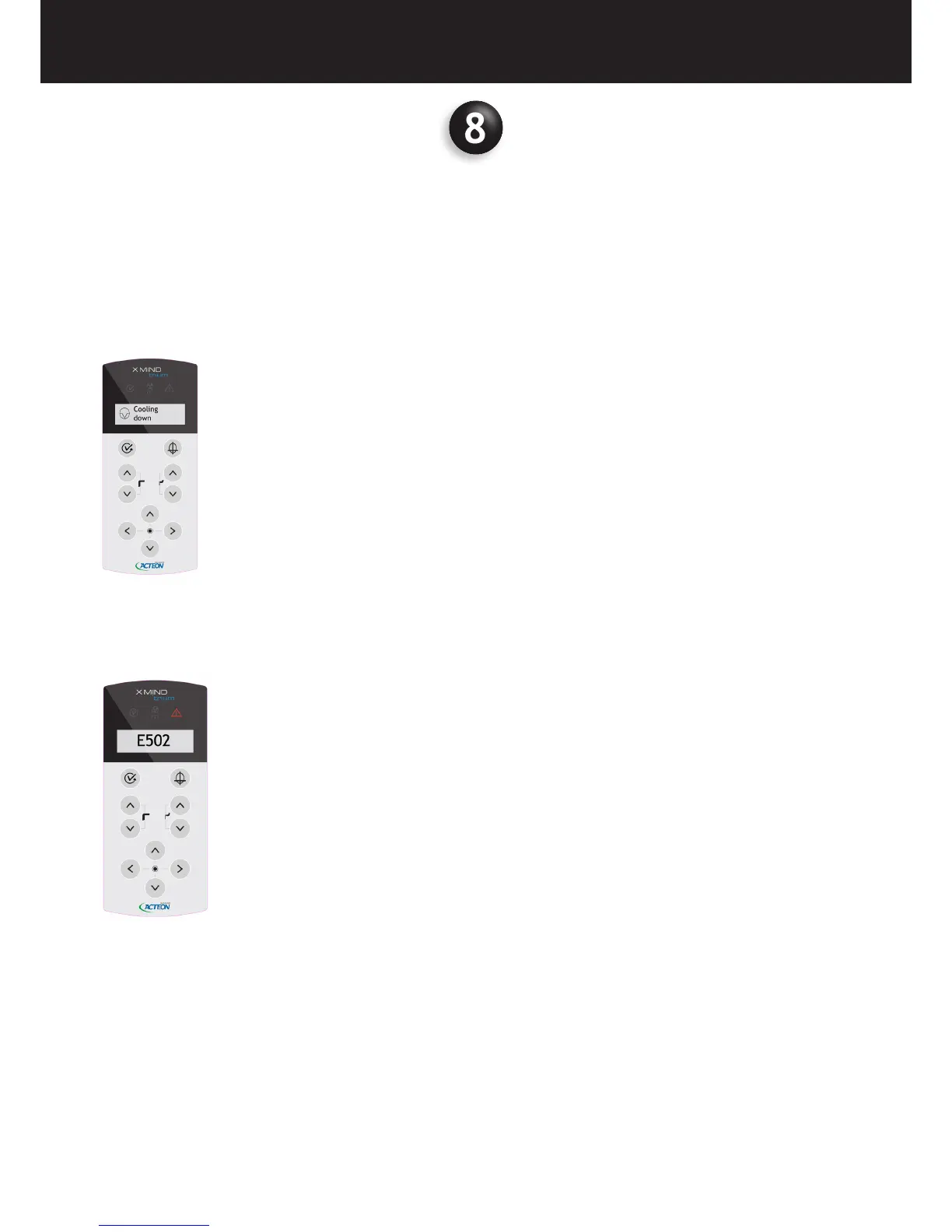
• After exposure the device will start a cooling down period as indicated on the control panel display.
In case of an error, a code will be shown on the display, and a red light turns on warning the operator about malfunctioning.
For error details please refer to the “TROUBLESHOOTING” chapter.















 To Next Page