PRE ACQUISITION
This chapter describes the procedure to acquire images of a new patient using X-MIND trium.
The instructions below describe how to prepare the system, position the patient and scan the anatomical volume.
4.1 PREPARING THE SYSTEM
• Upon starting the system, wait at least 5 minutes before carrying out an acquisition, calibration or quality test. Failure to
comply with this provision can cause noise and defects in the acquired images.
• Ensure that all components are operating and that there are no error messages or notications.
• Ensure that the medical device is properly calibrated.
4.2 CREATING OR SELECTING PATIENT DATA
Patient data must be created or selected from patient database. To do so, follow the procedure described in the manual of
Acteon imaging suite software.
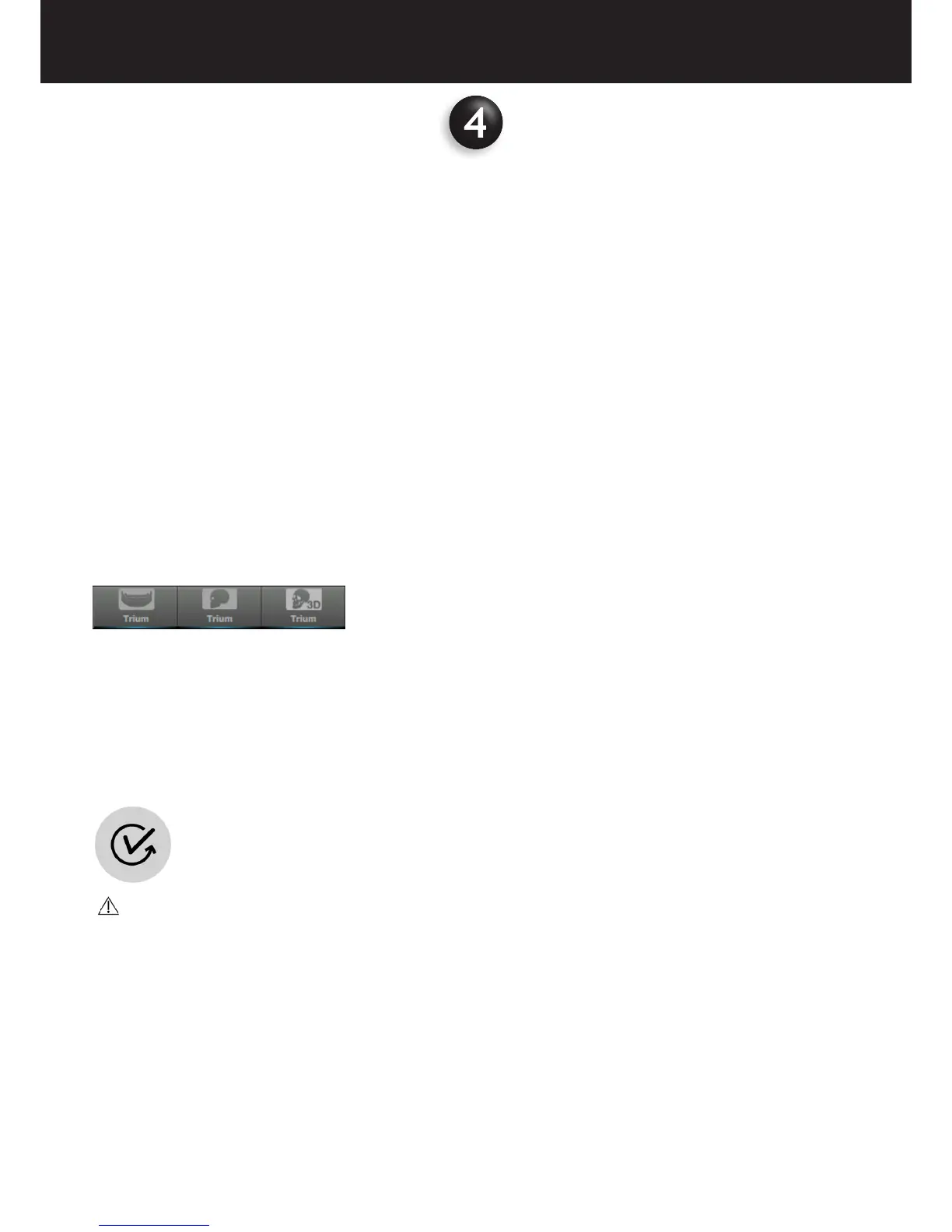
- Select the exam
4.3 INSTRUCTING THE PATIENT
• Describe the functions of the device to the patient, position the patient, and provide all the safety instructions.
• Use the demo function to show the patient how the U-Arm rotates (PAN/CBCT exams) or detector translates (CEPH image)
during the scan.
• To start this function, press and keep pressed the “0 Position” key on the control panel.
CAUTION :
Never position the patient or have the patient inside the machine during the «0 position» phase!
• To stop the demo movement, release “0 Position” key. Press the button again to bring the U-Arm back to its initial position.
• Explain in detail the use of the local emergency switch.
• Ask the patient to remove any metal object or jewel from his / her head, neck or mouth (earrings, necklaces, partial dentures,
hairclips).
• Pay special attention in the cases of children, disabled people, seniors and obese persons.
• Instruct patients on how to control their breathing during the scan. Breathing should be slow and low to minimise patient
movements.
• Complete all the preliminary steps before positioning the patient to minimise the time to perform the examination and
prevent delays.















 To Next Page