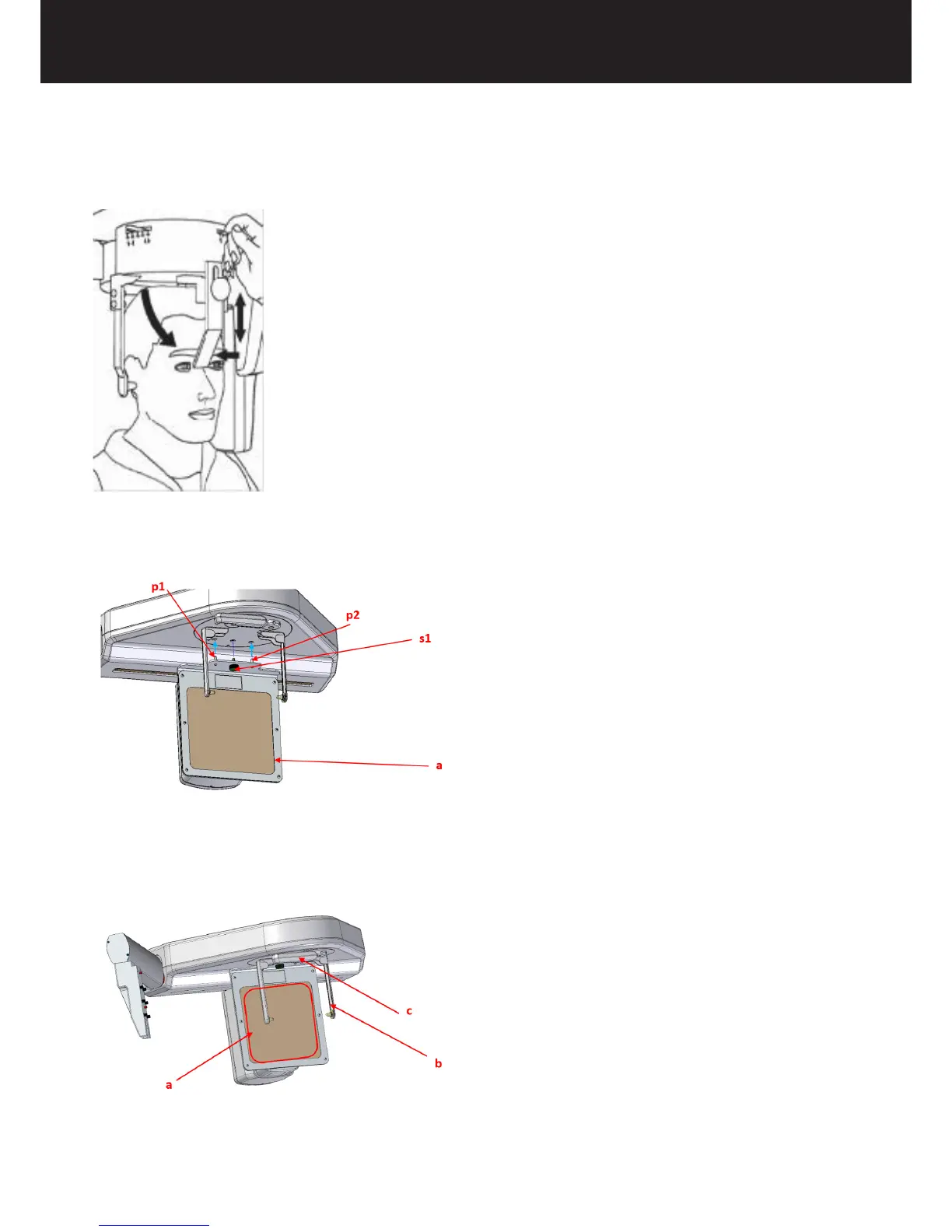
• Turn nose support in vertical position and move it vertically and horizontally until the extreme side of the support is on the
nose root;
For CARPUS exam only, follow the next instructions:
+ Place the dedicated carpus support (a) on the CEPH patient support, lifting it with the aid of the two pins (p), then xing it
with the screw (s1).
+ Open horizontally the ear rests to their maximum aperture (b).
+ Turn in horizontal position the nose support (c).
+ Ask the patient to place its hand on the carpus support, verifying that it is completely included in the rectangular area drawn
on the support (a).
Proceed with the execution of the exam.















 To Next Page