NOTE: Users MUST set the camera parameter of the last profile as the
default setting. Thus, if there are gaps among schedules, the camera will
apply the setting of the last profile.
2.4.12 TV System
The TV System setting can be found under this path: Camera> TV System.
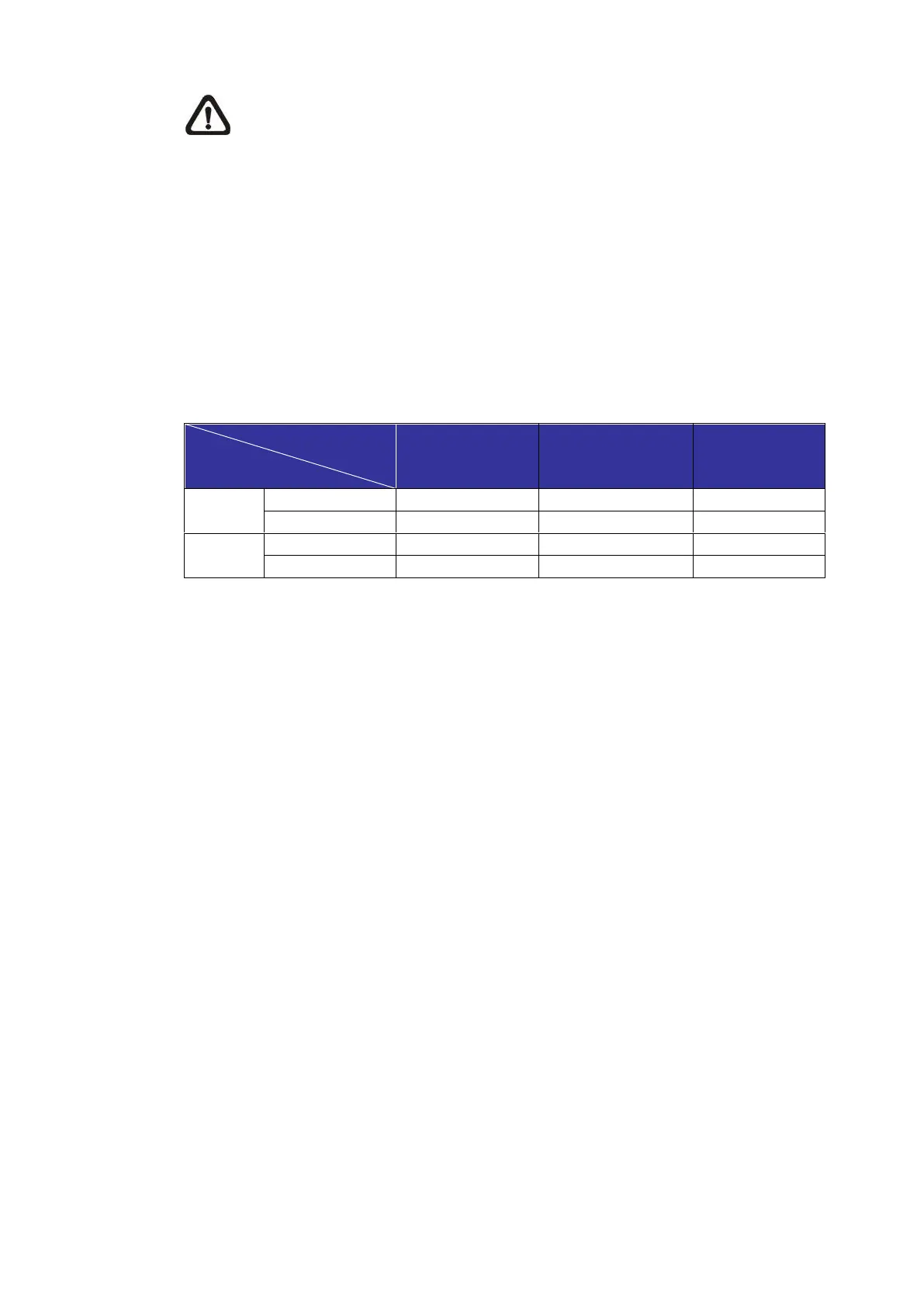
Select the video format that matches the present TV system from the drop-down
menu. The following table shows the available video formats for different types
of models. The supported video formats for each model are marked by “v”.
Stitching Bullet
Model
(3)



 To Next Page