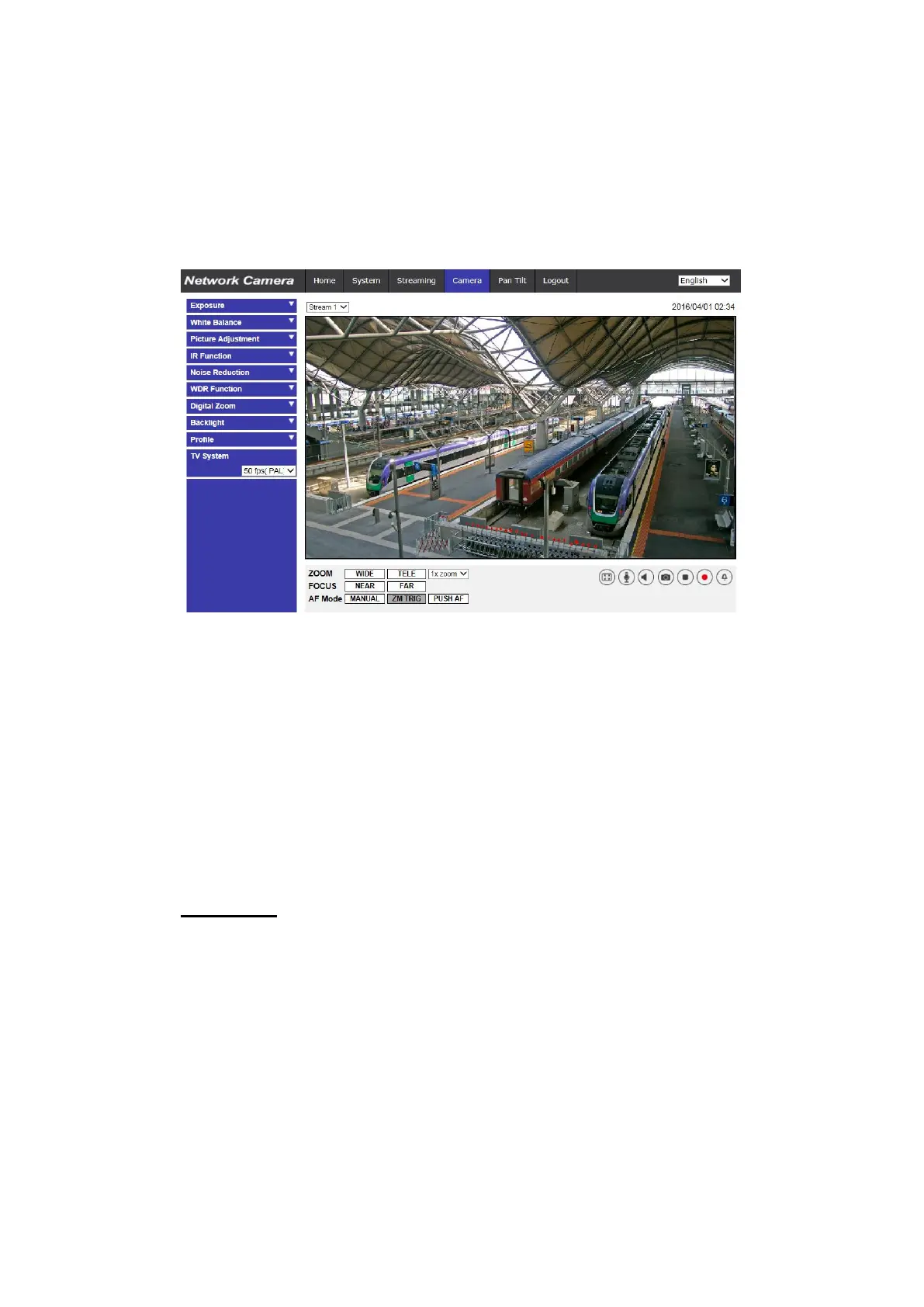
2.4 Camera
Under the tab <Camera>, there are submenus including: <Exposure>, <White
Balance>, <Picture Adjustment>, <IR Function>, <Noise Reduction>, <WDR
Function>, <Digital Zoom>, <Backlight>, <Profile>, <Fisheye Setting> and <TV
System>.
2.4.1 Exposure
The Exposure setting can be found under this path: Camera> Exposure.
Exposure is the amount of light received by the image sensor. It is determined
by the width of lens diaphragm opening, the shutter speed and other exposure
parameters. With these items, users can define how the Auto Exposure function
works. Users can select one of the exposure modes according to the operating
environment. Each exposure mode is specified as follows.
Auto Mode
Max Gain
Maximum Gain can be set to reduce image noises. The Max Gain
ranges from 3dB to 48dB, or select <Off> to disable the function. The
default setting is 48dB.
Auto Iris (Fixed Lens and Motorized Lens Excluded)
In this mode, the camera will automatically adjust the iris to suit the
environment illumination. The minimum shutter speed can be set from
1/30 to 1 sec. (NTSC) or 1/25 to 1/1.5 sec. (PAL). AGC (Auto Gain
Control) will function automatically according to the light conditions of
the subject.



 To Next Page