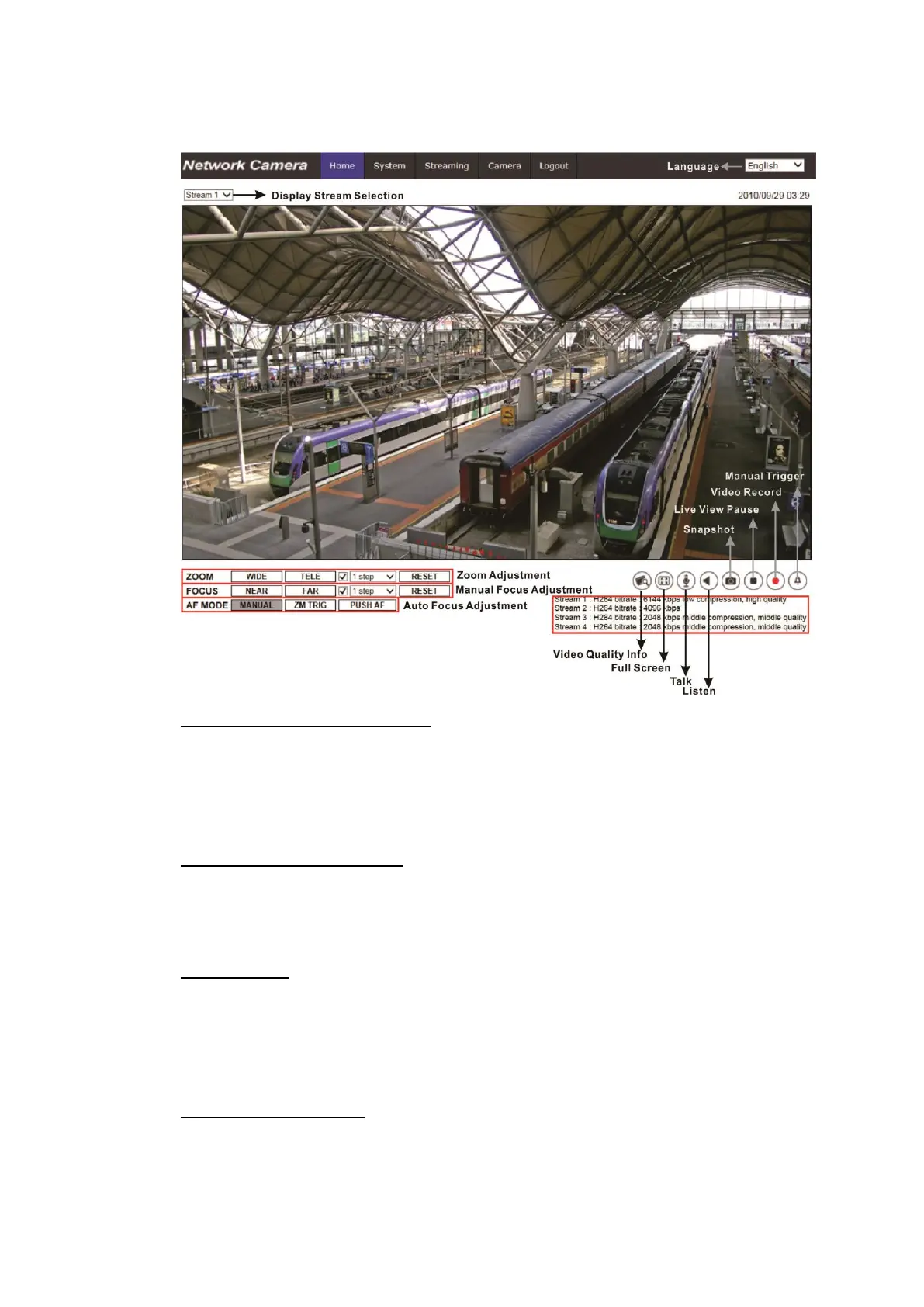
2.1.1 Function Items on Home Page
Multiple Languages Support
Multiple languages are supported, including German, English, Spanish, French,
Italian, Japanese, Portuguese, Russian, Simplified Chinese and Traditional
Chinese for the viewer window interface.
Display Stream Selection
According to the streaming setting, users can choose the one stream to display
from the drop-down menu.
Camera Info
Double click on the live view pane, and the camera info window will pop up.
Users can instantaneously check the basic information of the camera, such as
IP address, network status, video format, etc.
Digital Zoom Control
In the full screen mode, users can implement digital PTZ by scrolling up/down
the mouse wheel (for zoom in / out). Users can click and drag the mouse to
check the viewing area.



 To Next Page