2.2.10 Recording
The Recording setting can be found under this path: System> Recording.
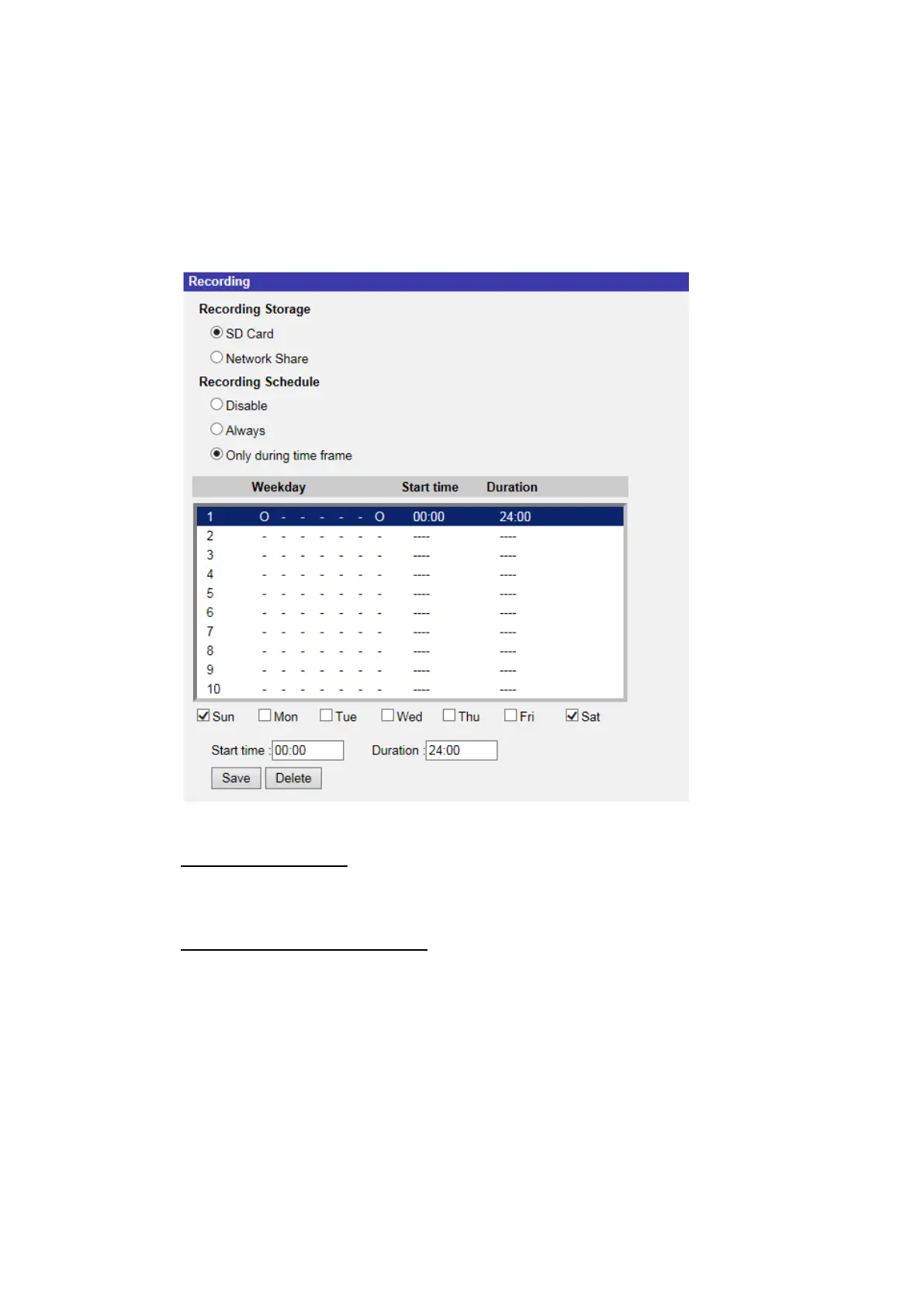
In the <Recording> setting page, users can specify the recording schedule that
fits the present surveillance requirement.
Recording Storage
Select a recording storage type, <SD Card> or <Network Share>.
Enable Recording Schedule
Two types of schedule mode are offered: <Always> and <Only during time
frame>. Users can select <Always> to activate microSD/SD card or Network
Share Recording all the time. Or, select a set of schedule from the time frame
blank, check specific weekdays and setup the start time (hour:minute) and time
period (hour:minute) to activate the recording at certain time frames. The setting
range for the duration time is from 00:00 to 168:59. Please click on <Save> to
save the setup.
To delete a schedule, select one from the schedule list, and click <Delete>.



 To Next Page