Step 2: Convert a few IP addresses before and after 192.168.2.81
to binary numbers. Then compare their first 30 digits with the binary
numbers of 192.168.2.81.
a. Convert 192.168.2.80 to binary numbers. The binary numbers
are 11000000.10101000.00000010.01010000. The first 30
digits are the same with the binary numbers of 192.168.2.81,
thus 192.168.2.80 will be filtered.
b. Convert 192.168.2.79 to binary numbers. The binary numbers
are 11000000.10101000.00000010.01001111. The first 30
digits are different with the binary numbers of 192.168.2.81,
thus 192.168.2.79 will not be filtered. This also means the IP
addresses before 192.168.2.79 will not be filtered. Therefore,
users can stop converting the IP addresses before
192.168.2.79 to binary numbers.
c. Repeat the same procedure in “a” with the IP addresses after
192.168.2.81. Stop when the situation occurs in “b” happened.
Namely, the 30th digit of the binary numbers of IP address
192.168.2.84 is different, and will not be filtered.
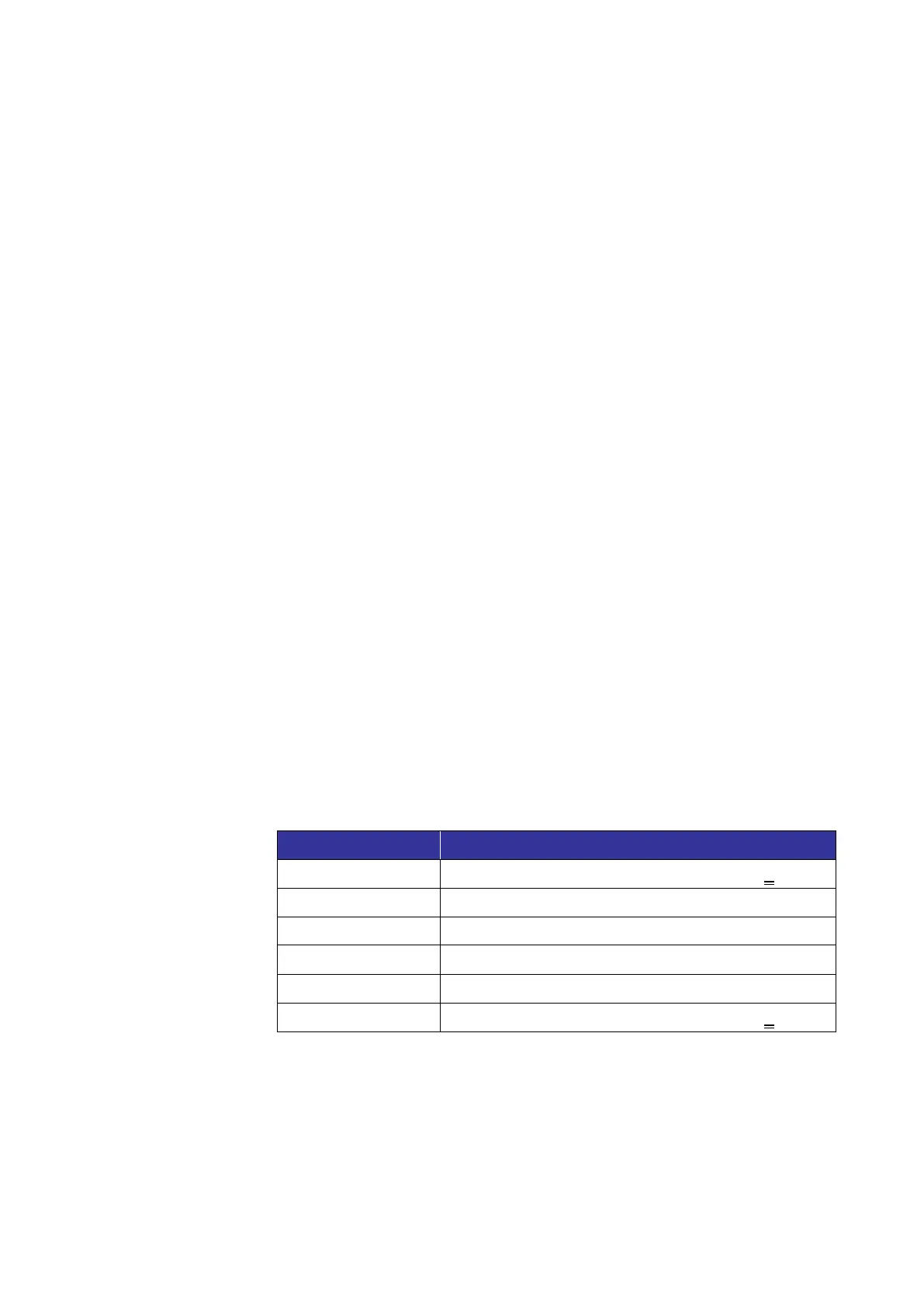
As a result, the IP addresses 192.168.2.80 to 192.168.2.83 will be
filtered when entering 192.168.2.81/30. The following table clearly
shows the 30
th
digit of the binary numbers of IP addresses
192.168.79 and 192.168.84 are different from the others. Therefore,
these two IP addresses will not be filtered.
11000000.10101000.00000010.01001111
11000000.10101000.00000010.01010000
11000000.10101000.00000010.01010001
11000000.10101000.00000010.01010010
11000000.10101000.00000010.01010011
11000000.10101000.00000010.01010100
Delete IP Address
To remove an IP address from the <Filtered IP Address> list, please
select the address and click on <Delete>.



 To Next Page