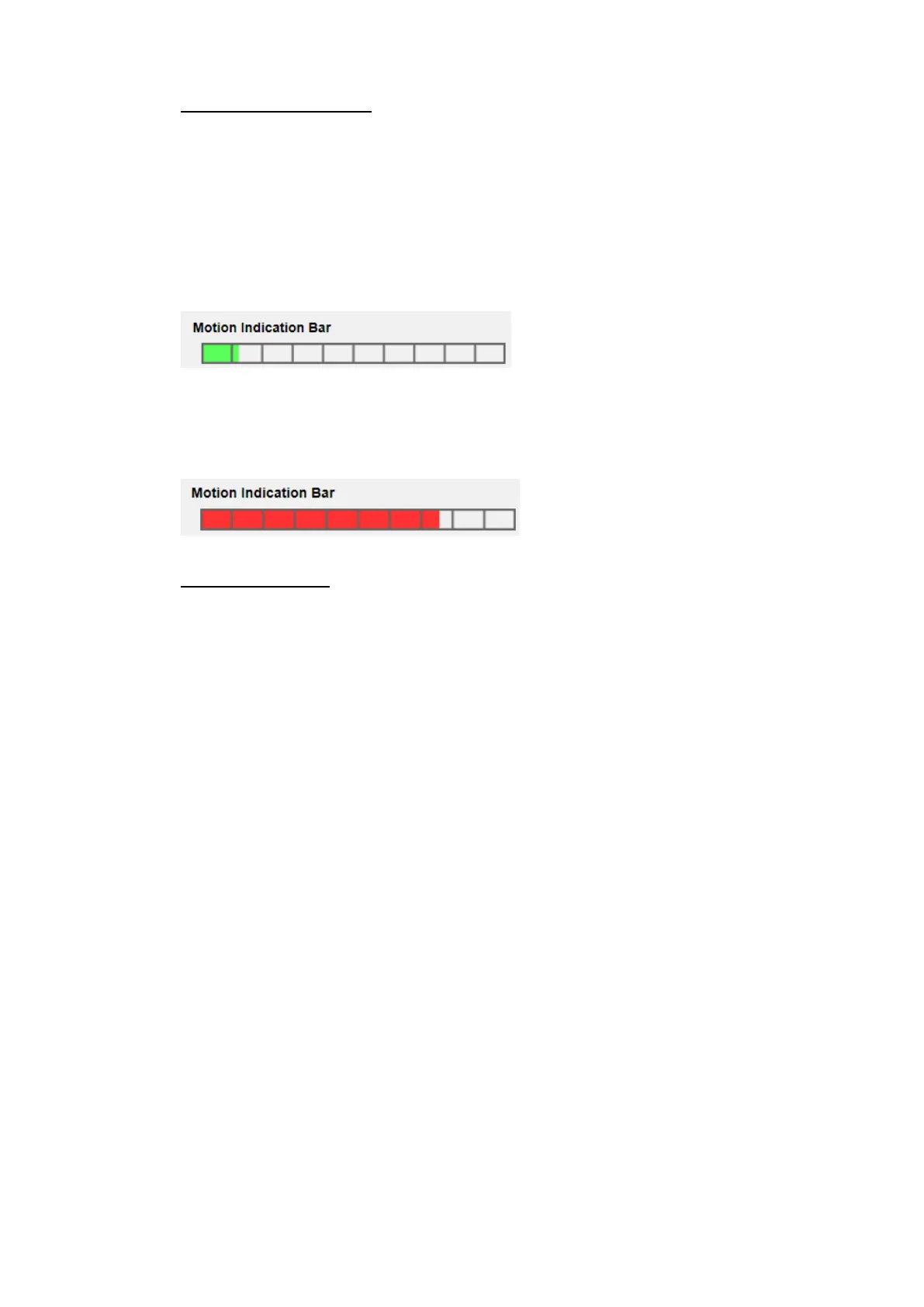
Motion Indication Bar
When Motion Detection function is activated and the motion is detected, the
signals will be displayed on the motion indication bar. The motion indication bar
will go green or red when there is any motion occurrence in the detection region.
Green suggests the occurring motion is detected and does not exceed the
threshold of detection level and sensitivity level. No alarms will be triggered.
Red suggests the ongoing motion exceeds the threshold of detection level and
sensitivity level. The alarm will be triggered.
Triggered Action (Multi-option)
The administrator can specify alarm actions that will take when motion is
detected. All options are listed as follows.
Enable Alarm Output (high/low)
Check the item and select the predefined type of alarm output to enable
alarm relay output when motion is detected.
Send Alarm Message by FTP/E-Mail
The administrator can select whether to send an alarm message by FTP
and/or E-mail when motion is detected.
Upload Image by FTP
Select this item and the administrator can assign an FTP site and
configure various parameters. When motion is detected, event images
will be uploaded to the appointed FTP site. Note that to implement this
function, one of the streaming MUST be set as MJPEG; otherwise, this
function will be grayed out and cannot be accessed.
<Pre-trigger buffer> function allows users to check what caused the
trigger. The <Pre-trigger buffer> frame rate could be pre-determined.
On the other hand, <Post-trigger buffer> is for users to upload certain
amount of images after motion event occurs.



 To Next Page