GOV Length
Users can set the GOV length to determine the frame structure (I-frames and
P-frames) in a video stream to save bandwidth. Less bandwidth is needed if the
GOV length is set to a high value. However, the shorter the GOV length, the
better the video quality is.
8M Models (F/B/K/6)
The default setting for Stream 1 ~ Stream 4 is 25. The setting range of
the GOV length is from 1 to 4094.
Stitching Bullet Model (3)
The default setting for Stream 1/ Stream 2 is 60. The setting range of the
GOV length is from 1 to 4094
Fisheye Model (8)
The default setting for Stream 1/ Stream 2 is 50. The setting range of the
GOV length is from 1 to 4094.
Q (Quality) Factor (MJPEG Only)
The default setting of MJPEG Q factor is 35; the setting range is from 1 to 70.
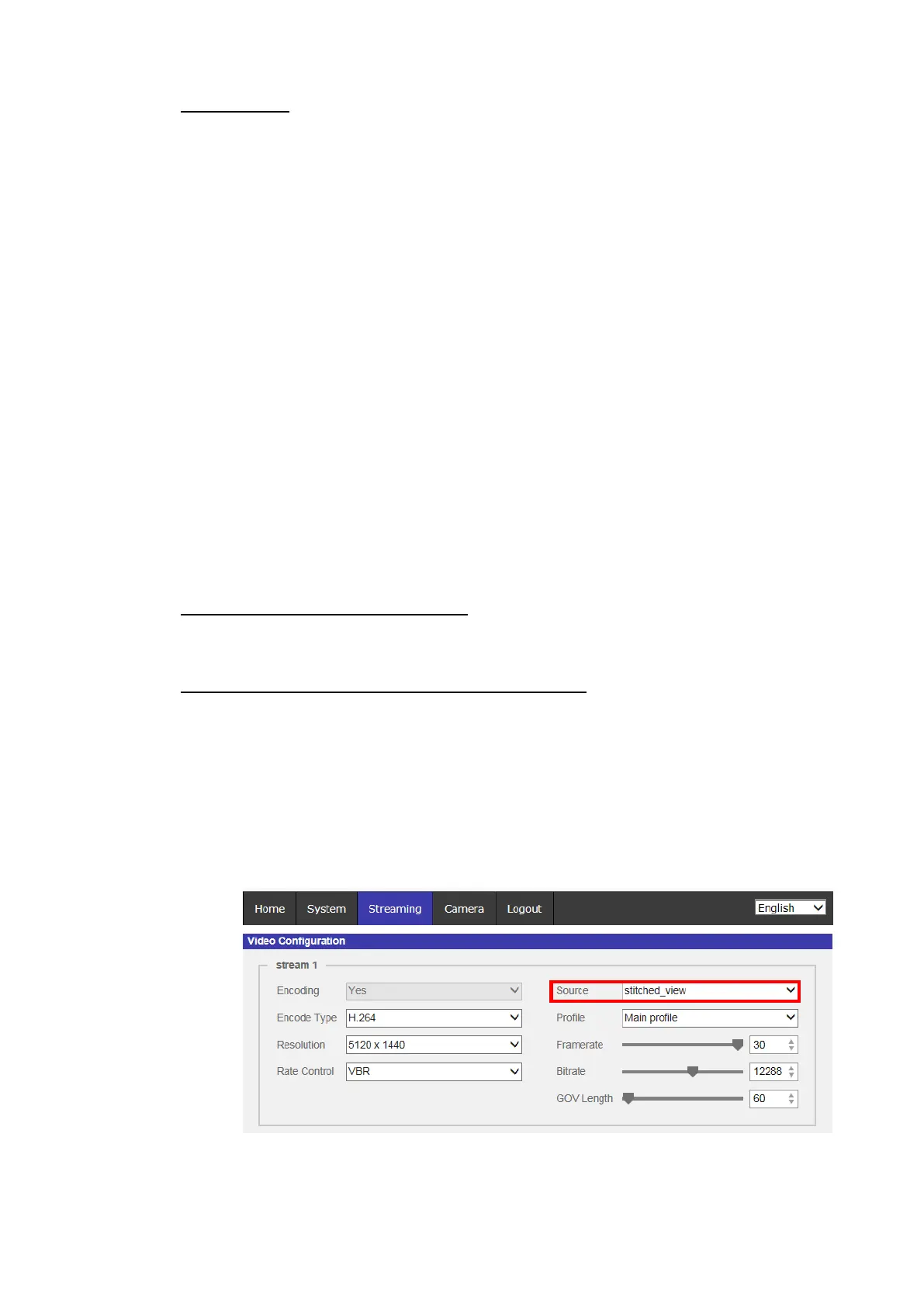
Source (Stitched Bullet/Fisheye Camera Only)
Users can set the viewing mode of specific camera models here. The resolution
options will vary according to the viewing mode selected from [Source]
drop-down list.
Stitching Bullet Model (3)
Users can set stitched or unstitched viewing mode here, and the
viewing mode options of Stream 2 will vary according to Stream 1.



 To Next Page