Hardware Manual
15
Installation Procedures
This section describes the procedures in installing the camera on the wall using the integrated
bracket.
IMPORTANT! Before installation, make sure the wall can bear more than the weight of the
camera and its bracket.
NOTE: The following procedures and pictures are based on the cable going along the wall; same
procedures apply when the cable will pass through the wall, unless otherwise specified.
Step 1: Before Installation
The following steps may or may not be applicable to your installation environment. However, if
needed, these steps must be done before installing the camera.
1. As needed, insert the memory card into the memory card slot. See How to Install / Remove
a Memory Card (Optional) on page 35.
2. Determine if the camera will be used in normal or corridor format. See How to Position
Camera for Corridor View Format on page 37.
3. Attach the sunshield. See How to Attach the Sunshield on page 39.
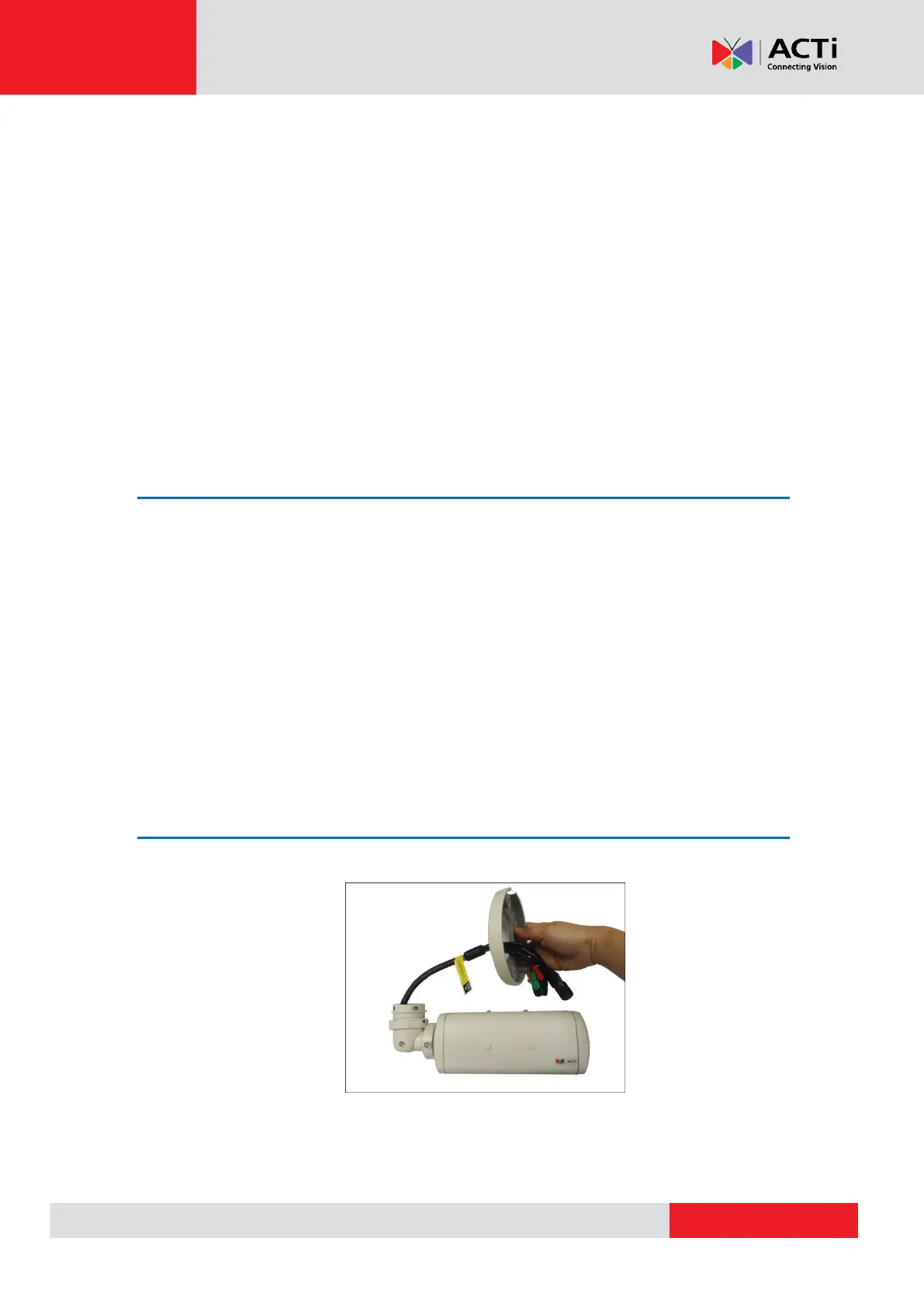
Step 2: Attach the Camera Bracket
1. Attach the bracket to the camera.



 To Next Page