Hardware Manual
16
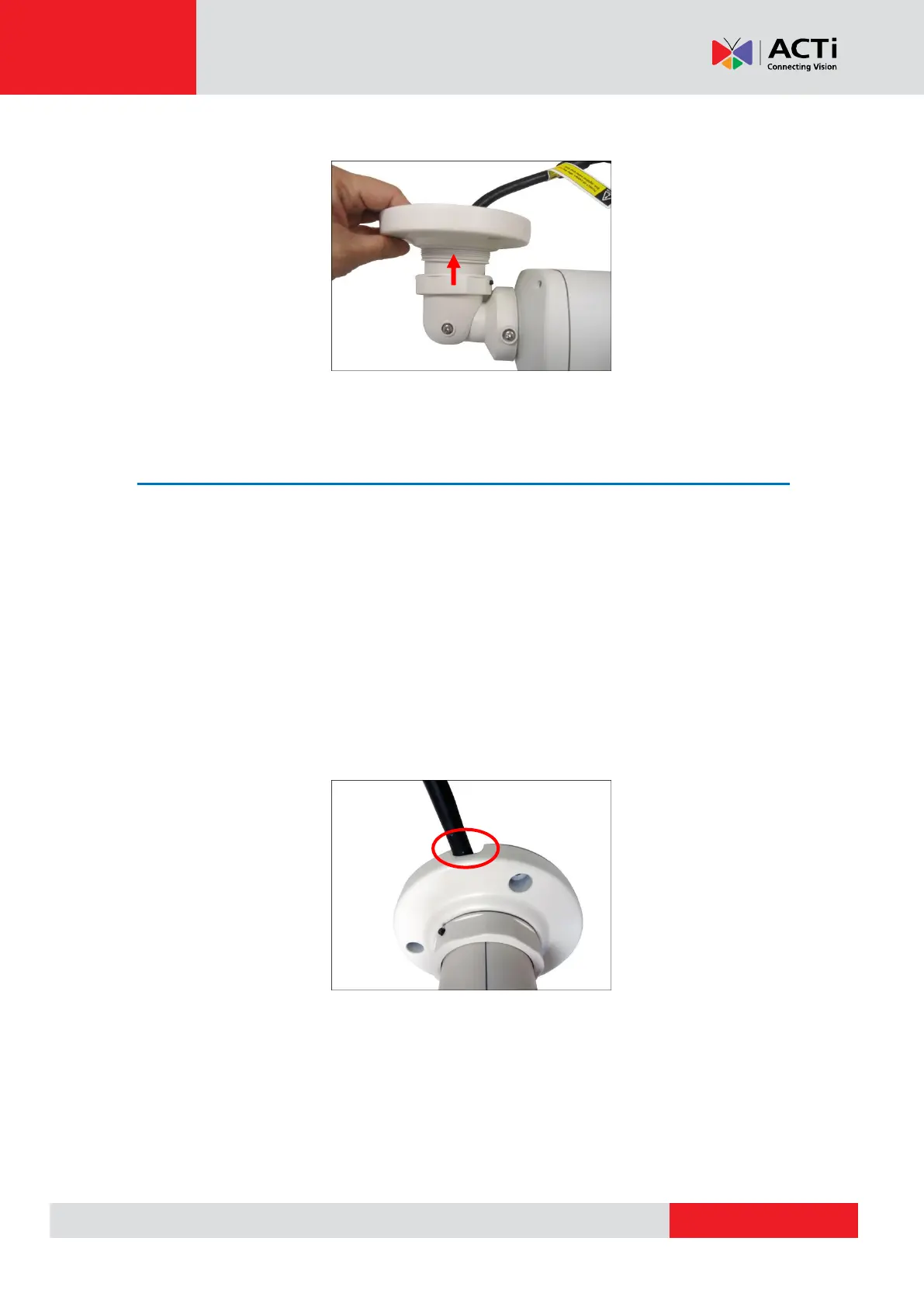
2. Secure the bracket by threading the lock knot.
Step 3: Mount the Camera
1. Attach the supplied drill template sticker on the surface.
2. Determine how the cable will be routed: pass through a hole on the surface or along the
surface.
If the cables will pass through a hole on the surface, drill the cable hole and the three
(3) screw holes on the surface.
If the cables will be routed along the surface, just drill the three (3) screw holes.
3. Detach the drill template sticker and insert the plastic plugs into the screw holes.
4. If the cables will pass through a hole on the surface, route the cables through the hole on
the wall.
If the cables will go along the wall, route the cables through the gap on the bracket.



 To Next Page