Hardware Manual
34
Connecting Audio Input / Output Devices (Optional)
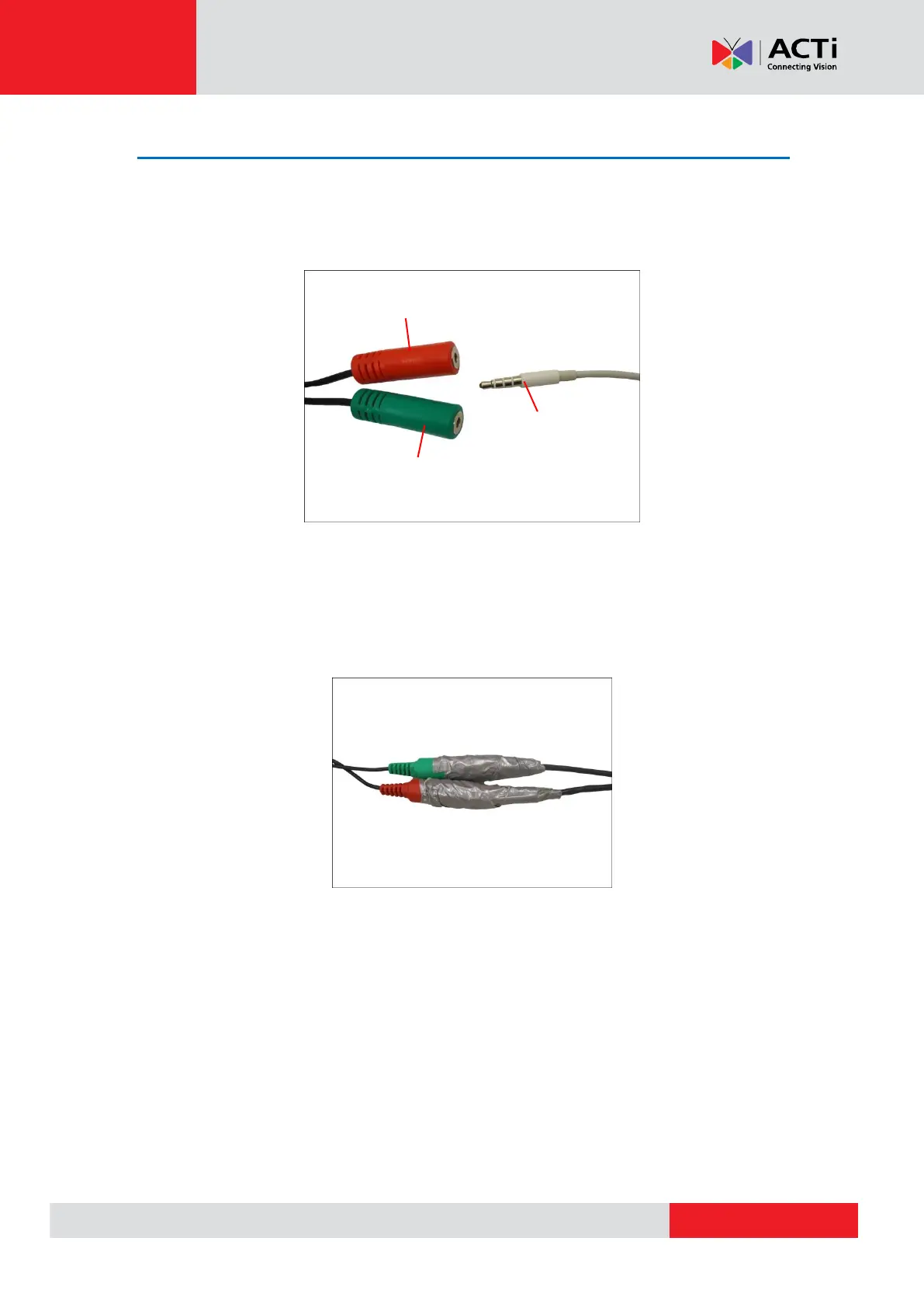
If using an audio input device, such as a microphone with a built-in amplifier, connect the device
to the Audio Input jack (RED) of the camera. If using an audio output device, such as a speaker,
connect the device to the Audio Output jack (GREEN) jack of the camera.
NOTE: Make sure that the connected audio input device has a built-in amplifier. Connecting an
ordinary microphone will dwarf sounds and will result in inaudible recording. Enable Audio In and
select Line in as the Microphone Type in the camera firmware to receive audio.
After connecting a device, make sure to wrap the cable connection using a waterproof tape.



 To Next Page