Installation Guide
15
Step 7: Connect the Cable(s)
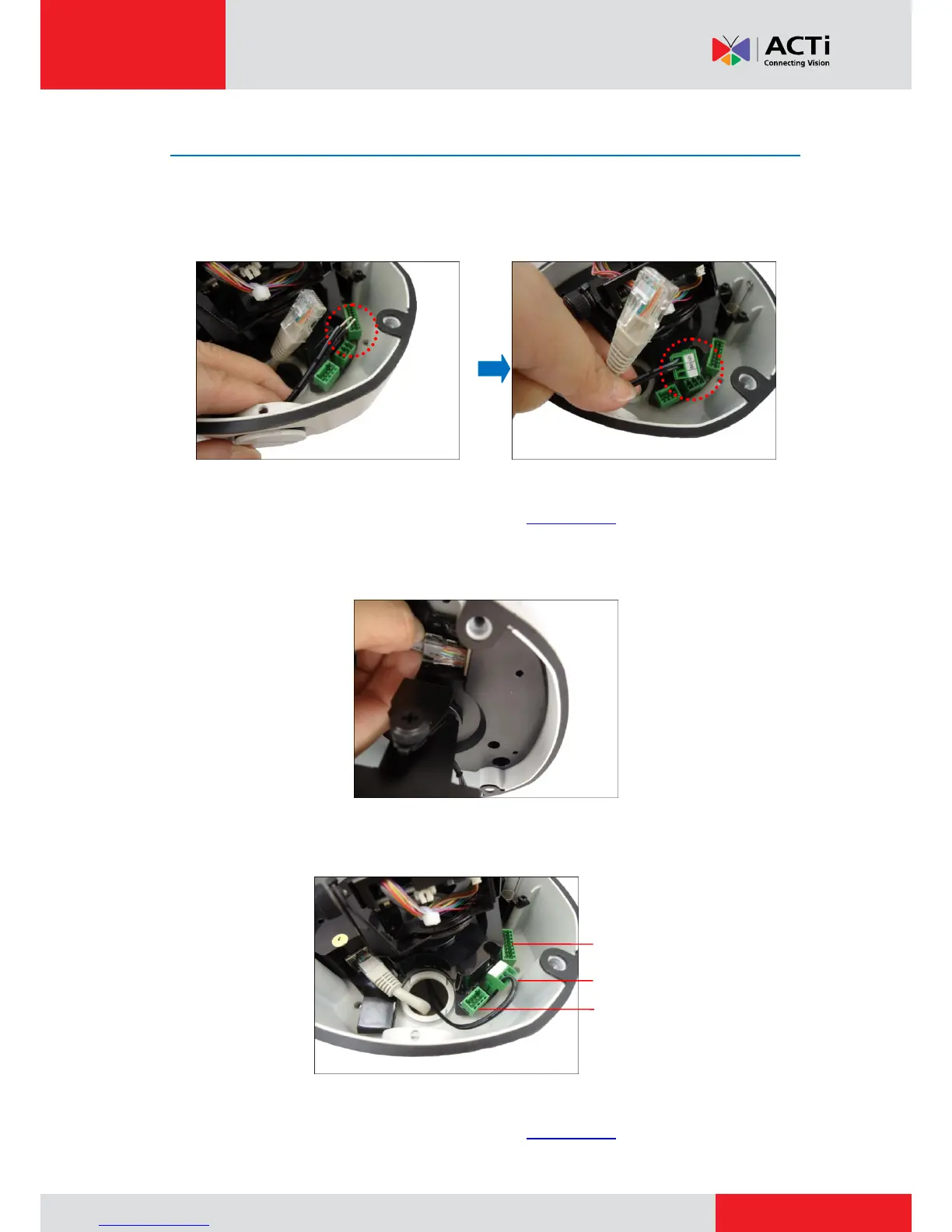
1. For camera models that support external power adaptor, audio in/out, or digital input/output
(DI/DO) functions, attach the bundled connectors. Below is an example of connecting the
power adaptor terminal connector. Otherwise, skip to the next step.
NOTE: For more information on connecting these cables, please refer to the camera model
hardware manual downloadable from the website (www.acti.com).
2. Connect the network cable to the Ethernet port of the camera.
NOTE: For models with other connectors (e.g. power adaptor, DI/DO, etc.), connect the
cables to their corresponding connectors. Sample image below.
For more information on connecting these cables, please refer to the camera model
hardware manual downloadable from the website (www.acti.com).



 To Next Page