Installation Guide
9
Step 3: Install the Straight Tube
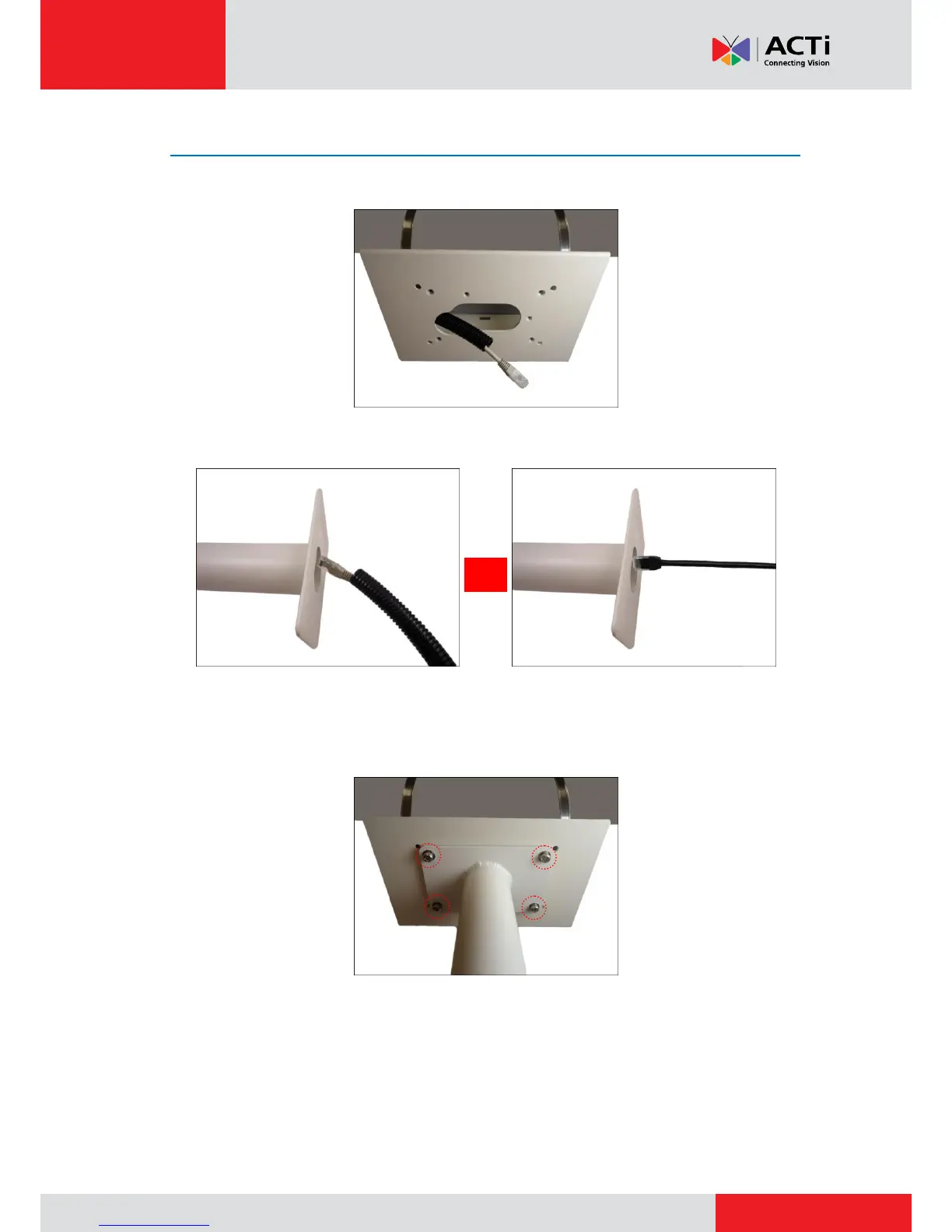
1. Route the flex conduit or network cable through the conduit hole of the Pole Mount.
2. Insert the flex conduit through the straight tube.
Using Flex Conduit Using Naked Cable
3. Attach the straight tube onto the pole mount using the four (4) screws (included in the Pole
Mount package).
Optional: Add Extension Tube(s)
If the straight tube is not long enough, add one or more extension tubes (purchased separately).
See Installing Extension Tubes on page 32.



 To Next Page