Installation Guide
5
Step 2: Prepare for Waterproof Installation
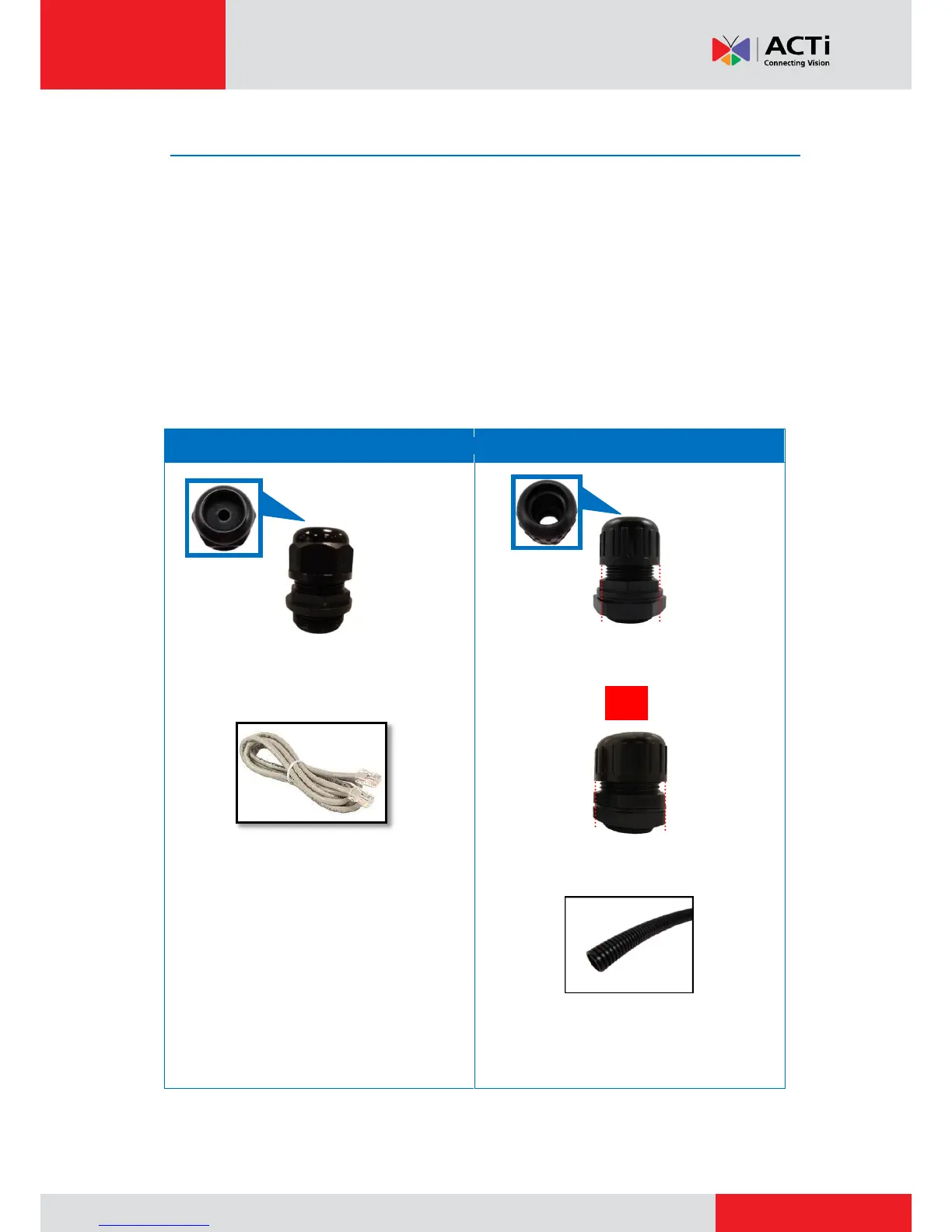
The camera comes with two (2) glands used for waterproof installation:
Cable Gland: For use with an Exterior-grade Ethernet cable. Exterior-grade Ethernet
cables are already waterproof. See Waterproof Solution with Naked Cable on page 6.
Conduit Gland: For use with a flexible conduit. This solution is recommended when an
exterior-grade Ethernet cable is not available or when other input/output devices or
external power adapter will be connected to the camera (select models only). See
Waterproof Solution with Conduit on page 7.
Determine the type of waterproof solution that is applicable to your installation requirements and
prepare the necessary accessories or purchase extra materials.
For use with a 3/8” flexible conduit (not
included in the package).
For use with 1/2” flexible conduit (not
included in the package)
NOTE: The bundled conduit gland may vary.
Check the conduit gland that came with your
package to determine if 3/8” or 1/2" is the
suitable flexible conduit size.



 To Next Page