Installation Guide
8
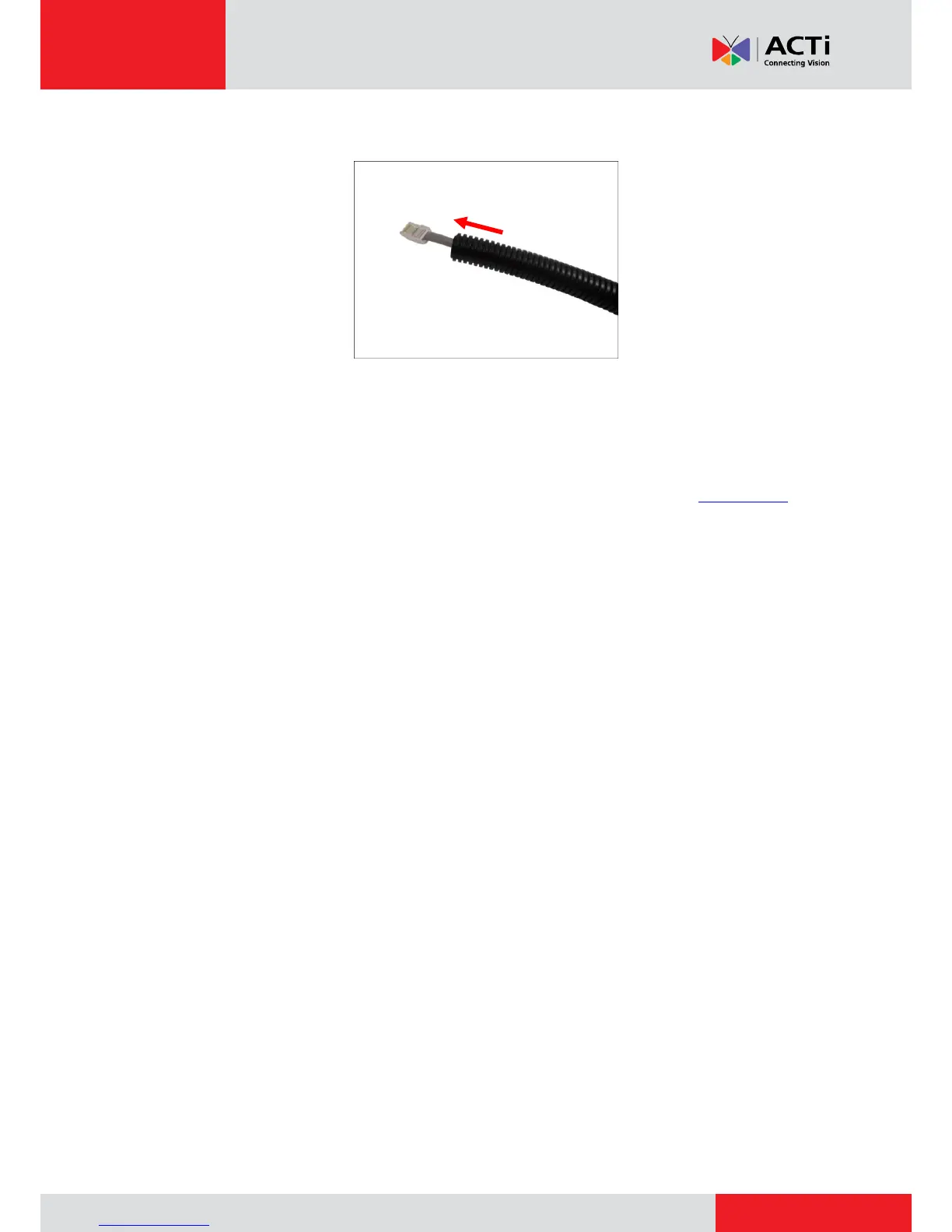
3. Pull the network cable through the flex conduit.
NOTE: For camera models that support external power adaptor, audio in/out, or digital
input/output (DI/DO) functions, route the cables without connectors through the flex conduit
together with the network cable. Once cables pass through the conduit hole of the camera,
attach the bundled connectors. For more information on connecting these cables, please
refer to the camera model hardware manual downloadable from the website (www.acti.com).



 To Next Page