2-9
Storage Manager on ROM
Running SMOR
Start SMOR by pressing Ctrl+A when the RAID controller BIOS
message appears on the screen during the boot sequence. SMOR
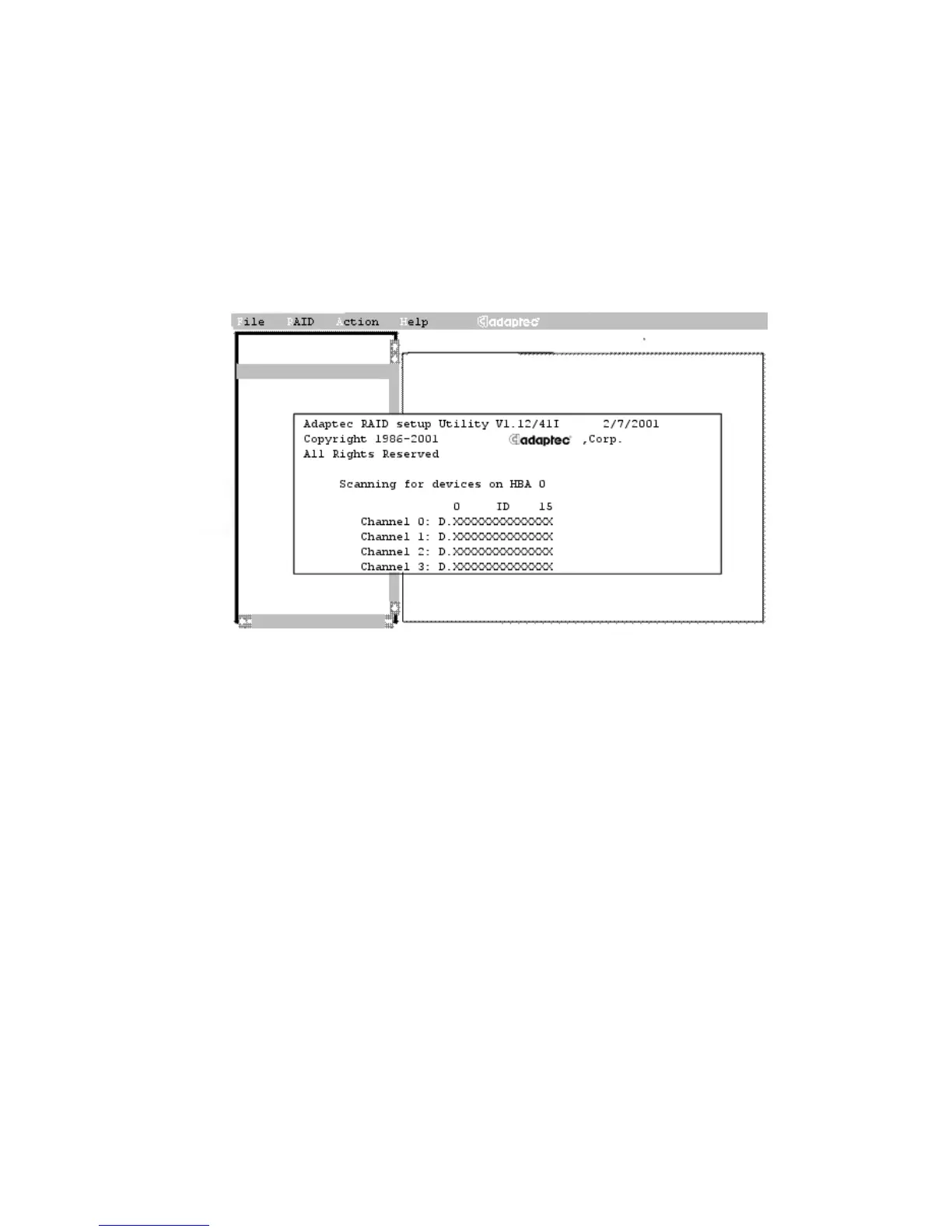
starts by displaying its opening screen, as shown in Figure 2-2
(showing the opening screen from a 2400A).
Figure 2-2. SMOR Welcome Window
The letters that appear during the initial device scan process are
The position of a letter corresponds to the device ID assigned to that
device.
CCD
D Hard drive
E SAF-TE, intelligent RAID enclosure, or processor
device
H Hot spare drives
TTape device
0, 1, 5 Physical arrays identified by the RAID level



 To Next Page