2-17
Storage Manager on ROM
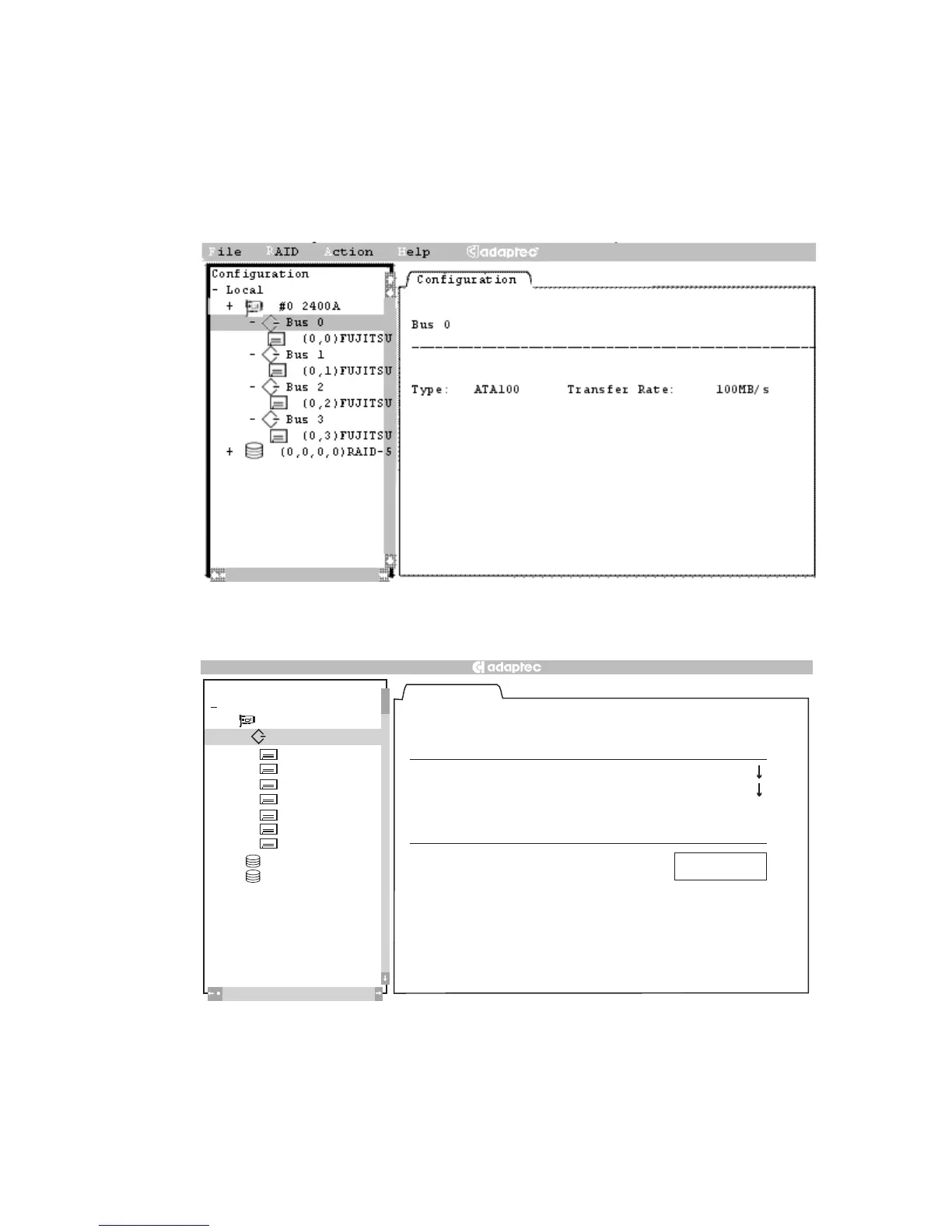
Bus Configuration Tab
This tab enables you to modify the hardware parameters for the
highlighted controller bus; it appears when you highlight a device in
the Tree View, as shown inFigures 2-9 and 2-10.
Figure 2-9. Bus Configuration Tab – ATA
Figure 2-10. Bus Configuration Tab – SCSI
Configuration
Default
Local
2100S
+
#0
Configuration
(0,8) SEAGATE
(0,9) SEAGATE
(0,10) SEAGATE
(0,11) SEAGA
TE
+
–
(0,0,10,0) RAID–1
+
(0,0,12,0) RAID–5
Bus 0
Bus 0
(0,12) SEAGATE
(0,13) SEAGATE
(0,14) SEAGATE
3
ID : 7 Transfer Rate : Ultra3
Type : Ultr a3 Termination : Auto
Width: 16 Bit
Options
[ ] TERMPWR
Help
File
RAID
Action



 To Next Page