2-10
Storage Manager on ROM
Information and Configuration Views
When you highlight an item within the Tree View, the corresponding
Information View is displayed.
Controller BIOS Settings
The controller displays the default Information View when SMOR
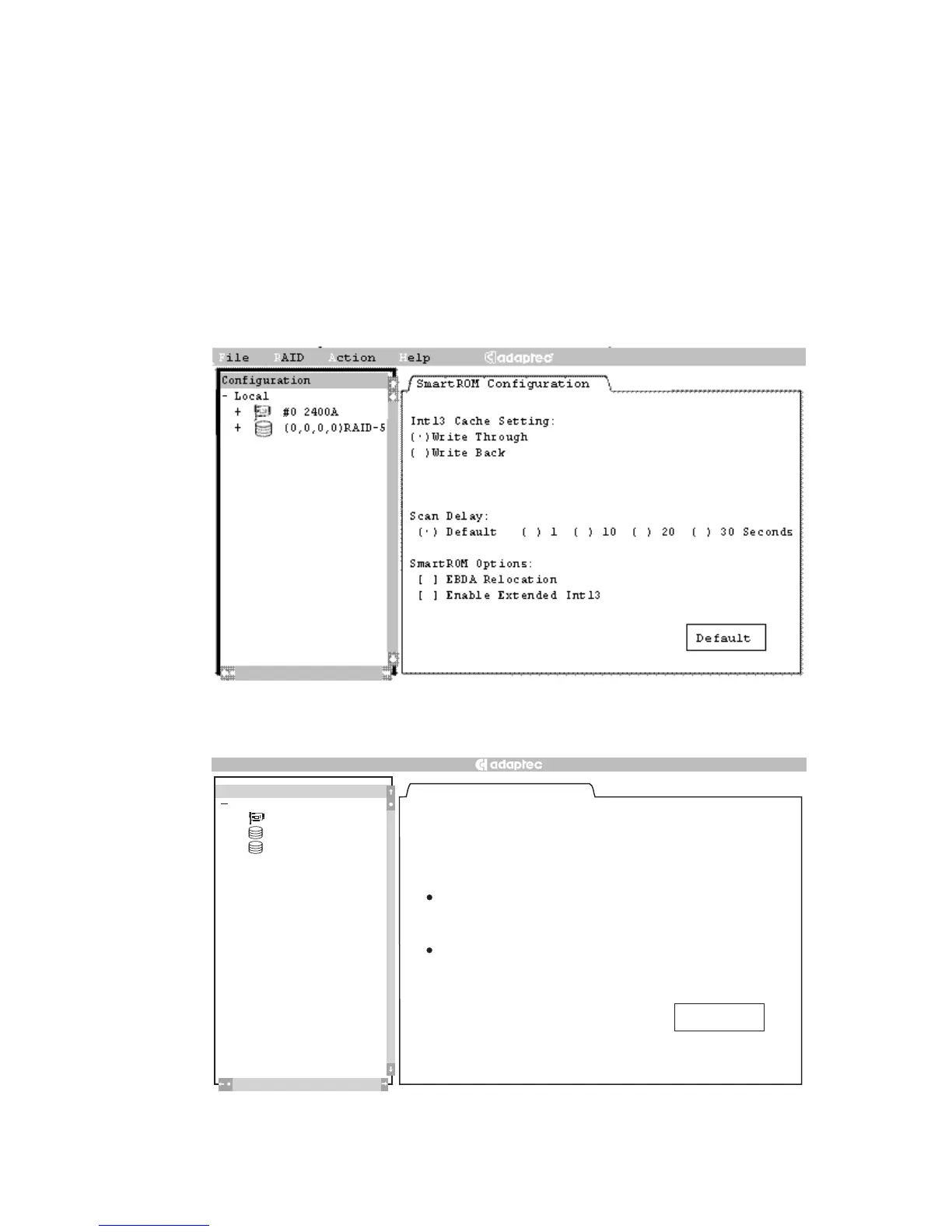
starts, as shown in Figures 2-3 and 2-4.
Figure 2-3. Configuration Window – ATA
Figure 2-4. Configuration Window – SCSI
SmartROM Configuration
Bootable Devices
Enable Bootable CD-ROMs
]
[
]
[
( )
( )
( )
( ) ( )
( )
( )
DOS/Windows 3.1 Cache Setting:
Write Through
Write Back
Scan Delay:
Default
1
10
20
30
Seconds
SmartROM Options:
EBDA Relocation
Enable Extended In
t13
Def
ault
][
3
Local
2100S
+
#0
+
(0,0,9,0) RAID–1
+
(0,0,12,0) RAID–5
Configuration
Help
File
RAID
Action



 To Next Page