3-8
Storage Manager
Logical Configuration View
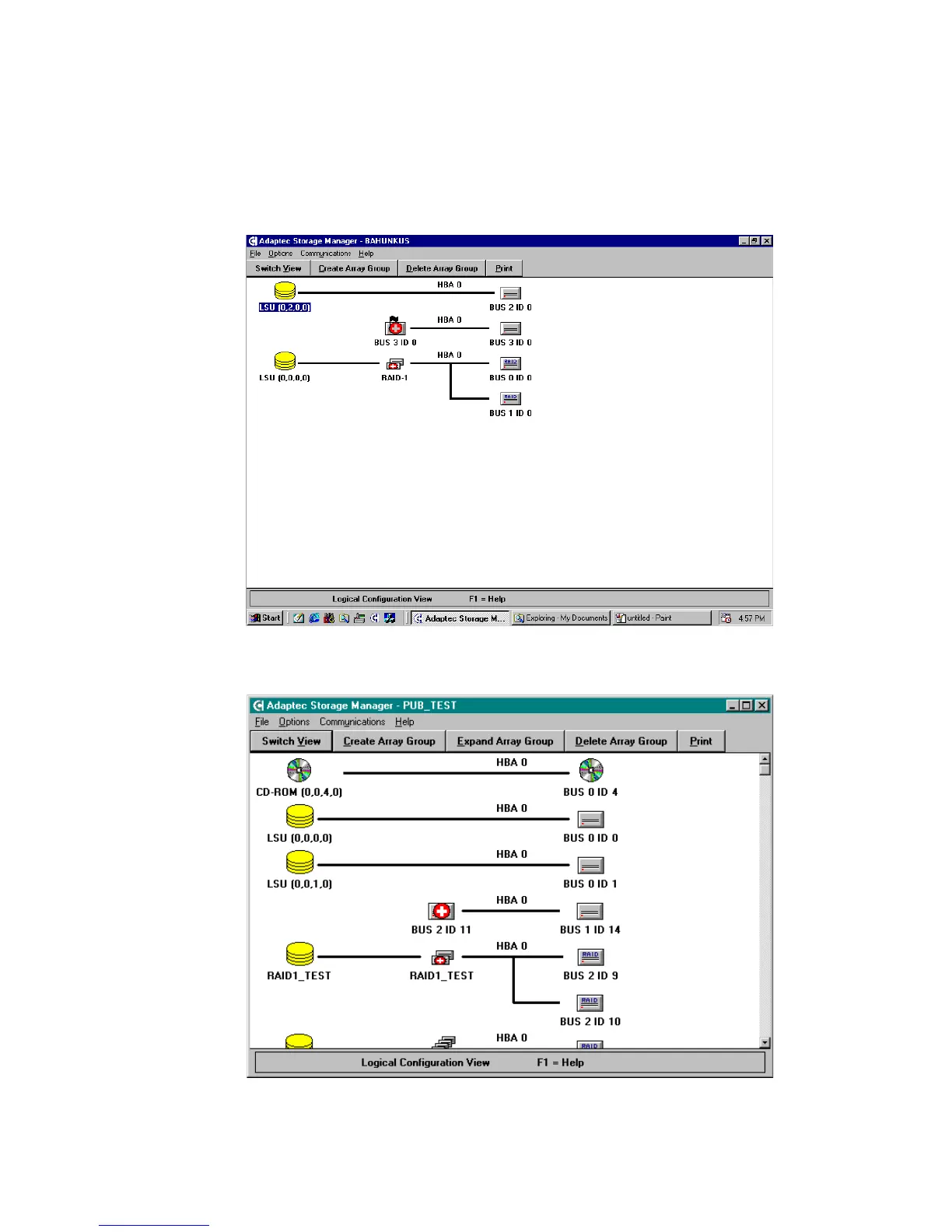
On the right side of the Logical Configuration View Window, shown
in Figures 3-4 and 3-5, are all the physical devices that are attached
to the RAID controllers.
Figure 3-4. Logical Configuration Window – ATA
Figure 3-5. Logical Configuration Window – SCSI



 To Next Page