3-33
Storage Manager
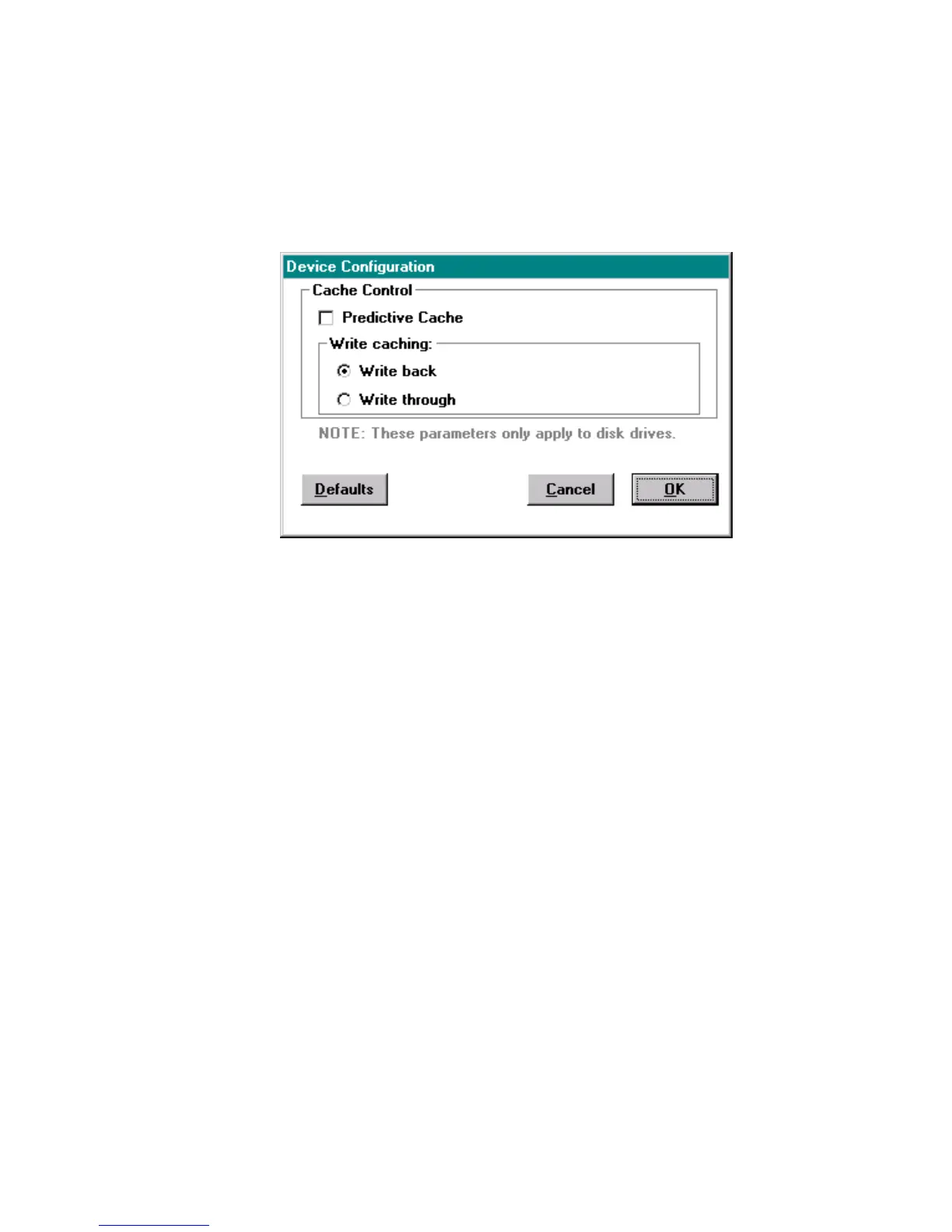
Device Configuration Window
Click Configure in either Device Information or Array Group
Information window to display the Device Configuration window,
shown in Figure 3-19.
Figure 3-19. Device Configuration Window – ATA and SCSI
The Device Configuration window enables you to change the
caching parameters for your controller and provides the following:
Predictive Cache Enables and disables the predictive caching
feature on RAID controllers. This feature is
disabled by default.
Predictive caching reduces average disk access
time by determining when the host is
requesting data that it read previously and
reading in additional sequential data before it is
actually requested, thereby enhancing
performance if your data management
application is single-threaded or generates only
a small number of concurrent outstanding I/O
requests. If your application does not fit this
description, there may be no benefit from
predictive caching and using it may adversely
affect overall performance.
Write-back Defers writes to disk until after command
completion and generally provides better
performance.



 To Next Page