2-27
Storage Manager on ROM
a When you are ready to proceed, select Ok.
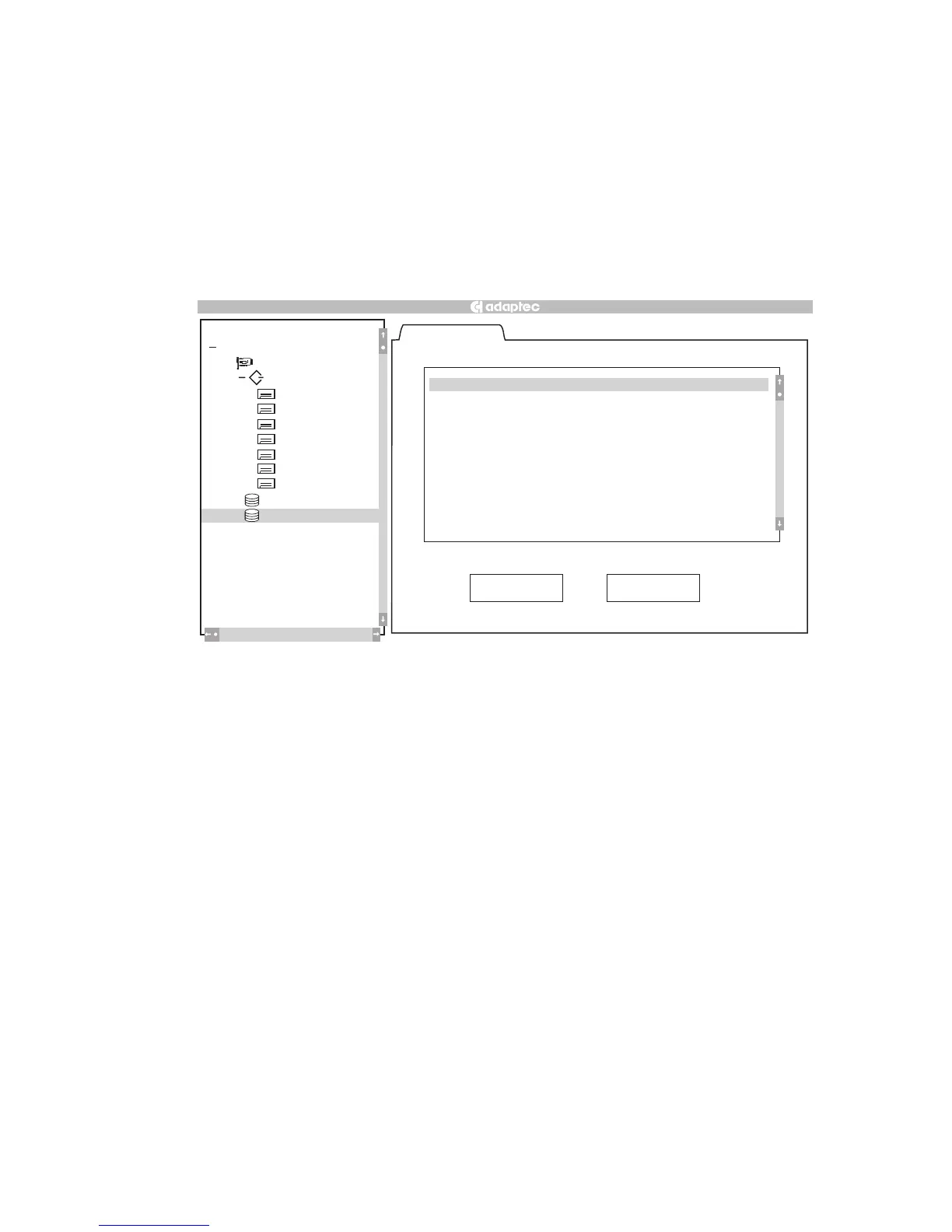
b The Eligible Devices tab appears, as shown in Figure 2-16.
The list of eligible devices can be either individual hard
drives or previously created array groups. Array groups
appear in the list when you select RAID 0 and eligible array
groups exist.
Figure 2-16. Eligible Devices Tab
3 Select the devices you want to include in the array:
a To add devices to the array, highlight the device and press
the Spacebar. A check mark appears next to the device to
indicate that it has been selected. You might need to scroll
the display down to view all eligible devices.
b To remove a previously selected device from the array,
highlight the device and press the Spacebar.
4 When you are finished selecting drives for the new array, select
Done.
+
New
Eligible Devices
( 0, 0, 8, 0 ) Seagate ST34520W
( 0, 0,13, 0 ) Seagate ST34520W
( 0, 0,14, 0 ) Seagate ST34520W
Done Cancel
2100S
+
#0
(0,8) SEAGATE
(0,9) SEAGATE
(0,10) SEAGATE
(0,11) SEAGA
TE
+
(0,0,12,0) RAID–5
Bus 0
(0,12) SEAGATE
(0,13) SEAGATE
(0,14) SEAGATE
Local
Configuration
Help
File
RAID
A
ction



 To Next Page