3-14
Storage Manager
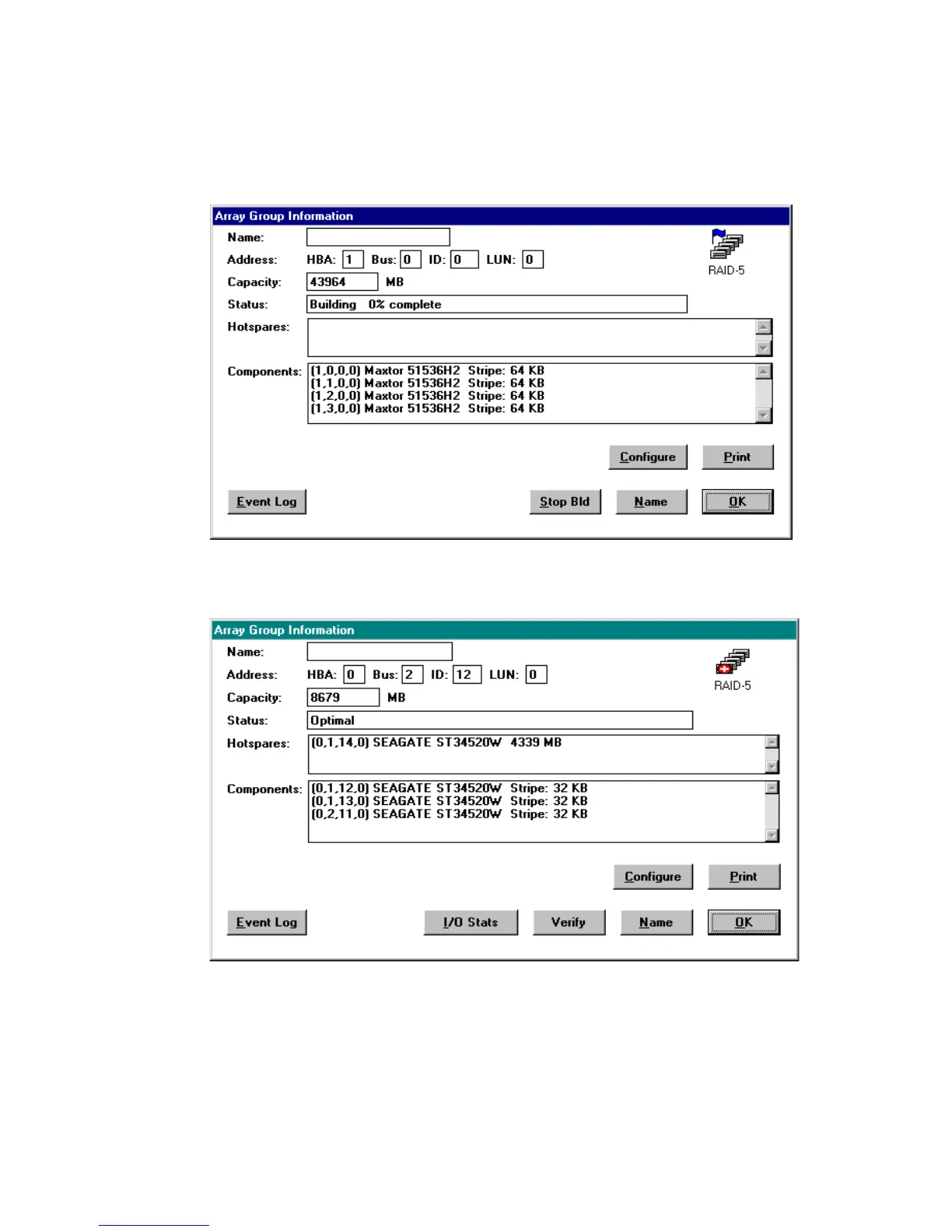
To view the Array Group Information window, shown in Figures 3-8
and 3-9, double-click the appropriate array icon in the Logical
Configuration View window.
Figure 3-8. Array Group Information Window – ATA
Figure 3-9. Array Group Information Window – SCSI



 To Next Page