3-36
Storage Manager
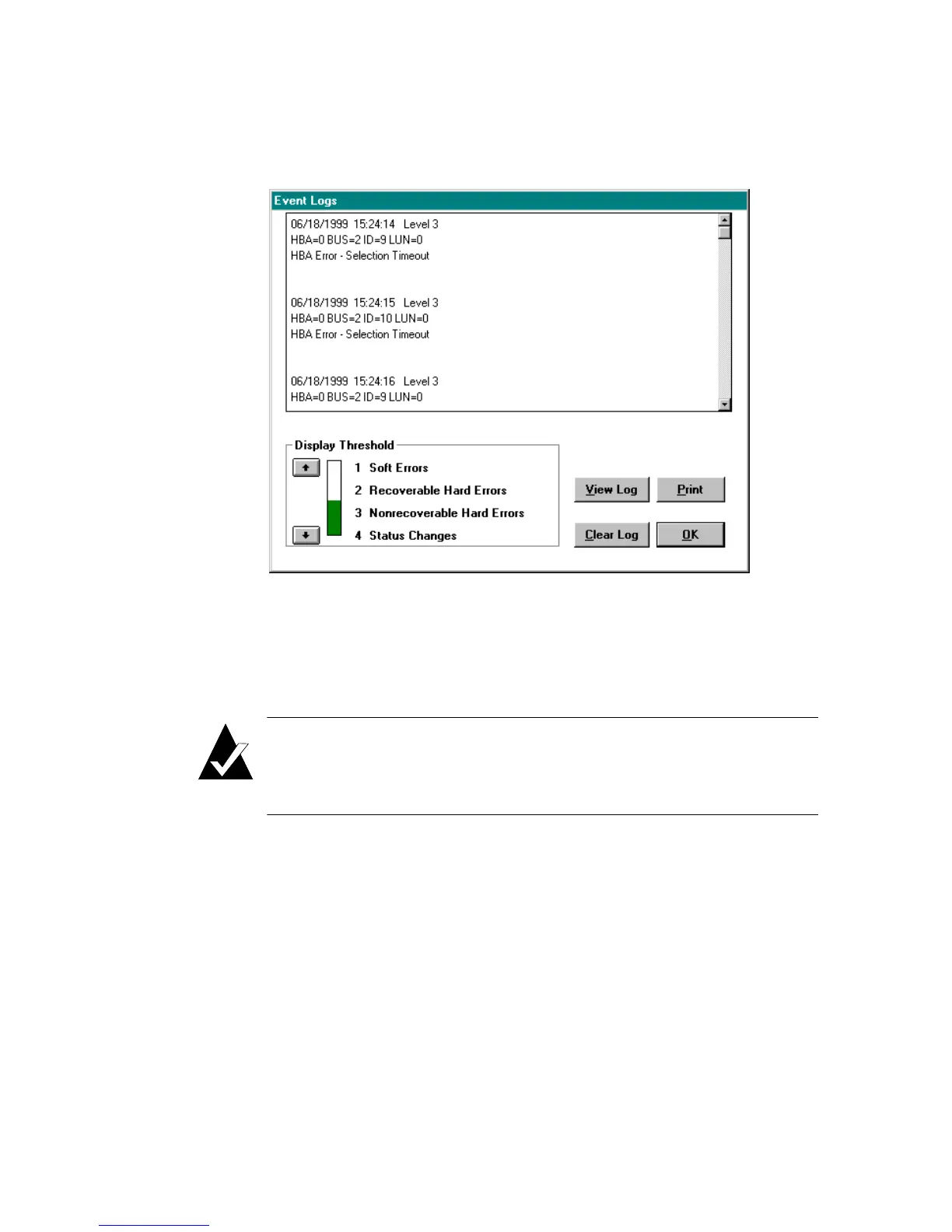
When the Event Log button is selected, the Event Logs window
appears, as shown in Figure 3-20.
Figure 3-20. Event Logs Window
The Event Logs window enables you to limit the display to a specific
level or higher (the default is level 4).
Note: Some important events may not be displayed by the
default level. You should select one of the higher event
levels to ensure displaying significant errors.
The Event Logs window allows the following actions:
Arrow
buttons
Adjusts the Display Threshold to the desired level.
View Log Displays the event messages whose levels match the
selected levels.
Clear Log Erases all event messages.
Print Prints the event messages currently shown in the event
log list.



 To Next Page