CHECKING FOR OPEN ZONES
Using the Before arming your system, all protected doors, windows and other protection
❑ R-DY Key zones must be closed or bypassed (see EIYPASS//VG PROTECT/ON ZONES
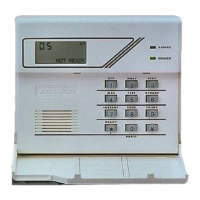
section), otherwise the console will display a “Not Ready” message, and if your
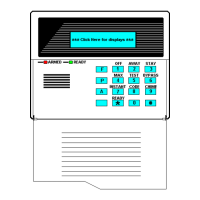
console has a READY indicator light, it will not be lit. The READY key can be used
to display all faulted zones, making it easier for you to secure any open zone.
To display faulted zones, simply press and release the RE~DY key (do not enter
code first). Secure or bypass the zones displayed before arming the system.
A “Ready” message will be displayed when all protection zones have been either
closed or bypassed and the console’s READY indicator light (if present) will be lit.
-12-



 To Next Page