(continued)
To Assign, Change,
or Delete
User Codes
SINGLE DIGIT
USER NUMBERS
Askyour installerwhioh
User Numbersare
available
for your system,
and note them here:
m
SECURITY CODES
1. Enter your Master code and press the CODE key.
2. Enter single-digit User Number for whom a code is to be assigned, changed, or
deleted.
3. If assigning or changing a user’s code, enter the desired 4-digit code for use
by that User Number. The console will beep once.
If de/ethg a user’s code, perform steps 1& 2 and stop. In a few moments the
console will beep once, indicating that the existing code has been deleted.
Important:
s Instruct other users to enter their codes carefully to avoid accidentally entering
the Duress code. If desired, other users can be assigned a code ending in “9”, to
prevent accidental Duress code entry
● Temporary users should not be shown how to use any system function they do
not need to know (e.g., bypassing protection zones).
● Be sure user codes do not conflict with any Duress code.
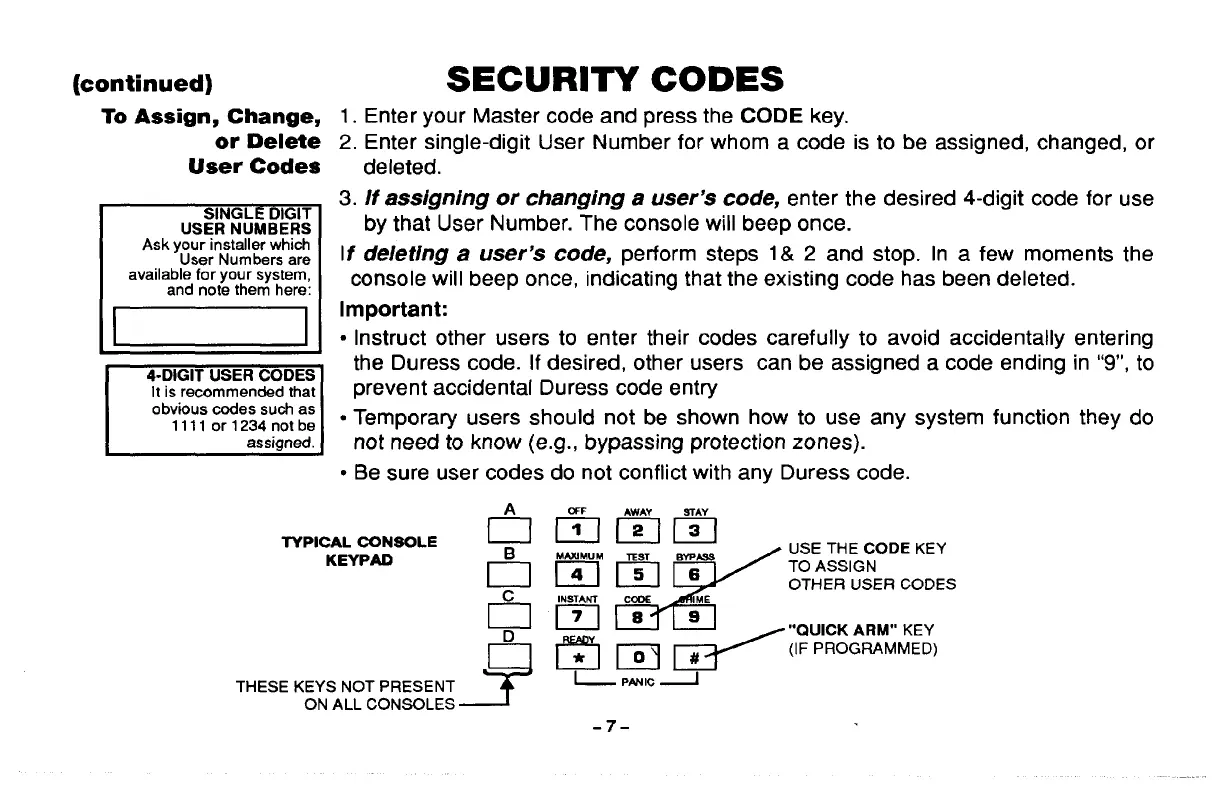
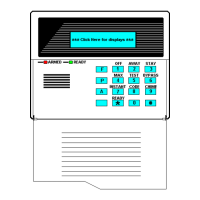
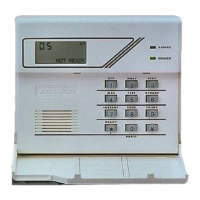
TYPICAL CONSOLE
fimmm
KEYPAD
&
USE THE CODE KEY
bmm~”
TO ASSIGN
OTHER USER CODES
~1 F,
CT :,
-9
r?l m <=::NM;:;’
THESE KEYS NOT PRESENT
l--
PNJIC J
ON ALL CONSOLES
-7-



 To Next Page