TESTING THE SYSTEM
Using the
❑ TEST Key
*
THESE KEYS NOT PRESENT
TO BE CONDUCTED WEEKLY
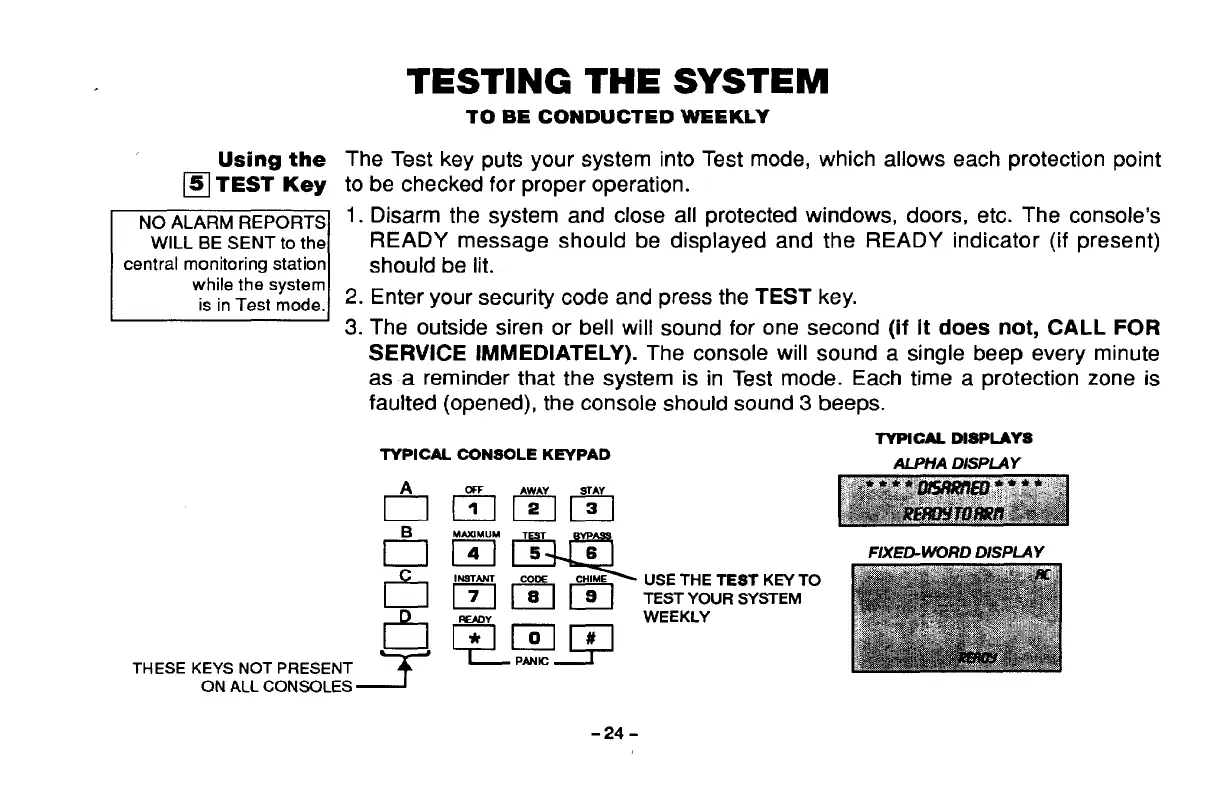
The Test key puts your system into Test mode, which allows each protection point
to be checked for proper operation.
1. Disarm the system and close all protected windows, doors, etc. The console’s
READY message should be displayed and the READY indicator (if present)
should be lit.
2. Enter your security code and press the TEST key.
3. The outside siren or bell will sound for one second (if it does not, CALL FOR
SERVICE IMMEDIATELY). The consoie wiil sound a singie beep every minute
as a reminder that the system is in Test mode. Each time a protection zone is
fauited (opened), the console shouid sound 3 beeps.
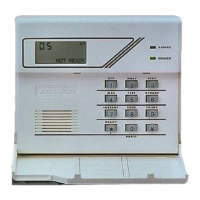
TYPIOAL DISPLAYS
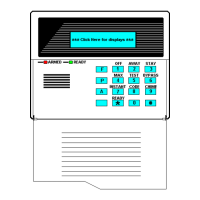
TYPICAL OONSOLE KEYPAD
ALPHA DISPLAY
tlmm?l
m-
IN9TANT
Colx cHIME
Elmlxl
FIXED-WORD DISPLAY
USE THE TEST KEY TO
TEST YOUR SYSTEM
WEEKLY
ON ALL CONSOLES ~
-24-



 To Next Page