TROUBLE CONDITIONS
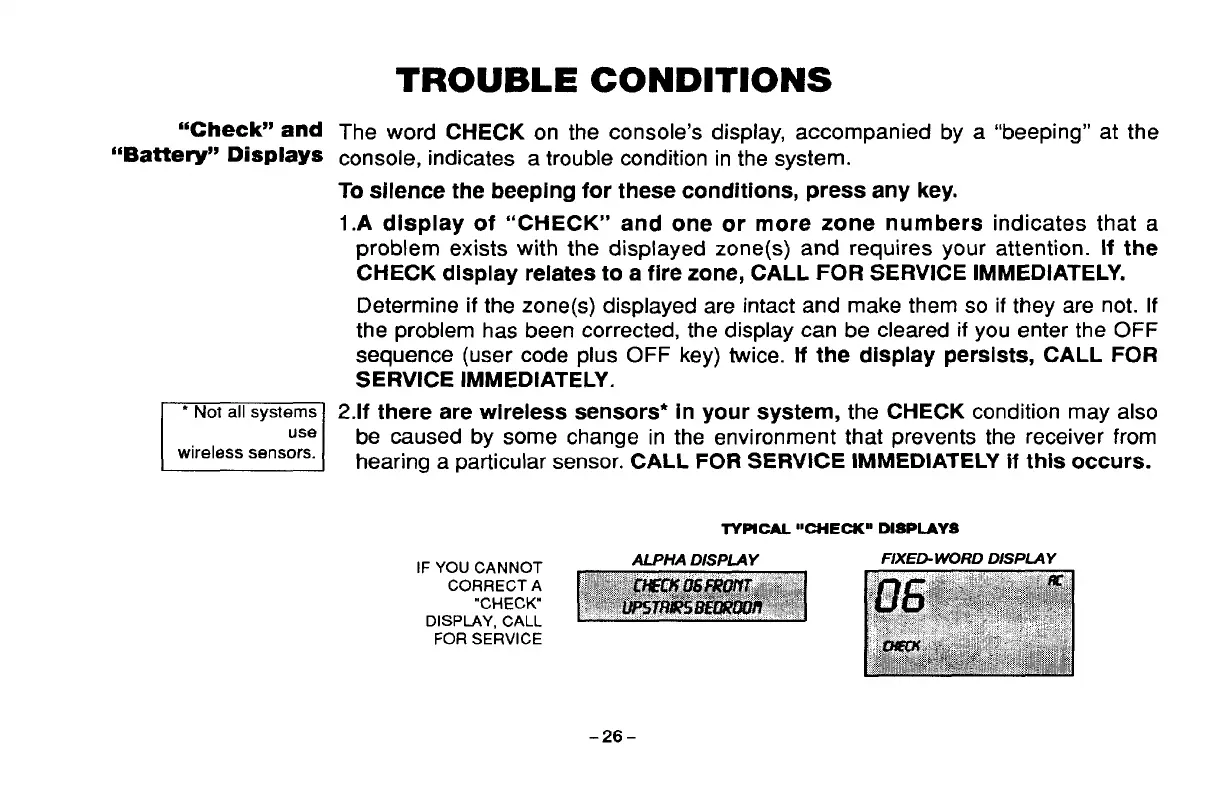
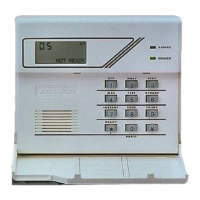
“Check” and Tile word CHECK on the console’s display, accompanied by a “beeping” at the
“Battery” Displays console, indicates a trouble condition in the system.
To siience the beeping for these conditions, press any key.
1.A dispiay of “CHECK” and one or more zone numbers indicates that a
problem exists with the displayed zone(s) and requires your attention. If the
CHECK dispiay reiates to a fire zone, CALL FOR SERVICE immediately.
Determine if the zone(s) dispiayed are intact and make them so if they are not. if
the probiem has been corrected, the dispiay can be cieared if you enter the OFF
sequence (user code pius OFF key) twice. if the dispiay persists, CALL FOR
SERViCE immediately.
Lii2il
● Not all systems 2.if there are wireiess sensors* in your system, the CHECK condition may aiso
be caused by some change in the environment that prevents the receiver from
hearing a particular sensor. CALL FOR SERVICE IMMEDIATELY if this occurs.
TYPICAL “CHECK” DISPIAYS
IF YOU CANNOT
CORRECT A
“CHECK”
DISPIAY, CALL
FOR SERVICE
-26-



 To Next Page