CHIME MODE
Using the
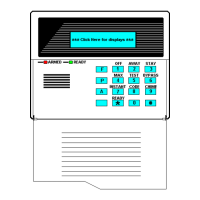
❑ CHIME Key
This feature can be used
only while the burglary
system is disarmed.
your system can be set to alert you to the opening of a door or window while it is
disarmed, by using CHIME mode. When activated, three tones will sound at the
Console whenever a door or window is opened. Pressing the READY key will
display the open protection points.
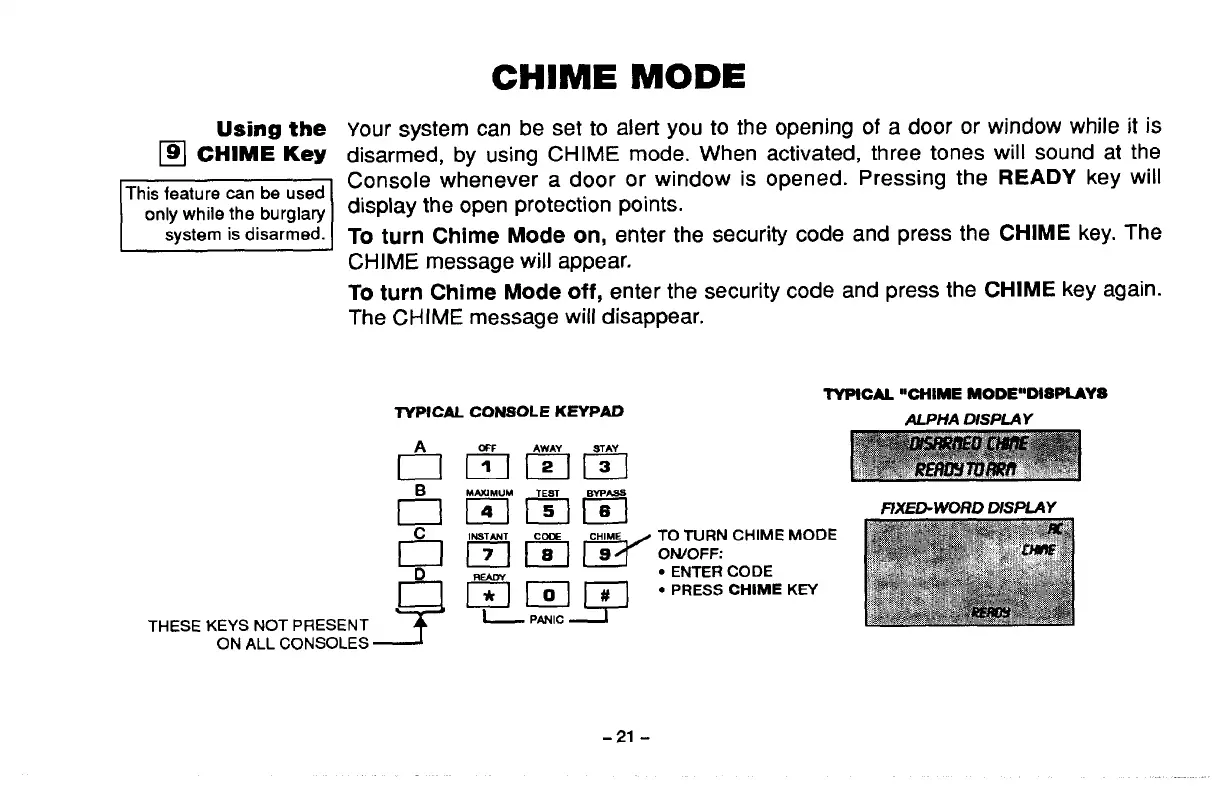
To turn Chime Mode on, enter the security code and press the CHIME key. The
CHIME message will appear.
To turn Chime Mode off, enter the security code and press the CHIME key again.
The CHiME message wili disappear.
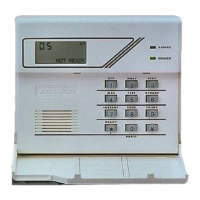
TYPICM CONSOLE KEYPAD
TYPICAL “CHIME MODE’’DISPLAYS
ALPHA DISPLAY
THESE KEYS NOT PRESENT
ON ALL CONSOLES
Em5HYl
MhXIMUM
mmm
Imzlm’
TO TURN CHIME MOOE
OWOFF:
● ENTER CODE
● PRESS CHIME KEY
f7XED-WORD DISPLAY
-21-



 To Next Page