DISARM#NG THE SYSTEM AND SILENCING ALARMS
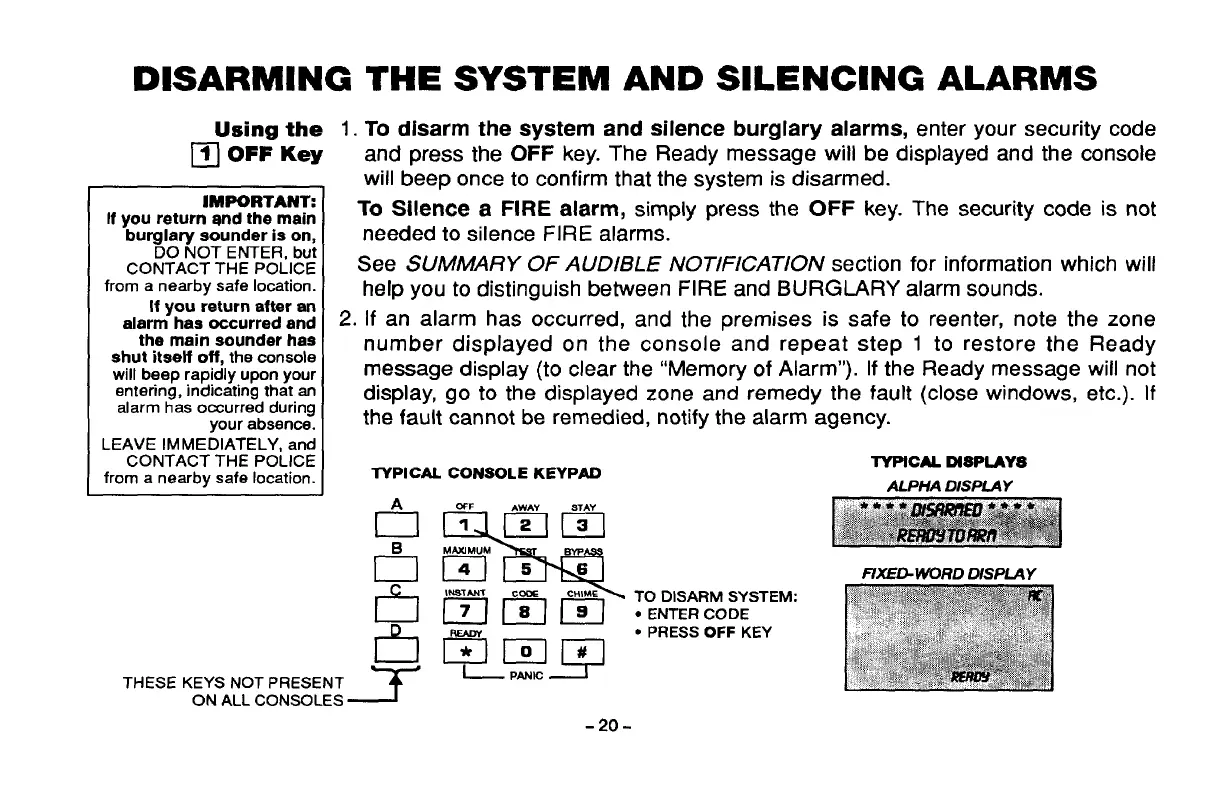
Using the 1.To disarm the system and silence burglary alarms, enter your security code
❑ OFF Key
and press the OFF key. The Ready message will be displayed and the console
lMPORTAN~
If
you return and the main
buralarv sounder is on.
~0 NOT ENTER, bu~
CONTACT THE POLICE
from a nearby safe location.
If you return after an
alarm has occurred and
tha main sounder has
shut itself off,
the console
will beep rapidly upon your
entering, indicating that an
alarm has occurred during
your absence.
LEAVE IMMEDIATELY, and
CONTACT THE POLICE
from a nearby safe location.
will beep once to confirm that the system is disarmed.
To
Silence a FIRE alarm, simply press the OFF key. The security code is not
needed to silence FIRE alarms.
See SUMMARY OF AUDIBLE NOTIFICATION section for information which will
help you to distinguish between FIRE and BURGLARY alarm sounds.
2. If an alarm has occurred, and the premises is safe to reenter, note the zone
number displayed on the console and repeat step 1 to restore the Ready
message display (to clear the “Memory of Alarm”). If the Ready message will not
display, go to the displayed zone and remedy the fault (close windows, etc.). If
the fault cannot be remedied, notify the alarm agency.
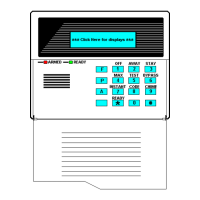
TYPICAL . CONSOLE KEYPAO
~*
~
EIEI
6
!M9TANT CCOE CHIME
78
+ mLcElzl
THESE KEYS NOT PRESENT
ON ALL CONSOLES
TO DISARM SYSTEM:
● ENTER CODE
● PRESS OFF KEY
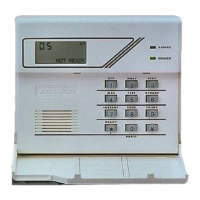
TYPICALDfsPLAYs
ALPHA DISPLAY
FIXE~WORD DISPLAY
-20-



 To Next Page