ARMING ALL PROTECTION
Using the
❑ MAXIMUM Key
L
BEFORE ARMING,
close all doors
and
windows (see
CHECKING FOR OPEN
ZONES
on page 12)
WITH ENTRY DELAY OFF
Use this key when the premises will be vacant for extended periods of time
such as vacations, etc., or when retiring for the night and no one will be moving
through protected interior areas.
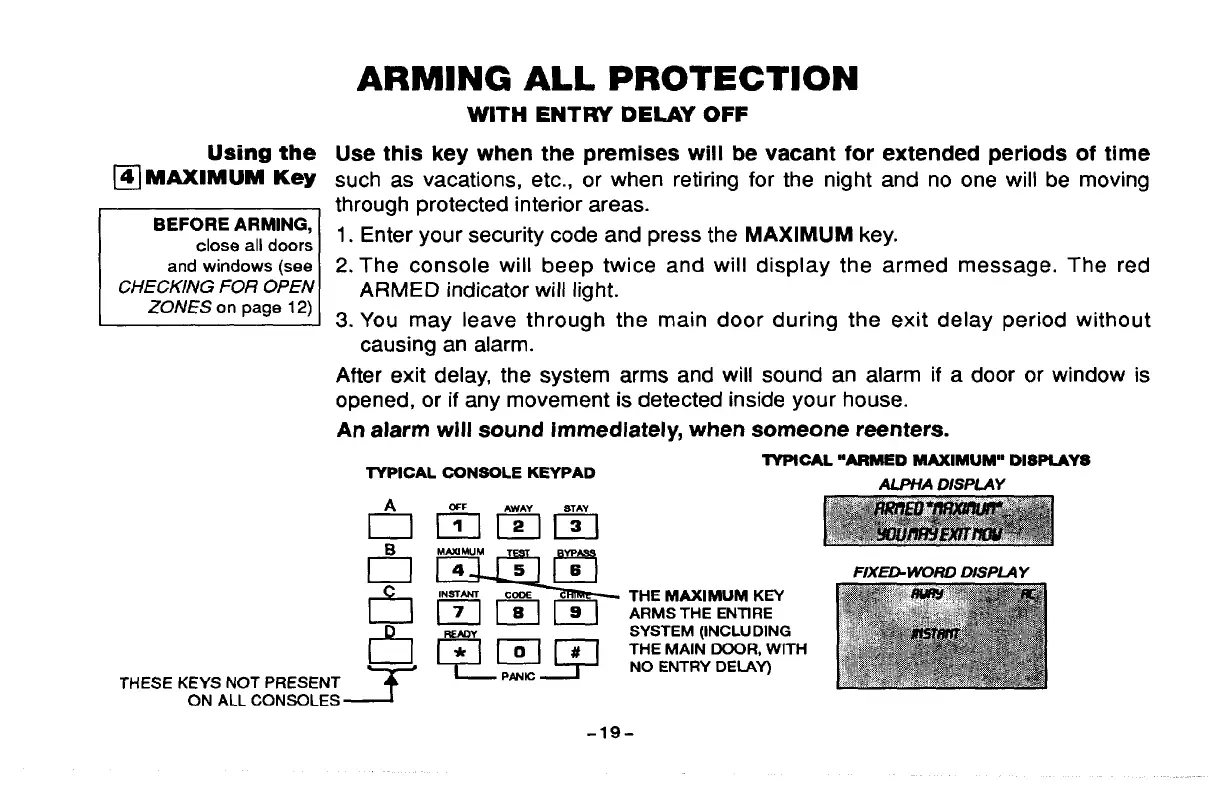
1. Enter your security code and press the MAXIMUM key.
2. The console will beep twice and will display the armed message, The red
ARMED indicator will light.
3. You may leave through the main door during the exit delay period without
causing an alarm.
After exit delay, the system arms and will sound an alarm if a door or window is
opened, or if any movement is detected inside your house.
An alarm will sound immediately, when someone reenters.
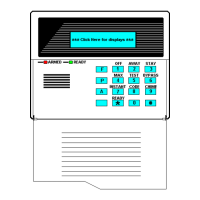
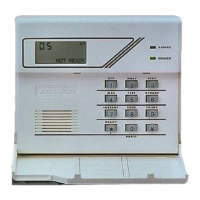
TYPICAL CONSOLE KEYPAD
lYPICAL “ARMED MAXIMUM”’ DISPLAYS
AUWA DISPLAY
dmzlm
gw
INSTANT Ccnx
THE MAXIMUM KEY
b @&& Sjfg:~’H
THESE KEYS NOT PRESENT ~
PANIC
ON ALL CONSOLES ~
-19-



 To Next Page