(continued) SYSTEM OVERVIEW
Alarms When an alarm occurs, both the console and external sounders will sound, and a
message at the console will identify the zone(s) causing the alarm. In addition, if
your system is connected to a central monitoring station, an alarm message will be
sent. To stop the alarm sounding, you simply disarm the system.
Fire Protection The fire protection portion of your security system (if used) is always on and will
sound an alarm if a fire condition is detected. Refer to the F/RE ALARM SYSTEM
section for important information concerning fire protection, smoke detectors and
planning emergency exit routes from your house.
Burglary Protection The burglary protection portion of your system must be turned on or “armed”
before it will sense burglary alarm conditions and sound an alarm. Your system can
be armed in one of four modes: STAY,AWAY,INSTANT and MAXIMUM. Refer to
the ARiWNG THE SYSTEM sections for instructions in using these modes of
operation.
Your system also provides a CHIME mode for alerting you to the opening and
closing of doors and windows while the system is disarmed.
Memory Of Alarm
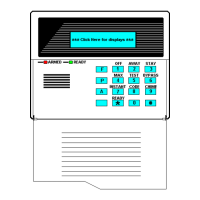
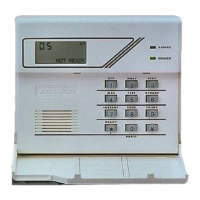
When an alarm or trouble condition occurs, the console displays the’ number(s) of
the zone(s) that caused the problem, and displays the type of alarm or trouble (ex.
FIRE, ALARM, CHECK). The display remains until it is cleared by entering the
OFF sequence (entering your security code + pressing OFF) twice.
-5-
...—



 To Next Page