26
5-7-6 DCS Code Selection
1. Press the F key for longer than 1 second when the transceiver in
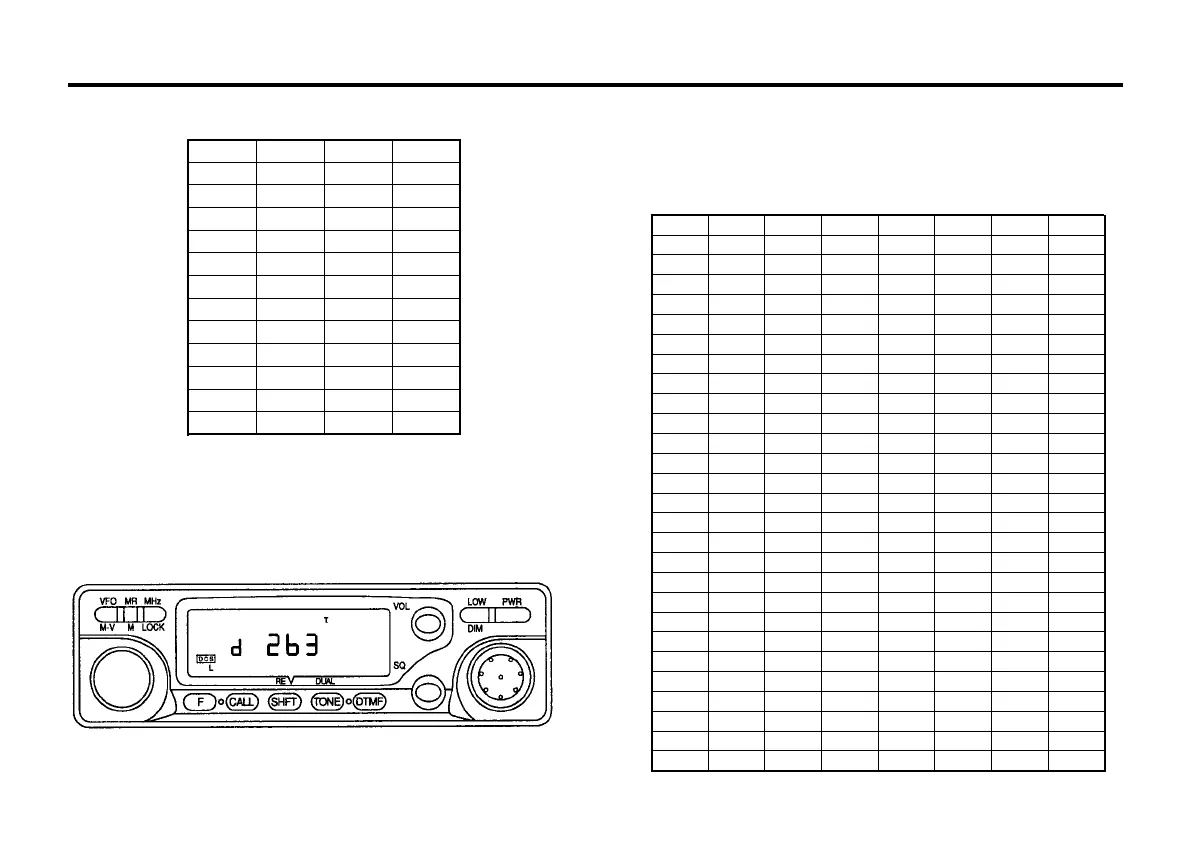
DCS mode, then press the TONE/DUAL key within 10 seconds. The
current DCS code will show on the display.
CTCSS TONE FREQUENCY(Hz)
2. Rotate the tuning control or press microphone UP/DN switches to
select the desired DCS code.
3. Press any front panel key to the normal display.
017 (050) 152 (115) 325 (526) 523 (246)
023 (047) 155 (731) 331 (465) 526 (325)
025 (244) 156 (265) 332 (455) 532 (343)
026 (464) 162 (503) 343 (532) 546 (132)
031 (627) 165 (251) 346 (612) 565 (703)
032 (051) 172 (036) 351 (243) 606 (631)
036 (172) 174 (074) 356 (212) 612 (346)
043 (445) 205 (263) 364 (131) 624 (632)
047 (023) 212 (356) 365 (125) 627 (031)
050 (017) 223 (134) 371 (734) 631 (606)
051 (032) 225 (122) 411 (226) 632 (624)
053 (452) 226 (411) 412 (143) 654 (743)
054 (413) 243 (351) 413 (054) 662 (466)
065 (271) 244 (025) 423 (315) 664 (311)
071 (306) 245 (072) 431 (723) 703 (565)
072 (245) 246 (523) 432 (516) 712 (114)
073 (506) 251 (165) 445 (043) 723 (431)
074 (174) 252 (462) 446 (255) 731 (155)
114 (712) 255 (446) 452 (053) 732 (261)
115 (152) 261 (732) 454 (266) 734 (371)
116 (754) 263 (205) 455 (332) 743 (654)
122 (225) 265 (156) 462 (252) 754 (116)
125 (365) 266 (454) 464 (026)
131 (364) 271 (065) 465 (331)
132 (546) 274 (145) 466 (662)
134 (223) 306 (071) 503 (162)
143 (412) 311 (664) 506 (073)
145 (274) 315 (423) 516 (432)
DCS CODE TABLE(The bracketed code is inverse code)
67.0 103.5 159.8 199.5
69.3 107.2 162.2 203.5
71.9 110.9 165.5 206.5
74.4 114.8 167.9 210.7
77.0 118.8 171.3 218.1
79.7 123.0 173.8 225.7
82.5 127.3 177.3 229.1
85.4 131.8 179.9 233.6
88.5 136.5 183.5 241.8
91.5 141.3 186.2 250.3
94.8 146.2 189.9 254.1
97.4 151.4 192.8
100.0 156.7 196.6



 To Next Page