36
5. Or you can press the MHz/LOCK or the microphone MHz key to
clear the decoded of DTMF codes.
1. Rotate the tuning control or press microphone UP/DN key to
select the desired autodial memory.
2. Press the MHz key, then the DTMF sequence is reset. key the 16
digits on the microphone to set the desired number.
3. Press the DTMF key, with rotating tuning control or pressing the
UP/DN key on microphone, you can check the DTMF sequence
alternatively.
4. Press any other front panel key, the transceiver will return to
normal display.
6. Press VFO/MV or MR/M key to return to
the normal frequency mode.
5-11-2 Store the CODE Memory
You can keep the decoded code even when you power-on next time if
necessary.
The procedure is :
Press MR/M key to store the code and a long BI-sound will be
generated.
DTMF Autodial Memory Setting
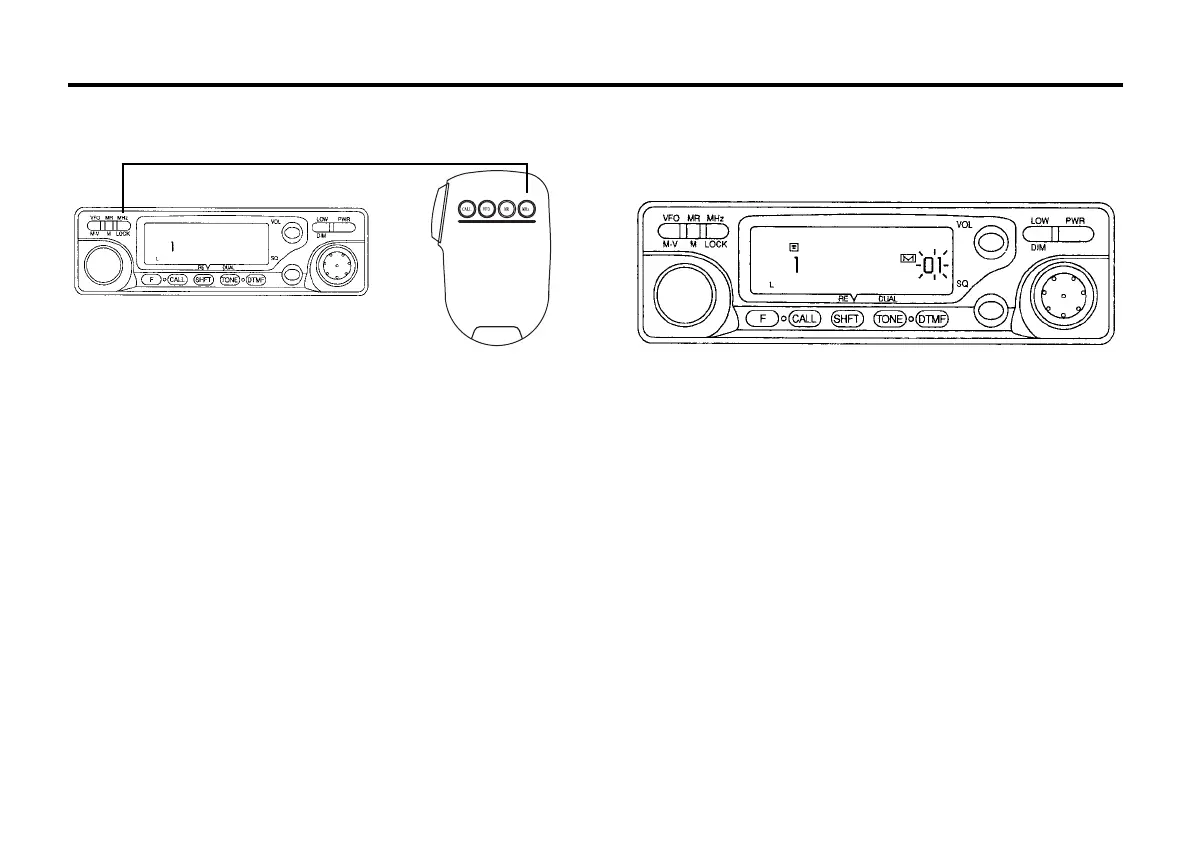
When the DTMF Autodialer operation turn on, the display will show as
follows.(Autodial Memory 1, empty)
Send DTMF Autodial Sequence
1. Turn the transceiver to DTMF autodialer operation.
2. Press the PTT key, the transceiver goes to transmission mode.
3. In transmission mode, press the VFO key on microphone.
The display will show the current autodial memory number and the
first 4 DTMF codes.
4. Press the UP/DN key on microphone to select the desired autodial
memory, then press the VFO key on microphone again, the DTMF
sequence will be sent out .
5-12 DTMF AUTODIALER OPERATION
The DTMF Autodialer Operation is available when the optional DTMF
unit (DTF147) is installed. DTMF Autodialer memories could be used for
remote DTMF control sequence or telephone numbers for repeater or
personal autopatch systems.
9 autodial memories store DTMF tone sequences of up to 16 digits
each.
Press the F key and than press DTMF key for longer than 1 second
within 10 seconds, the DTMF Autodialer operation will switch between
ON and OFF indicated by the telephone icon on the display.



 To Next Page