477
ADOBE PHOTOSHOP CS2
User Guide
A B C
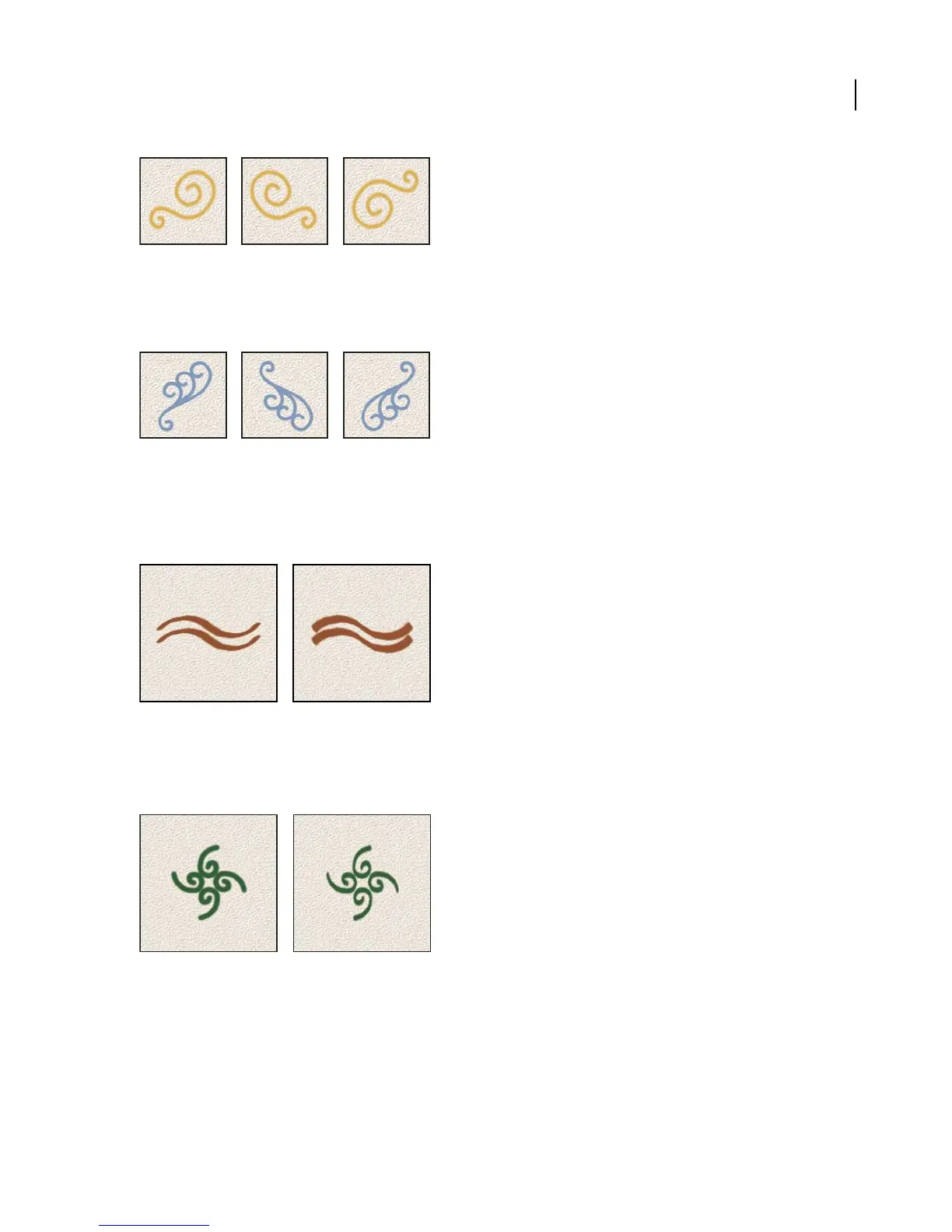
Flipping a brush tip on its x axis.
A. Brush tip in its default position B. Flip X selected C. Flip X and Flip Y selected
Flip Y Changes the direction of a brush tip on its y axis.
A B C
Flipping a brush tip on its y axis.
A. Brush tip in its default position B. Flip Y selected C. Flip Y and Flip X selected
Angle Specifies the angle by which an elliptical or sampled brush’s long axis is rotated from horizontal. Type a value
in degrees, or drag the horizontal axis in the preview box.
Angled brushes create a chiseled stroke
Roundness Specifies the ratio between the brush’s short and long axes. Enter a percentage value, or drag the points
in the preview box. A value of 100% indicates a circular brush, a value of 0% indicates a linear brush, and interme-
diate values indicate elliptical brushes.
jAd usting roundness to compress a brush tip shape
Hardness Controls the size of the brush’s hard center. Type a number, or use the slider to enter a value that is a
percentage of the brush diameter. You can’t change the hardness of sampled brushes.


 To Next Page
 Loading...