45
ADOBE PHOTOSHOP CS2
User Guide
Annotation, measuring, and navigation tools gallery
Tools marked with an asterisk are available in Photoshop only.
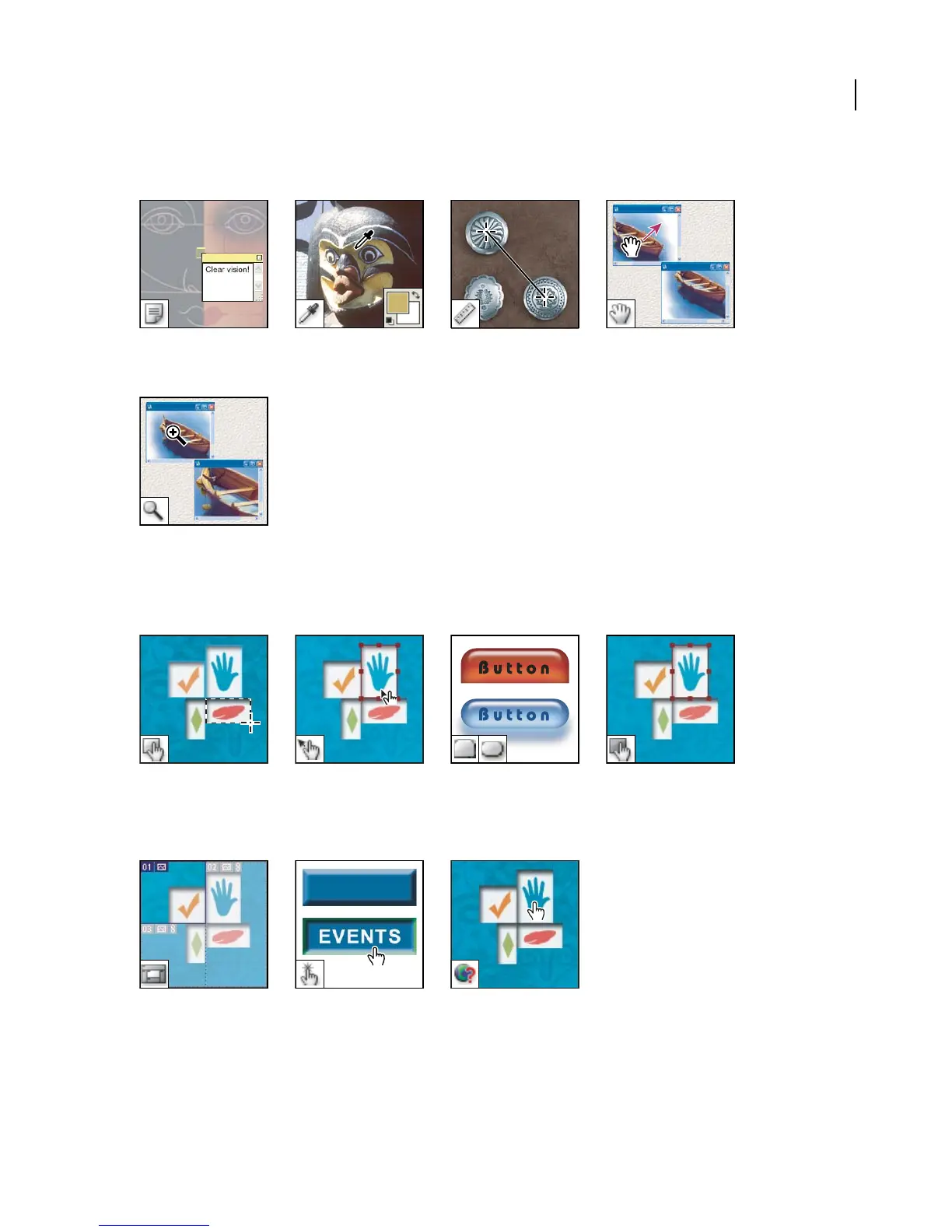
The annotation tools*make The Eyedropper tool sam- The Measure tool*measures The Hand tool moves an im-
notes and audio annotations ples colors in an image. distances, locations, and an- age within its window.
that can be attached to an gles.
image.
The Zoom tool magnifies
and reduces the view of an
image.
ImageReady-only tools gallery
Theimage maptools define The Image Map Select tool The Tab Rectangle tool TheToggleImage MapVisi-
image map areas in an im- selects image maps. draws a long rectangle with bility tool toggles between
age. the top corners rounded. showing and hiding image
The Pill Rectangle tool maps.
draws a rectangle with
rounded corners.
The Toggle Slices Visibility The Preview Document tool The Preview in Default
tool toggles between showing previews rollover effects di- Browser tool previews ani-
andhidingslicesinanimage. rectly in ImageReady. mations in a web browser.



 To Next Page